CYC5000 User Guide www.arrow.com
Page | 23 March 2023
Software and Driver Installation
Firstly, it is required to create your Basic Intel Account if you don’t own one already. It is required
to download the software. Below are guides for installing the software and drivers for Windows
operating systems.
4.1 Installing Quartus Prime Software
4.1.1 Go to the Intel Download Center: Link.
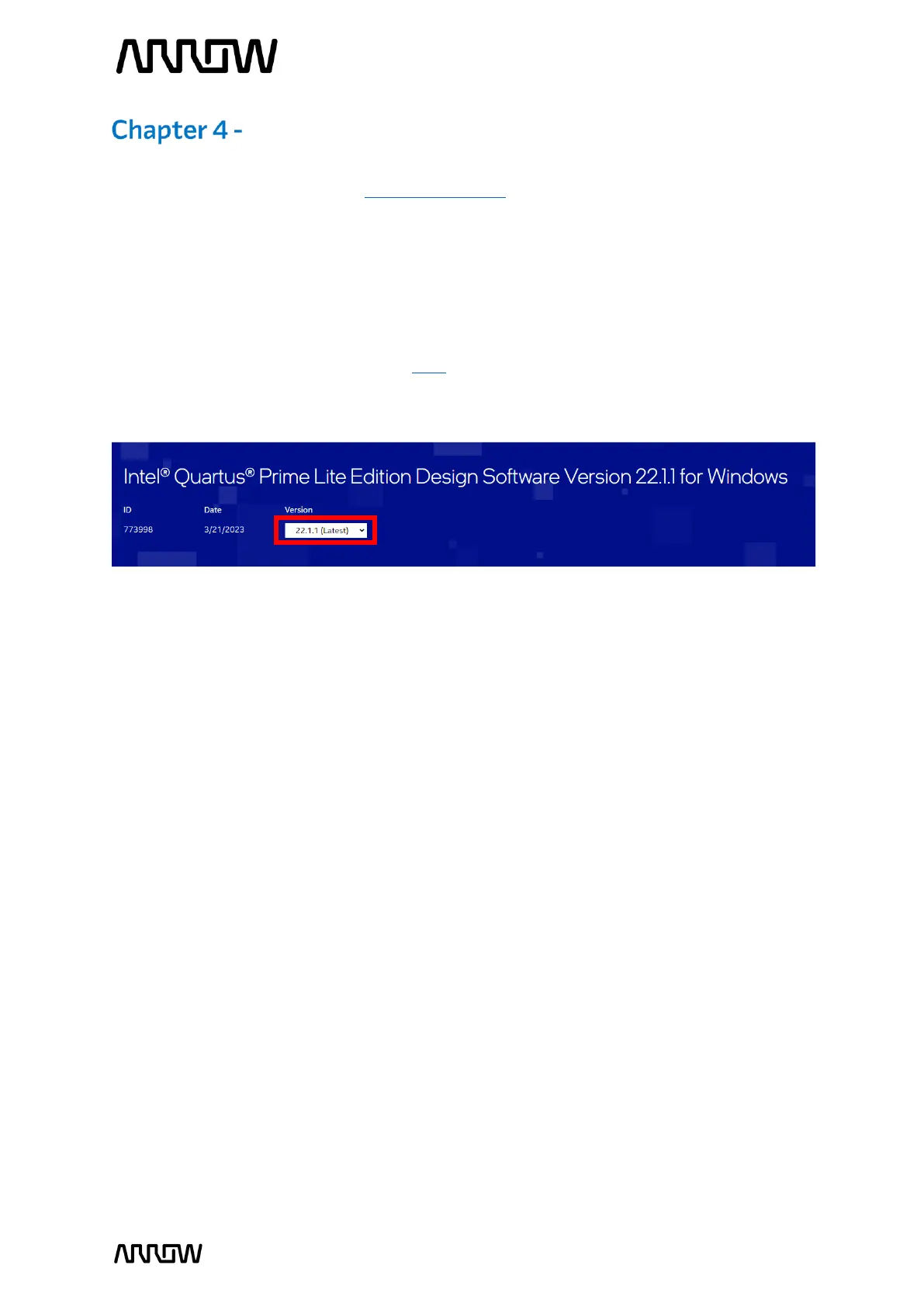
4.1.2 Make sure that 22.1.1 is selected, or your preferred version (highlighted in red).
4.1.3 Download the following files from the “Individual Files” tab (highlighted in yellow) and
save them in the same folder:
• Intel Quartus Prime (included Nios II EDS)
• Questa – Intel FPGA Edition
• Intel Cyclone V device support
If the download page redirects you to the Software License Agreement page, accept the
Legal Disclaimer, and the downloading will start automatically.



 To Next Page