CYC5000 User Guide www.arrow.com
Page | 55 March 2023
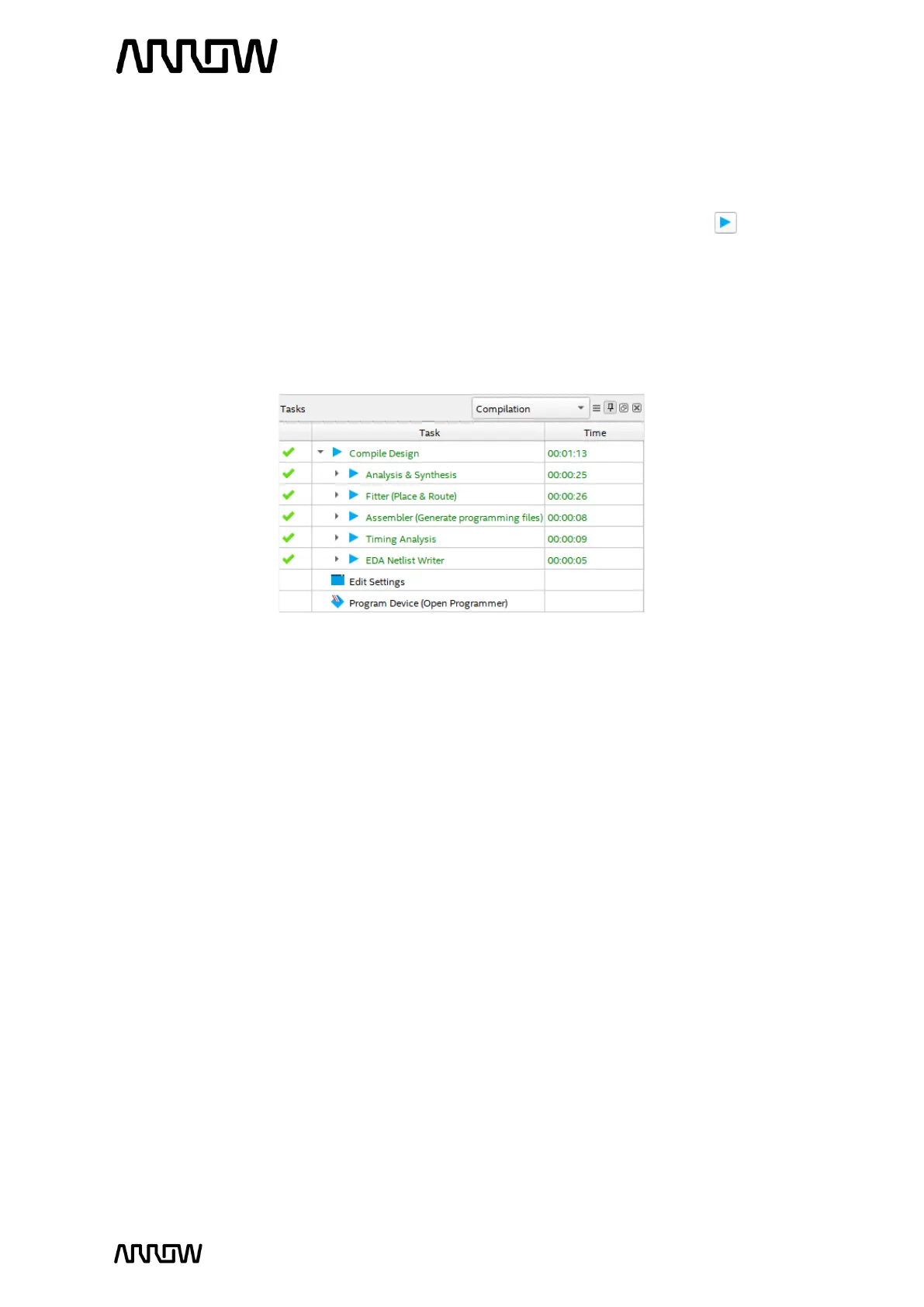
The next step is to compile and complete the design. This step will verify that there are
no errors, create internal databases, and create programming files that will be used in
the next steps.
5.2.13.2 To compile the design, select Processing → Start Compilation or push the button on
the toolbar.
If there are errors, they will need to be resolved and re-compiled before the design can
be programmed to the board. When Compiling finishes and there are no errors, there will
be a message at the bottom of the window that states: Full Compilation was successful
and a 100% indication along with the compile time in the right bottom corner.
5.2.14 Reading the Compilation Report
After successfully compiling the design, a Compilation Report should appear as shown above:



 To Next Page