CYC5000 User Guide www.arrow.com
Page | 34 March 2023
5.2.2 Components of the Design
There are three components in the system: a PLL, a counter and a mux. The components, in the
following steps, will be built separately and then connected together. A user push button on the
board controls the mux. The mux in turn control which of the counter outputs (slow counting or
fast counting) will be shown on the LEDs. There are different ways to create components, such as
RTL or schematic. In this lab, schematics will be used. There are also different ways for entering
schematics such as Qsys and IP Catalog. This lab will focus on the IP Catalog.
5.2.3 Catalog IP
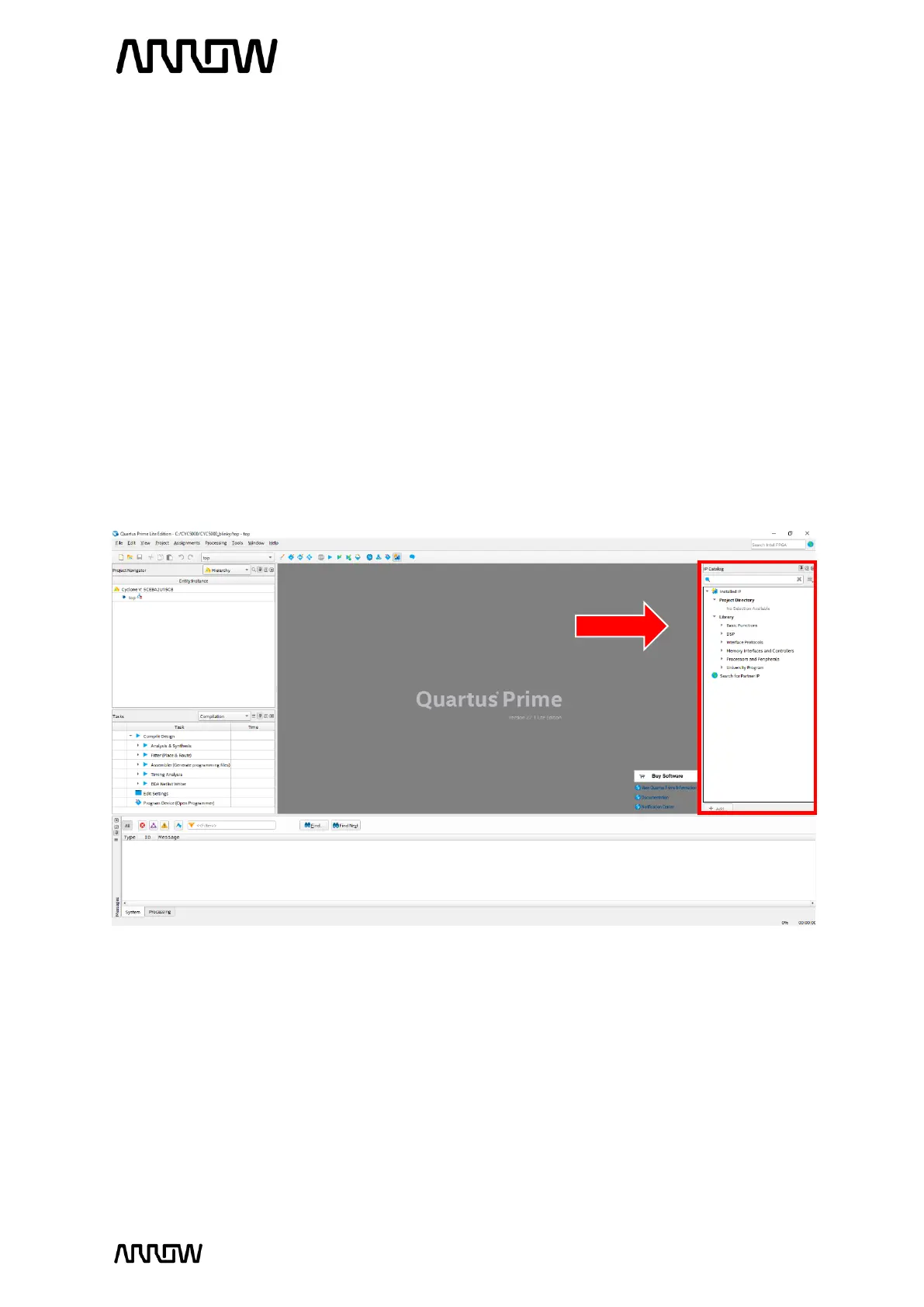
The IP Catalog allows you to create and modify design files with custom variations. The IP Catalog
window is open by default when you open Quartus Prime. If it’s not present, you can open it by
going to the tab Tool → IP Catalog.
5.2.4 Create and Configure PLL
In the IP Catalog, browse for PLL Intel FPGA IP, via: Basic Functions → Clocks; PLLs and Resets →
PLL or type in the search field for “PLL”.
5.2.4.1 In the Search bar of the IP Catalog, type “pll” and select PLL Intel FPGA IP which stands
for Altera Phase Locked Loop.



 To Next Page