CYC5000 User Guide www.arrow.com
Page | 43 March 2023
5.2.7.10 Click “OK”.
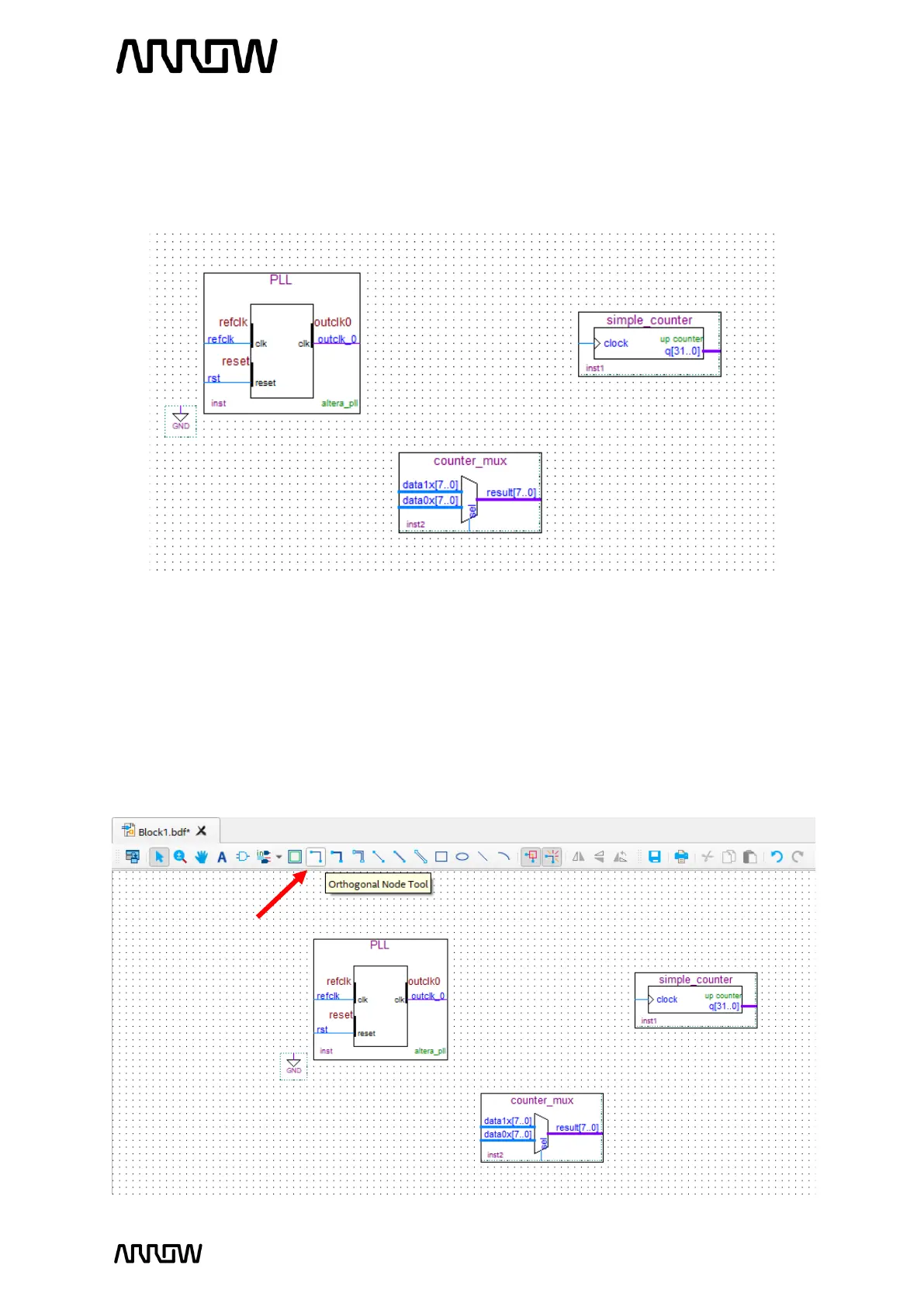
5.2.7.11 After adding the components, your schematic should look similar to the following. To
place them similarly, simply drag the components to the appropriate locations.
5.2.8 Connecting the Components
Next step is to make the proper connections between the components we just added to the
schematic.
5.2.8.1 Select the “Node Tool”.



 To Next Page