CYC5000 User Guide www.arrow.com
Page | 54 March 2023
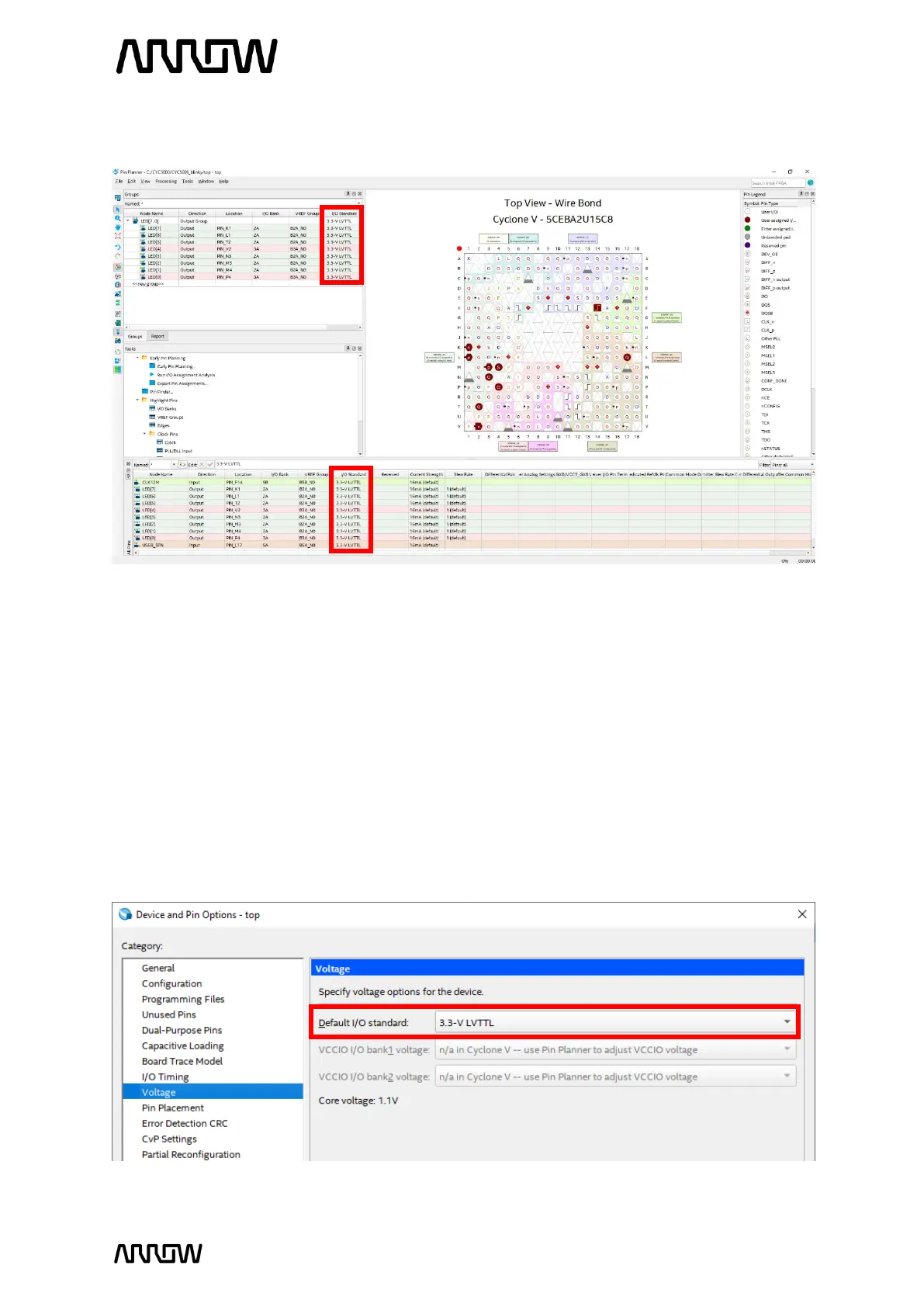
The Pin Planner should now look like this:
5.2.12.6 Close the Pin Planner. The settings are automatically saved.
5.2.13 Compiling the Design
5.2.13.1 You can set the default I/O Standard which can eliminate some design warning and save
you time from setting the standard for some pins manually.
Open Assignments → Device → Device and Pin Options → Voltage and set Default I/O
Standard to “3.3-V LVTTL” and press “OK” to all the windows.



 To Next Page