CYC5000 User Guide www.arrow.com
Page | 53 March 2023
5.2.12.3 The other pins need to be assigned as well. Just like previously set all the pins to their
appropriate locations using the table below, by either drag and drop or writing manually
the location.
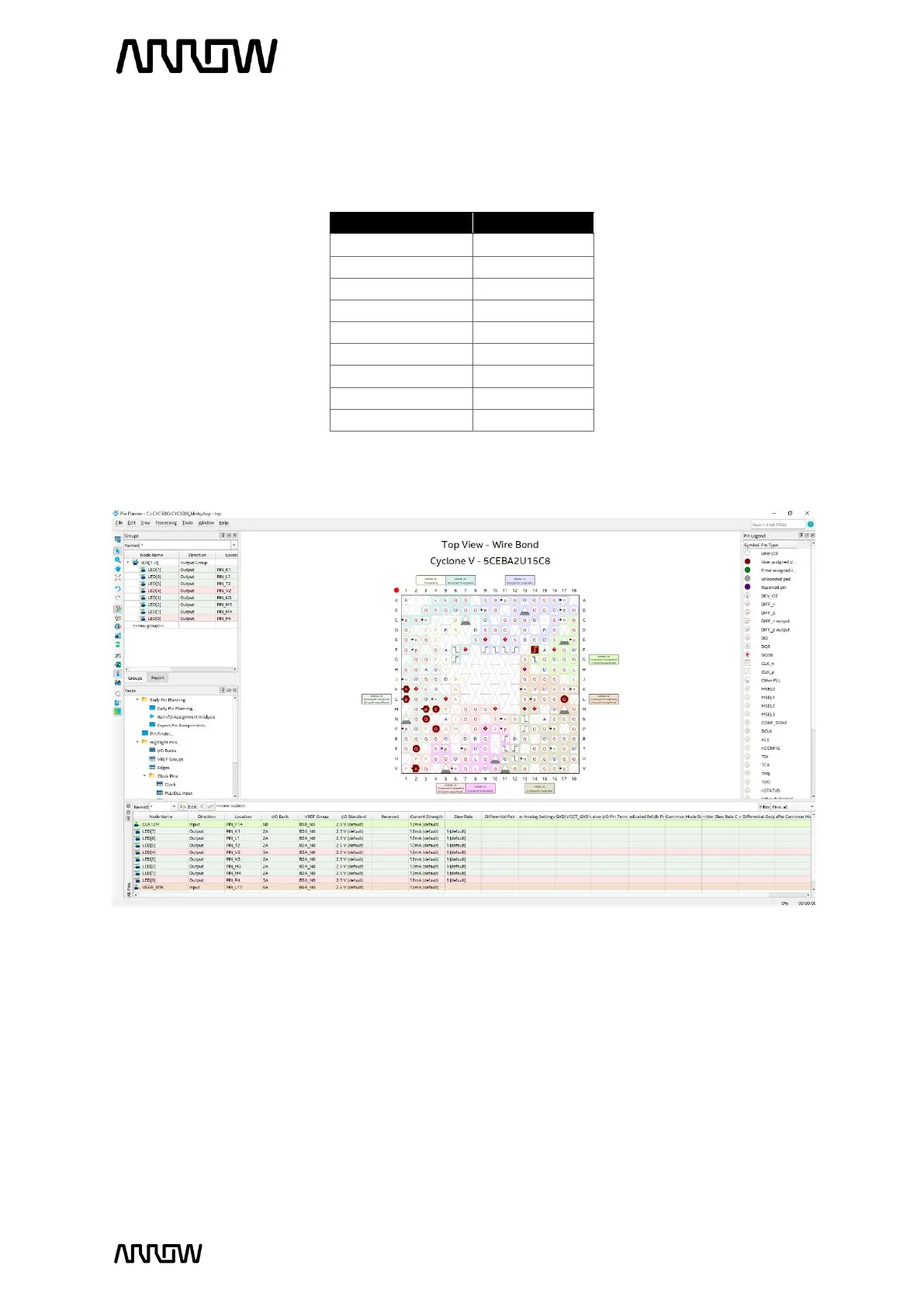
5.2.12.4 Now the Pin Planner should look like this after assigning all the pin locations.
5.2.12.5 The specific pins are now selected, but the I/O standards now need to be set as well. The
button, LEDS, and clock pins are the same I/O standard for CYC5000 since all banks*
and peripherals are powered by 3.3V. The USER_BTN, the LEDs and clock pins are 3.3-V
LVTTL. These I/O standards can be set in the Pin Planner, by selecting the I/O Standard.
Select the I/O standard either from the “All Pins” tab or the “Groups” tab and change the
2.5V (default) to the specific I/O standard.



 To Next Page