CYC5000 User Guide www.arrow.com
Page | 29 March 2023
New Project with CYC5000
5.1 Creating a new Blinky Project with CYC5000
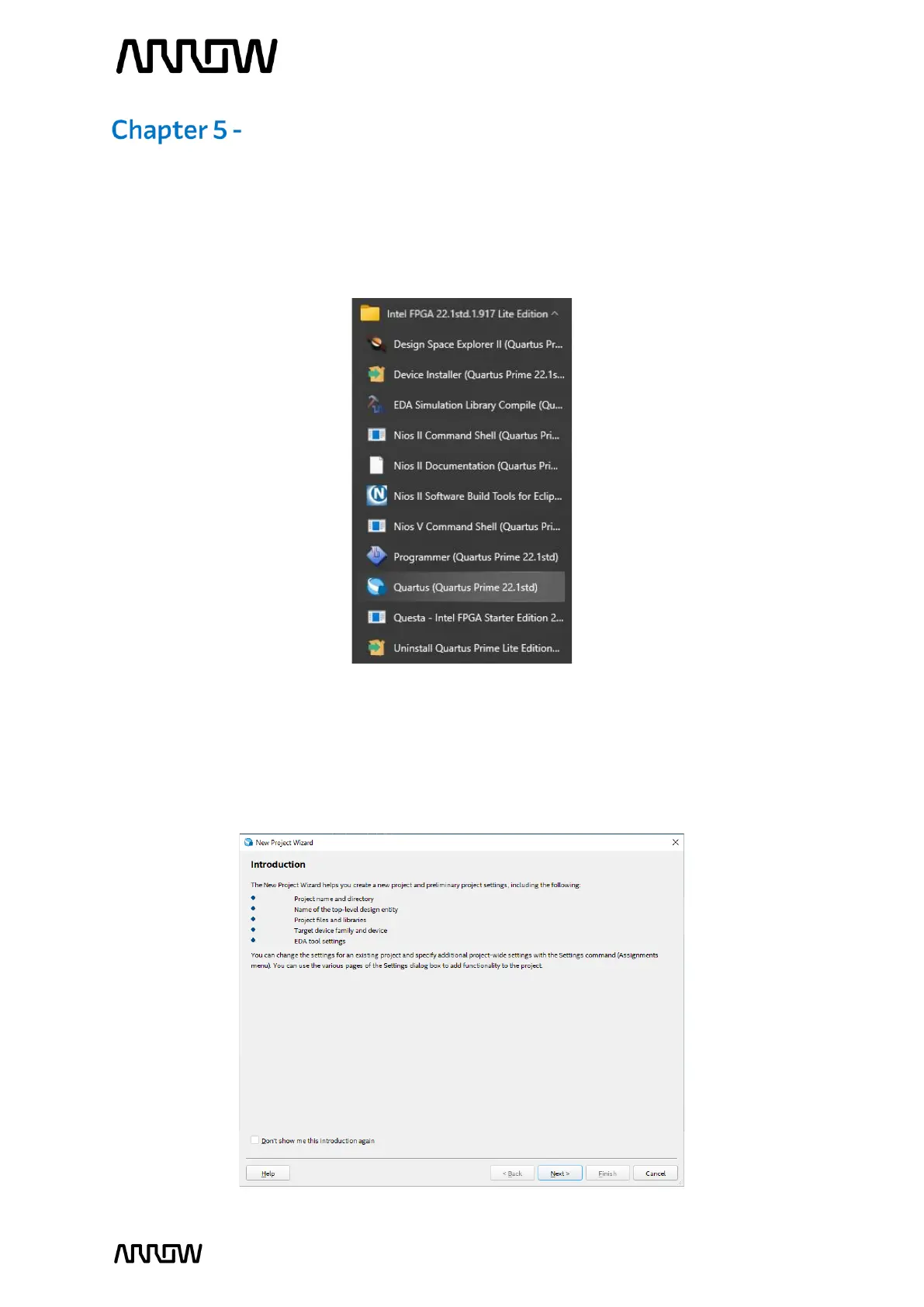
5.1.1 Launch Quartus Prime Lite Edition from the Start Menu.
5.1.2 In the Quartus Prime tool, create a new project: File -> New Project Wizard.
The New Project Wizard walks you through the project settings, such as the name,
directories, files, directories, device family and other settings. These settings can be
changed later if needed.



 To Next Page