CYC5000 User Guide www.arrow.com
Page | 30 March 2023
5.1.3 Click “Next”.
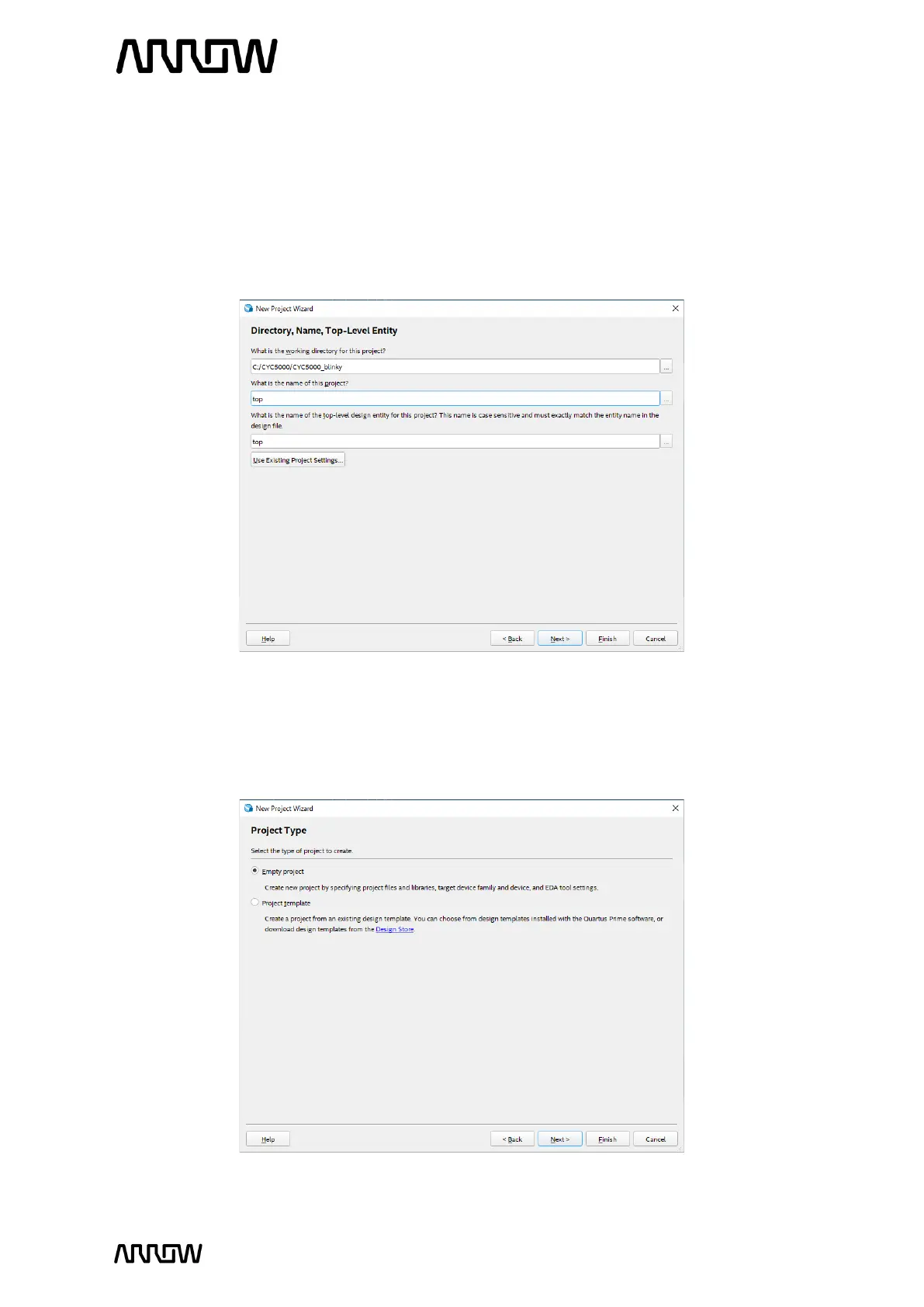
5.1.4 Browse in the project directory and choose a preferred location for the new project. Then
create new folder named CYC5000_blinky. This will be the folder containing all the
project files.
5.1.5 Enter the project name: “top” and click “next”.
5.1.6 Project Type
In this page you choose the Project Type. In this tutorial, a new project will be created, and
thus the default settings of empty project should be selected.



 To Next Page