CYC5000 User Guide www.arrow.com
Page | 31 March 2023
5.1.7 Click “Next”.
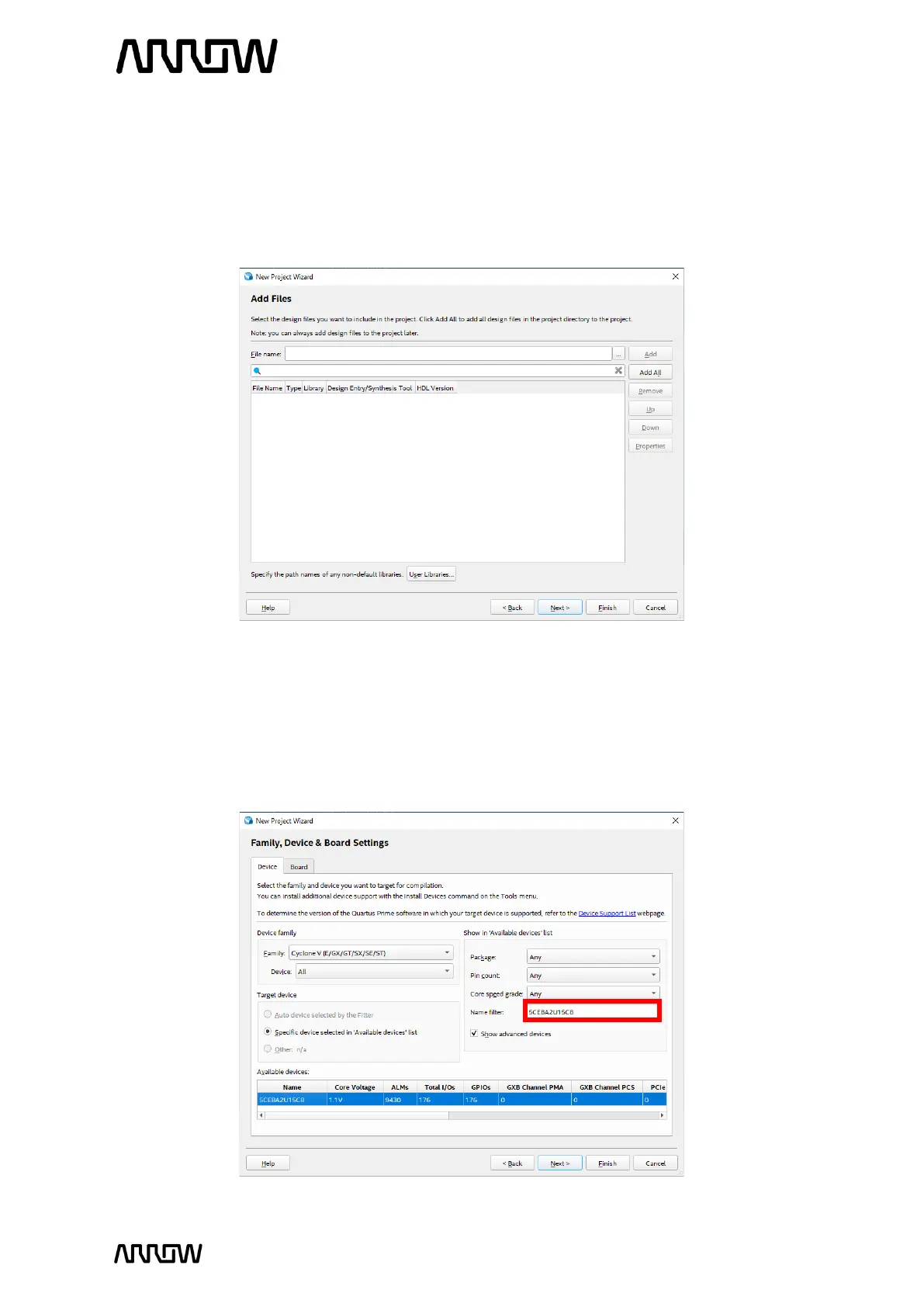
5.1.8 Add Project Files
The Add File window will appear. For this tutorial, new design files will be created so no
files will be added. For other designs, files could be added here.
5.1.9 Click “Next”.
5.1.10 Select the Device Part Number of the CYC5000 Board
In the Family and Device Settings, use the pull-down menu to select the family as Cyclone
V. Then in the Name Filter enter 5CEBA2U15C8.



 To Next Page