CYC5000 User Guide www.arrow.com
Page | 42 March 2023
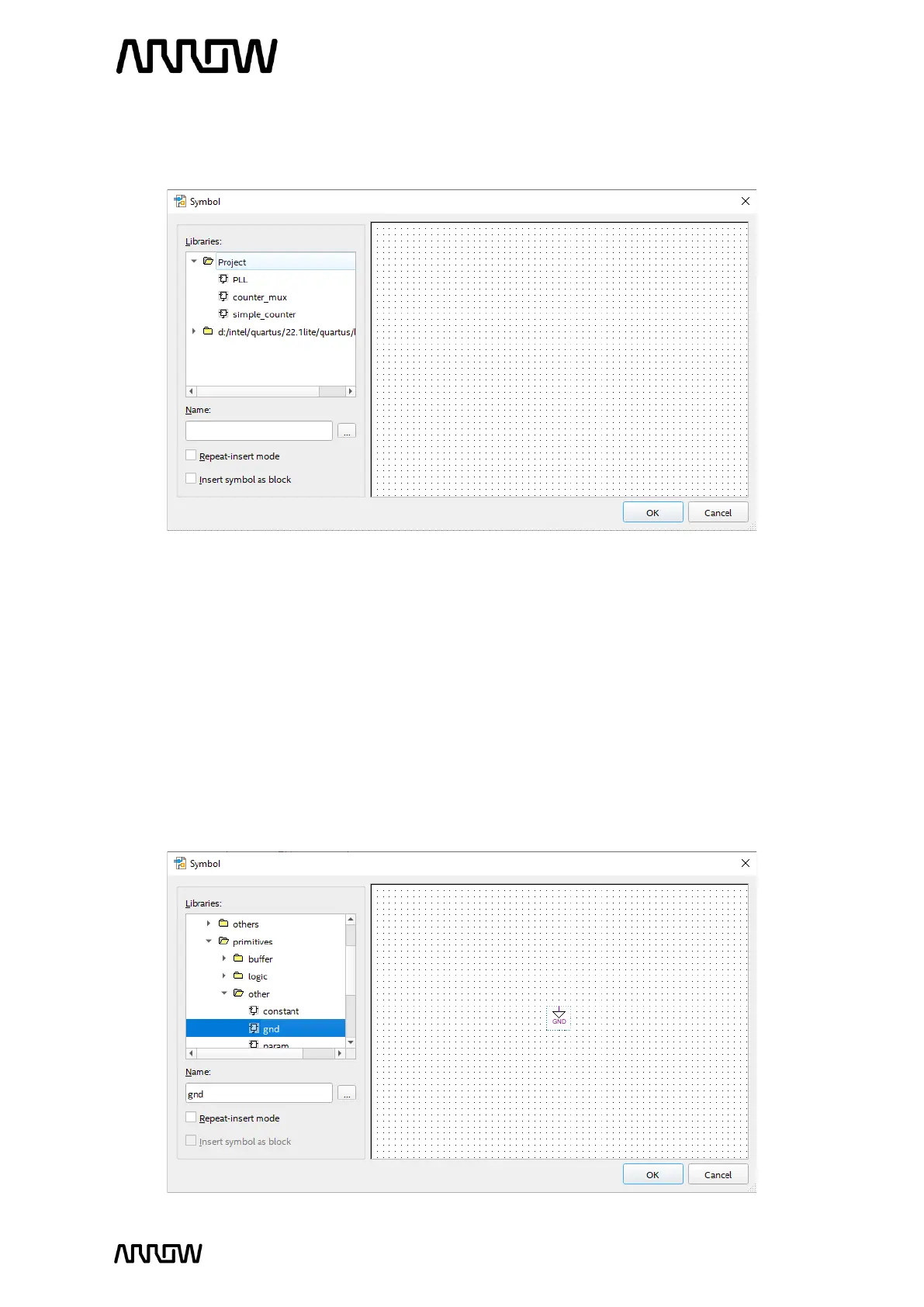
5.2.7.4 In the new window, expand “Project” and the three components that were created can
now be seen.
5.2.7.5 Select “PLL”.
5.2.7.6 Click “OK”.
5.2.7.7 The PLL component can be added now by left clicking on the schematic page.
5.2.7.8 Just like in the steps from 5.2.7.3 to 5.2.7.6, do the same for counter_mux and
simple_counter to add them to the schematic page. The order of adding the
components does not matter, as the connections between them will happen in the
following steps.
5.2.7.9 Repeat the step 5.2.7.3 but this time expand the Quartus folder, and search for primitives
→ other, and select “gnd”.



 To Next Page