CYC5000 User Guide www.arrow.com
Page | 26 March 2023
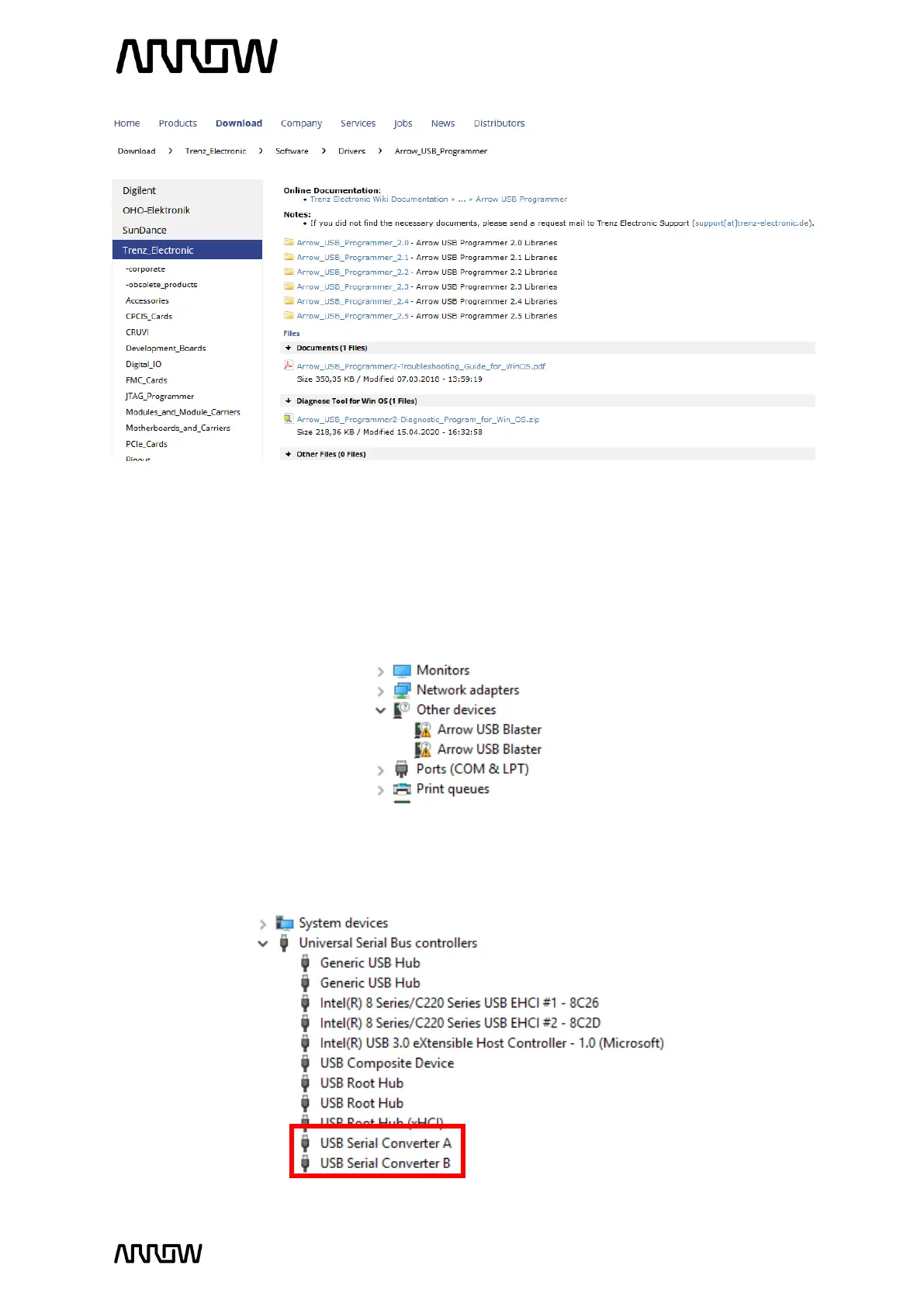
4.2.2 After downloading the file, run the installer to install the Arrow USB Programmer2. The
setup executable installs the programmer DLL and adds some keys to the registry of the
PC.
4.2.3 After connecting the CYC5000 board to the PC, two unknown devices might appear in the
“Other devices” section of device manager of the PC.
Windows usually automatically finds the appropriate drivers for these devices. After
some time, the “Other devices” section should be empty. Instead, two USB Serial
Converters should be listed in the section “USB Serial Bus controllers”:



 To Next Page