P/N PM000223A • Rev. 1 • ISS 9 August 2017 46
Installation Manual
NU-Series Hardware
IP Devices
5.4.6.2 Mounting the Corridor Display with a Wall Bracket
Prepare the corridor display for wall mounting using a special wall mounting bracket,
which is available as an accessory. The bracket assembly comes with accessories for
mounting a single or double display.
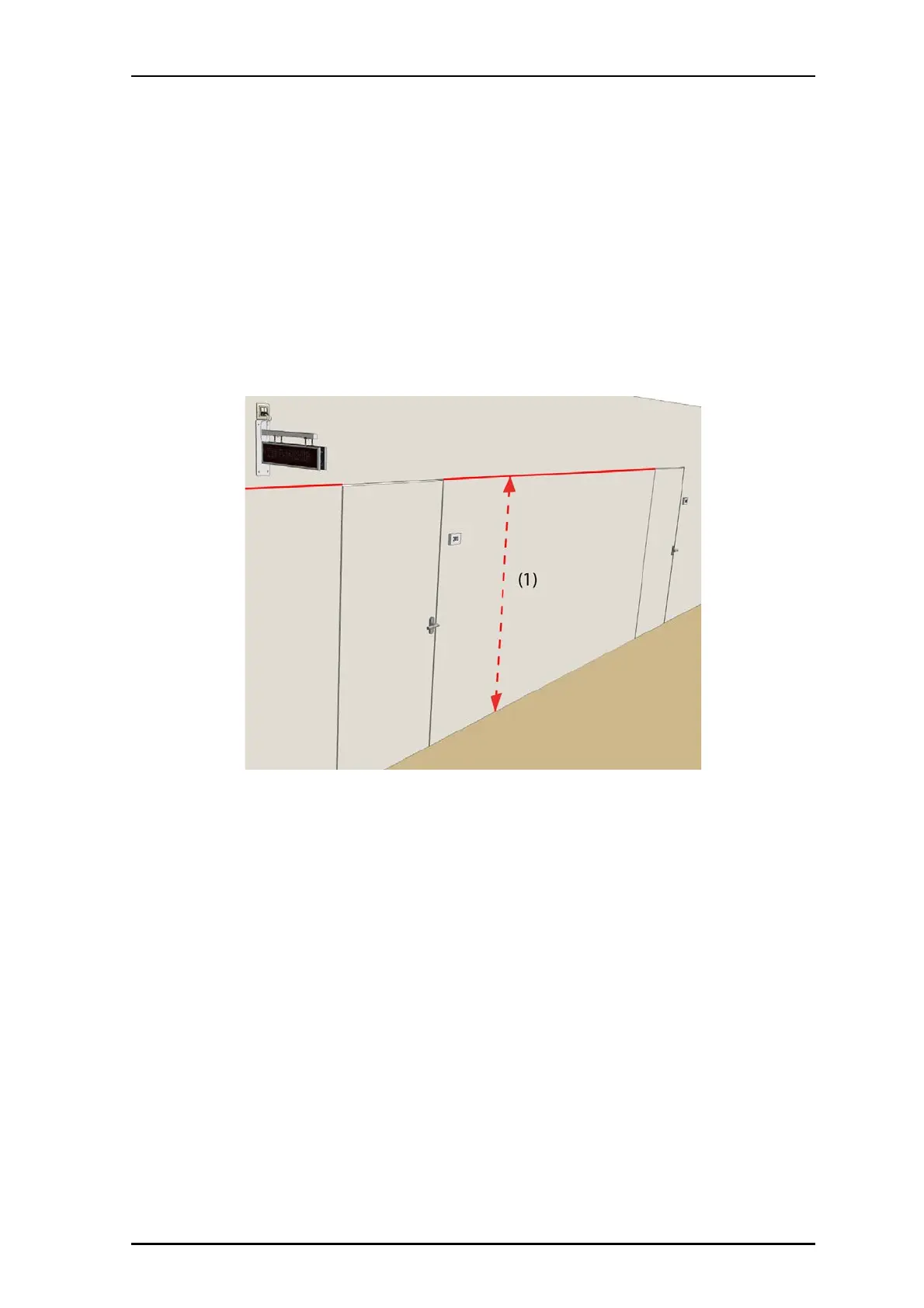
When placing the wall mounting bracket on the wall, consider the minimum height at
which the display should be mounted. The minimum installation height depends on things
like opening a door in the vicinity of a display, or an object transported through the
corridor. Make sure that in none of these circumstances the object will hit the display.
Refer to Figure 39 on page 47 for the bracket’s dimensions and mounting accessories.
Figure 38 Wall mounted corridor display
Legend:
(1) Minimum height from floor



 To Next Page