3 Sterilizer Overview
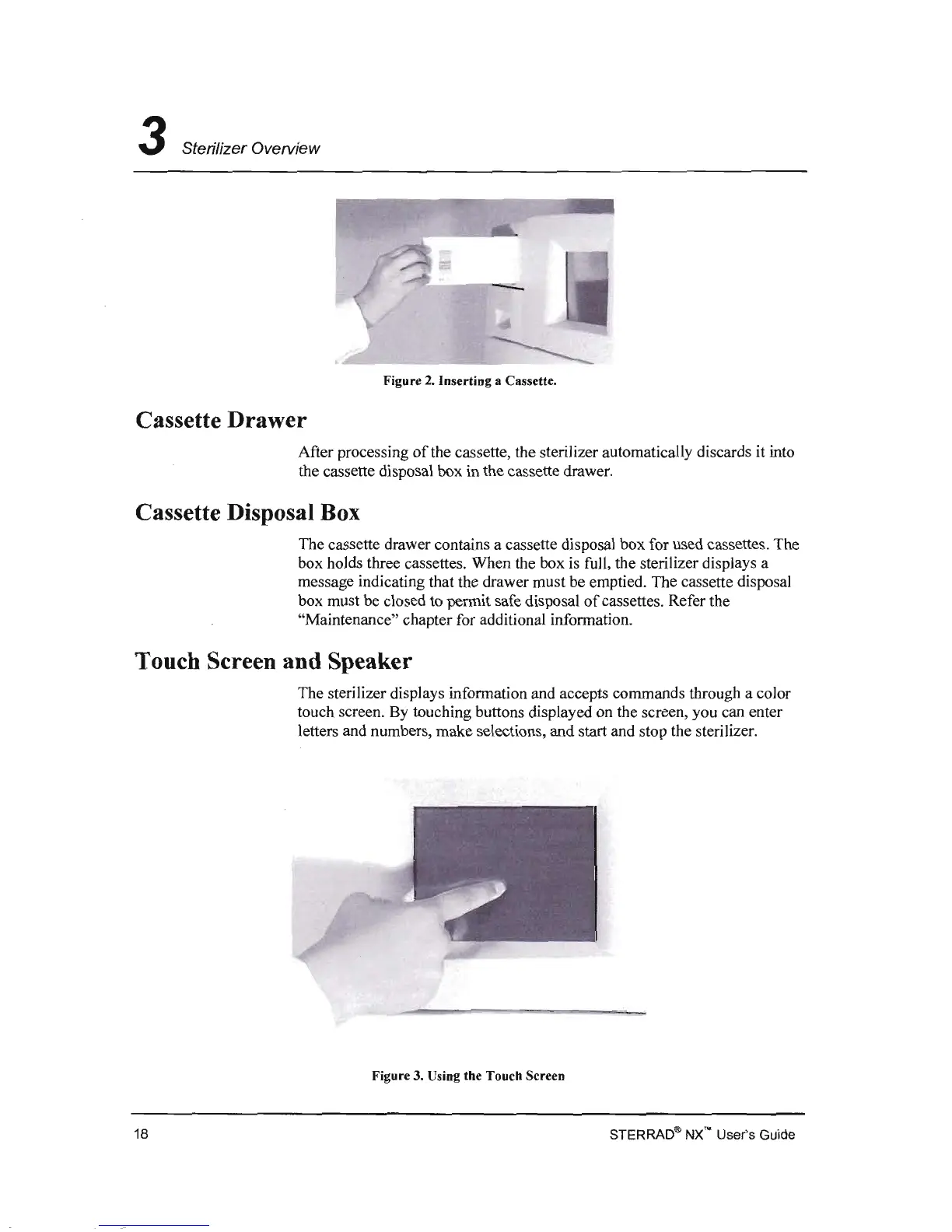
Figure
2.
Inserting a Cassette.
Cassette Drawer
After processing
of
the cassette, the sterilizer automatically discards
it
into
the cassette disposal box in the cassette drawer.
Cassette Disposal Box
The cassette drawer contains a cassette disposal box for used cassettes. The
box holds three cassettes. When the box
is
full, the sterilizer displays a
message indicating that the drawer must be emptied. The cassette disposal
box must be closed
to
permit safe disposal
of
cassettes. Refer the
"Maintenance" chapter for additional information.
Touch Screen and Speaker
The sterilizer displays information and accepts commands through a color
touch screen. By touching buttons displayed on the screen, you can enter
letters and numbers, make selections, and start and stop the sterilizer.
Figure 3. Using the Touch Screen
STERRAD® NX'" User's Guide 18


 To Next Page