Operation 5
MM/OO/YY
Cycle
Completed
HH;MM;SS
Cycle
Completed
Successfully
CYCLE DATA:
Cycle #:
Cycle Name:
Start Time:
Completion
Time:
Elapsed
nme:
Operator
:
\flew
Details
Done
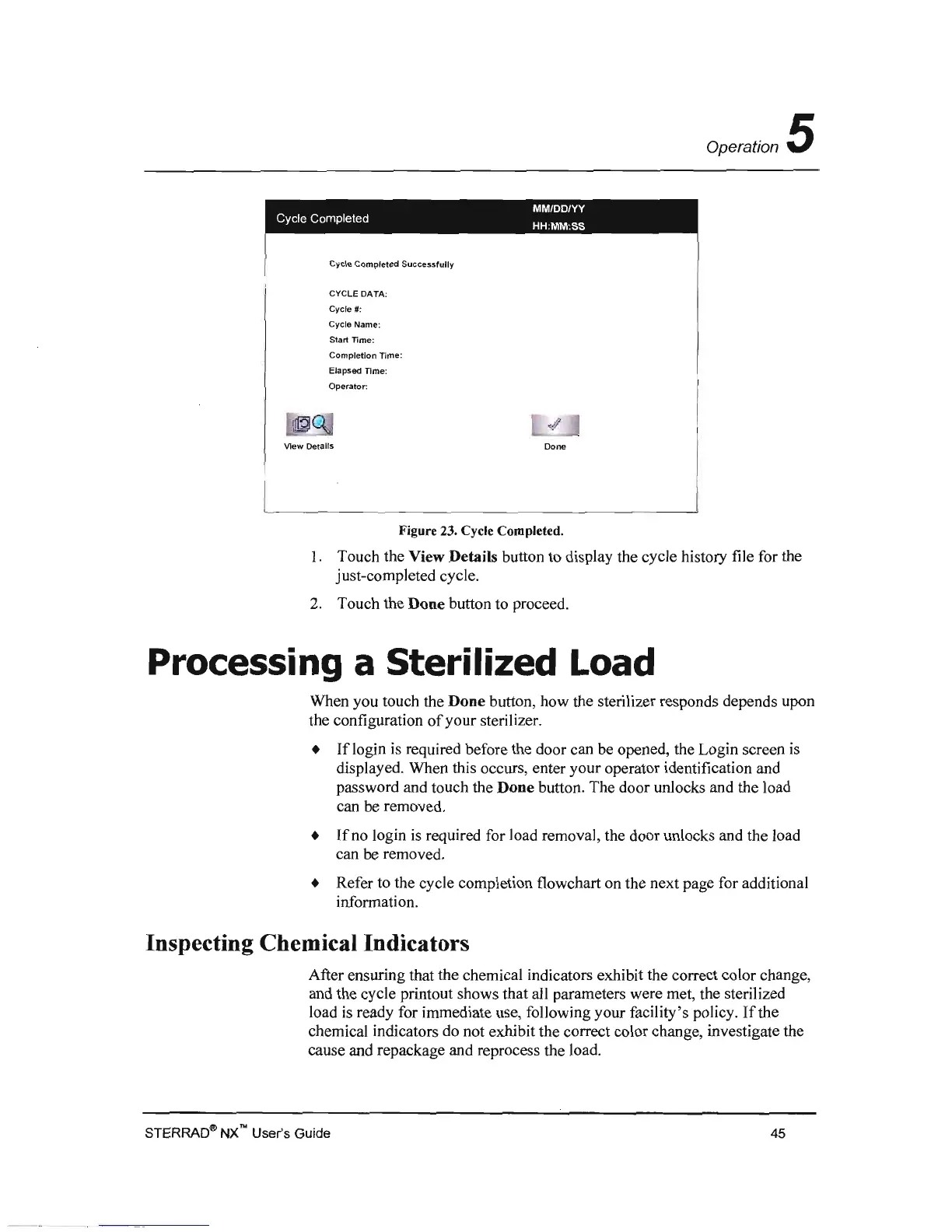
Figure 23. Cycle Completed.
1.
Touch the View Details button to display the cycle history file for the
just-completed cycle.
2.
Touch the Done button to proceed.
Processing a Sterilized Load
When you touch the Done button, how the sterilizer responds depends upon
the configuration
of
your sterilizer.
• I f login
is
required before the door can be opened. the Login screen
is
displayed. When this occurs, enter your operator identification and
password and touch the Done button. The door unJocks and the load
can
be
removed.
•
Ifno
login
is
required for load removal, the door unlocks and the load
can be removed.
• Refer to the cycle completion flowchart on the next page for additional
information.
Inspecting Chemical Indicators
After ensuring that the chemical indicators exhibit the correct color change,
and the cycle printout shows that all parameters were met, the sterilized
load
is
ready for immediate use, following your facility's policy.
If
the
chemical indicators do not exhibit the correct color change, investigate the
cause and repackage and reprocess the load.
STERRAOqJ)
NX
no
User's Guide
45



 To Next Page