6 Access Levels and SupeNisor Tasks
File Management
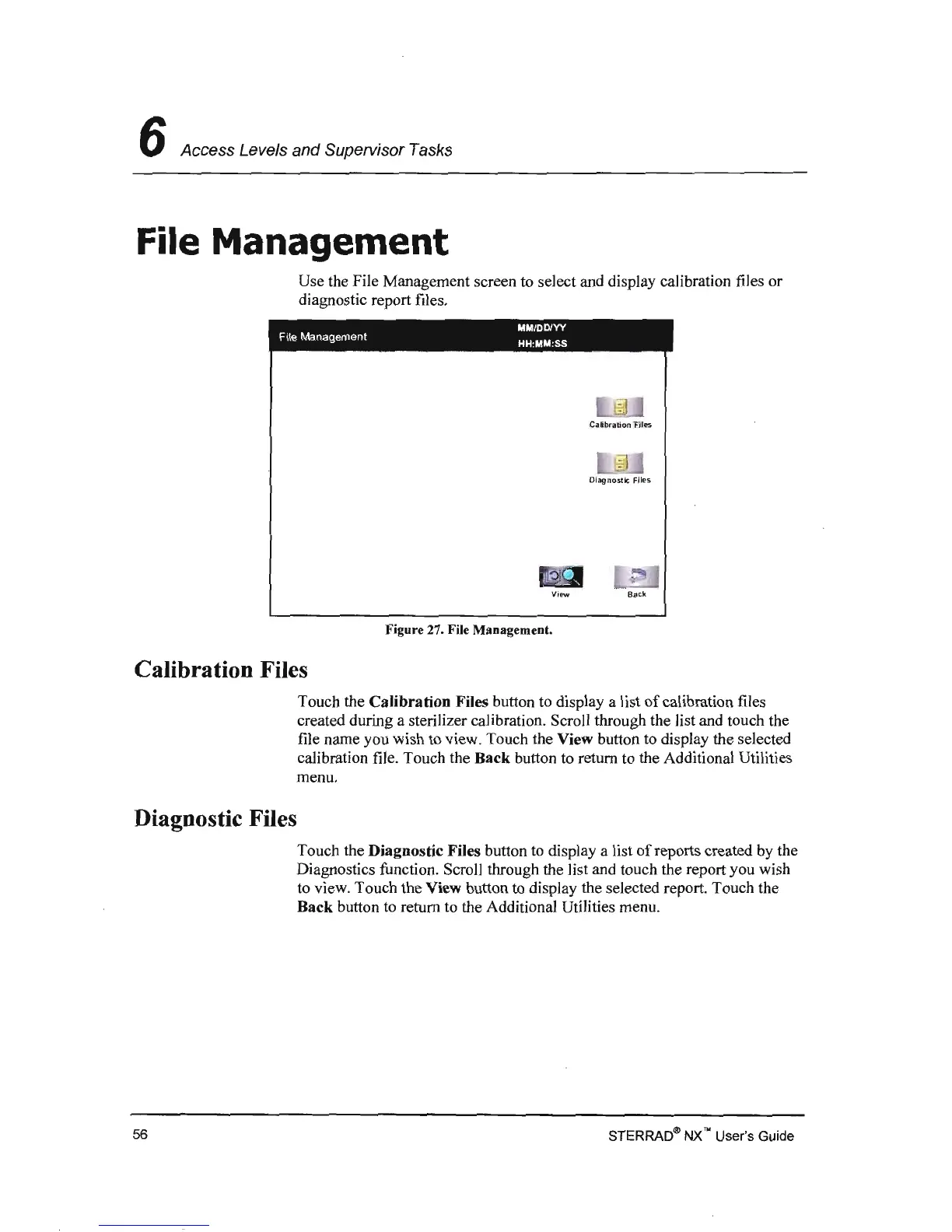
Use the File Management screen
to
select and display calibration files or
diagnostic report files.
MMIDDIVY
File Management
HH
:
MM
:
SS
ViP'W
Back
Figure 27. File Management.
Calibration Files
Touch the
Calibration
Files button to display a list
of
calibration files
created during a sterilizer calibration. Scroll through the list and touch the
file name you wish to view. Touch the View button to display the selected
calibration file. Touch the
Back
button to return to the Additional Utilities
menu.
Diagnostic Files
Touch the Diagnostic Files button to display a list
of
reports created by the
Diagnostics function. Scroll through the list and touch the report you wish
to view. Touch the View button to display the selected report. Touch the
Back button
to
return to the Additional Utilities menu.
STERRAD~
NX
'" User's Guide
56



 To Next Page