9Troubleshooting
System Messages
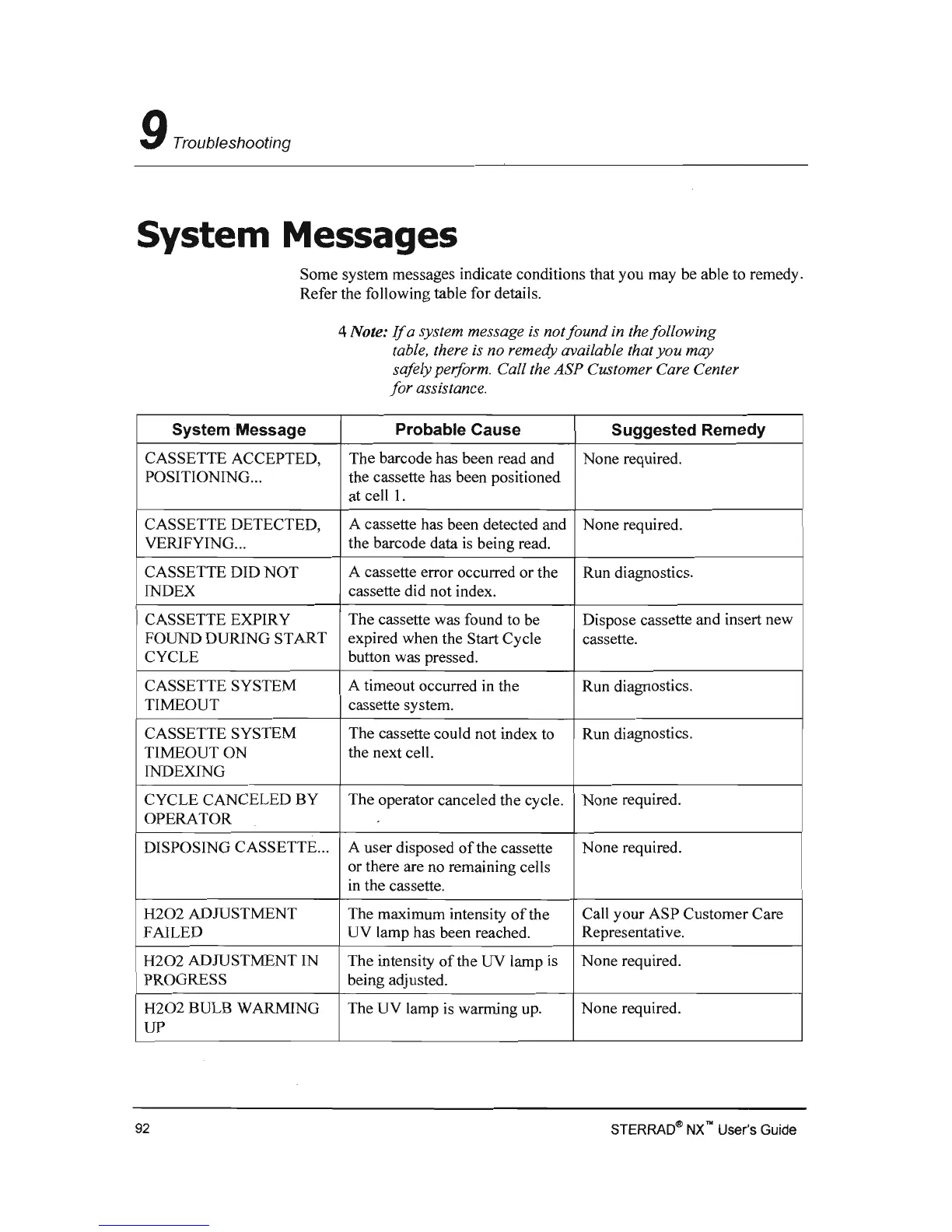
Some system messages conditions that you may be able to remedy.
Refer the following table for
4 Note:
If
a system message is not found in the following
table, there
is
no available that you may
safely perform. Call ASP Customer Care Center
for assistance.
System Message
Probable
Suggested Remedy
CASSETTE ACCEPTED, The barcode has been read and None required.
POSITIONING ...
the cassette has been positioned
at cell L
CASSETTE DETECTED, None required.
VERIFYING ...
I CASSETTE DID NOT
A cassette error occurred or the Run diagnostics.
INDEX cassette did not index.
CASSETTE EXPIRY The cassette was found to be
Dispose cassette
new
FOUND DURING START
expired when the Start cassette.
CYCLE
button was pressed.
CASSETTE SYSTEM
A timeout occurred
in
the
TIMEOUT cassette system.
CASSETTE SYSTEM
The cassette could not index to Run
TIMEOUT ON the next
INDEXING
CANCELED BY The operator canceled the None required.
OPERATOR
DISPOSING CASSETTE ... A user disposed
ofthe
cassette None required.
or there are no remaining
cassette.
H202
ADJUSTMENT
of
the Call your ASP Customer Care
FAILED Representative.
H202
ADJUSTMENT
IN
None required.
PROGRESS
H202
BULB WARMING The UV lamp
is
wanning up. None required.
UP
STERRAO<tb
NX
no
User's
Guide
92



 To Next Page