6 Access Levels and Supervisor Tasks
• To change the user's operator name, make changes
in
the
Operator
field.
• To change the user's password, make changes in the
Password
field.
• To change the user's access level, select the desired Access Level.
You may only choose "Operator" or "Supervisor."
3.
Touch the Cancel button
to
exit this screen and return to the Modify
User screen.
4. Touch the Done button when you have finished - the Modify User
screen
is
displayed.
5.
To delete a user (revoke access to the sterilizer), select the user name
and touch the Delete User button.
Upload User Data
If
your STERRAD® NX Sterilizer has been configured for network
connectivity, you can also add
up
to 1000 user identifications
by
uploading
them to the sterilizer from a remote computer or hospital network.
If
you are not familiar with
MS-DOSIXl
appJications, do not attempt to
upload the user data. Contact your facility's network administrator for more
information.
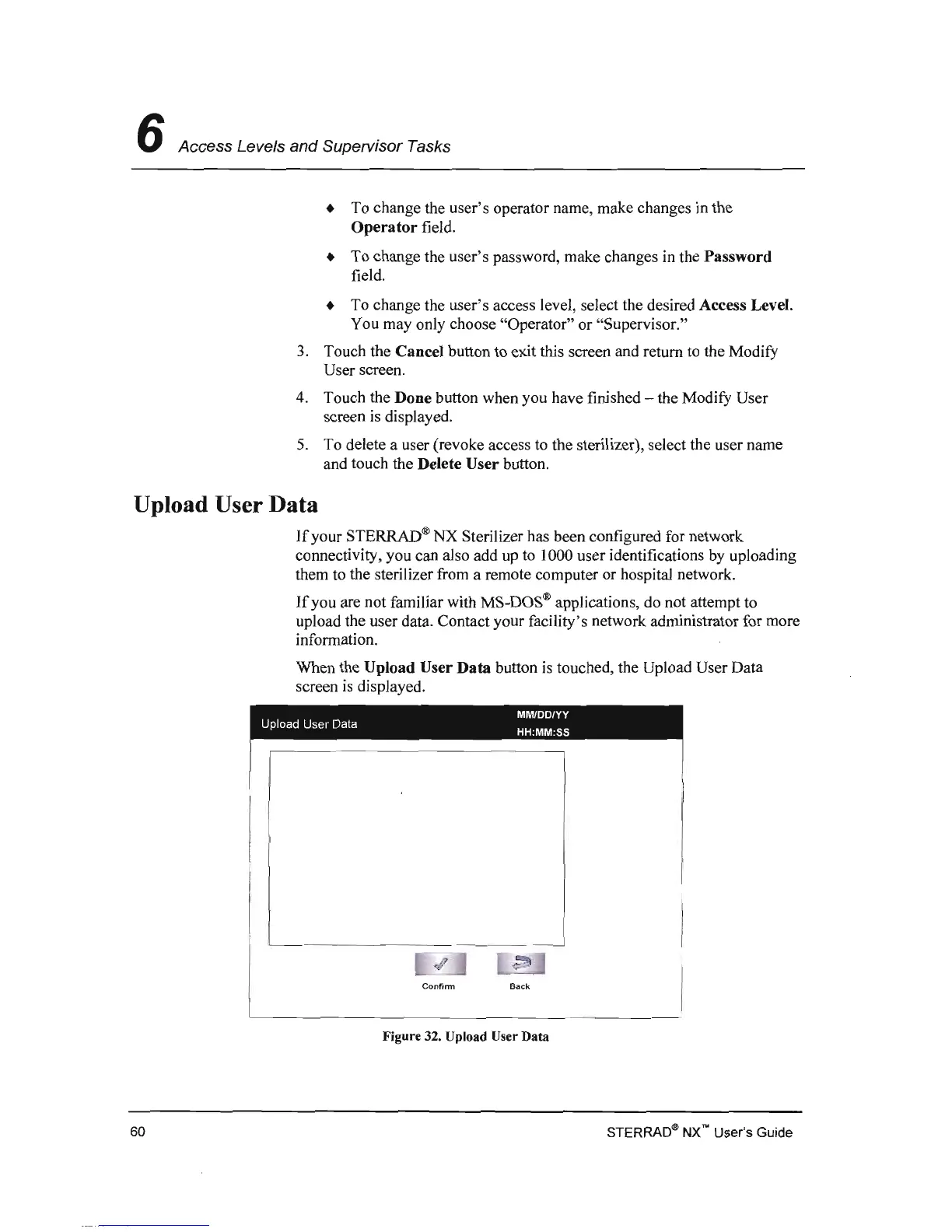
When the Upload User
Data
button
is
touched, the Upload User Data
screen
is
dispJayed.
MM/DD/YY
Upload
User
Data HH:MM:SS
Confinn Back
Figure 32. Upload User Data
STERRAD<!!>
NX'" User's Guide
60



 To Next Page