7 Reports
and
Files
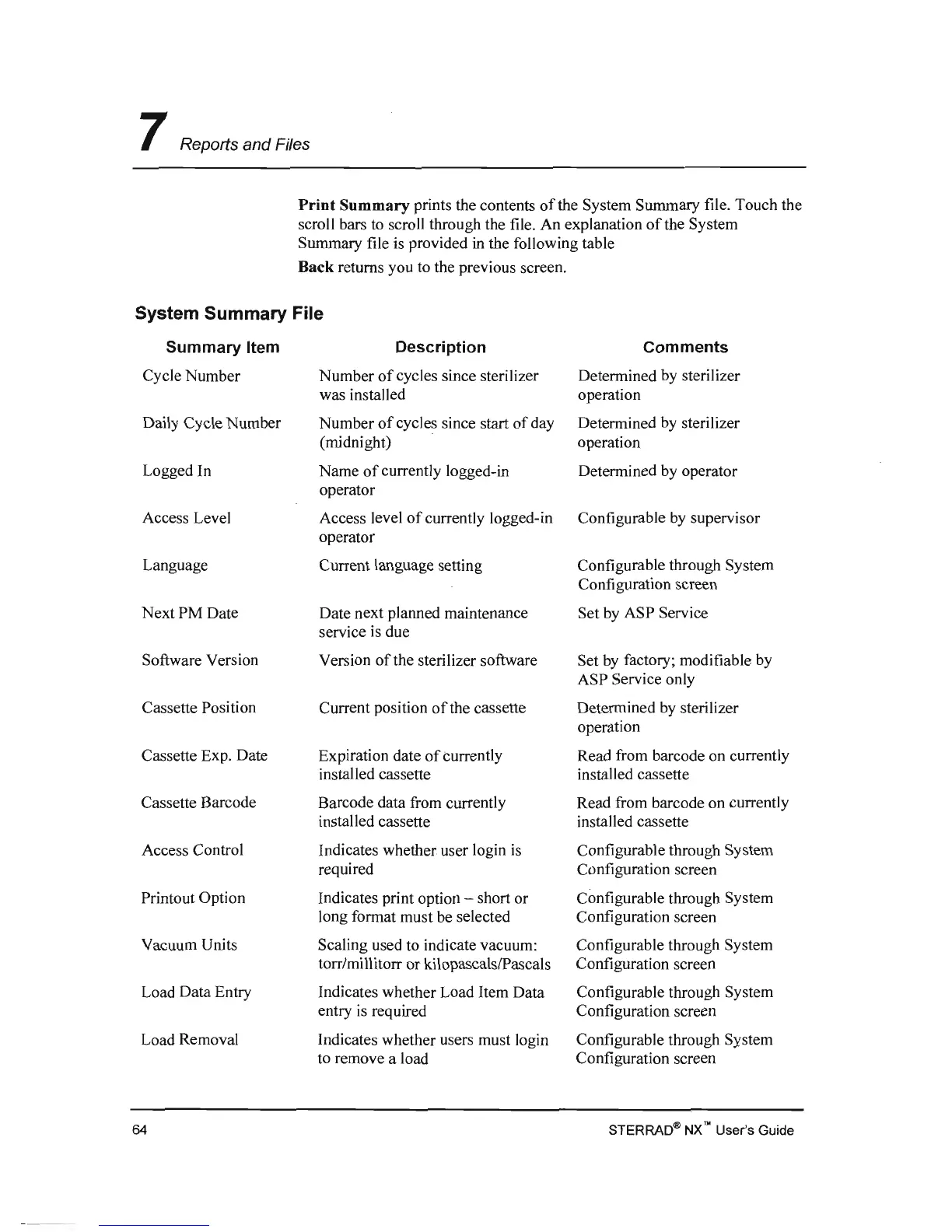
Print Summary prints the contents
of
the System Summary file. Touch the
scroll bars to scroll through the file. An explanation
of
the System
Summary file is provided
in
the following table
Back returns you to the previous screen.
System Summary File
Summary Item
Cycle Number
Daily Cycle Number
Logged In
Access Level
Language
Next PM Date
Software Version
Cassette Position
Cassette Exp. Date
Cassette Barcode
Access Control
Printout Option
Vacuum Units
Load Data Entry
Load Removal
Description
Number
of
cycles since sterilizer
was installed
Number
of
cycles since start
of
day
(midnight)
Name
of
currently logged-in
operator
Access level
of
currently logged-in
operator
Current language setting
Date next planned maintenance
service
is
due
Version
of
the sterilizer software
Current position
of
the cassette
Expiration date
of
currently
installed cassette
Barcode data from currently
installed cassette
Indicates whether user login
is
required
Indicates print option - short or
long fonnat must be selected
Scaling used to indicate vacuum:
torr/millitorr or kilopascalslPascals
Indicates whether Load Item Data
entry
is
required
Indicates whether users must login
to remove a load
Comments
Detennined by sterilizer
operation
Detennined by sterilizer
operation
Detennined by operator
Configurable
by
supervisor
Configurable through System
Configuration screen
Set by ASP Service
Set
by
factory; modifiable by
ASP Service only
Detennined by sterilizer
operation
Read from barcode on currently
installed cassette
Read from barcode on currently
installed cassette
Configurable through System
Configuration screen
Configurable through System
Configuration screen
Configurable through System
Configuration screen
Configurable through System
Configuration screen
Configurable through System
Configuration screen
STERRAD4I>
NX
no
User's Guide
64



 To Next Page