Chapter 2 Common Setting Items (ALL OUTPUT)
8
Multi VGMode(* VG-876 and VG-879 only)
Sets the splitting method for each VG1 when
multiple VG units are synchronized.
0: Auto Default is 4 quarter panes
1: H2/V2Div 4 quarter panes
2: V4Div 4 vertical panes
3: V2Div 2 vertical panes
Aspect Mode:
Sets the video signal aspect ratio.
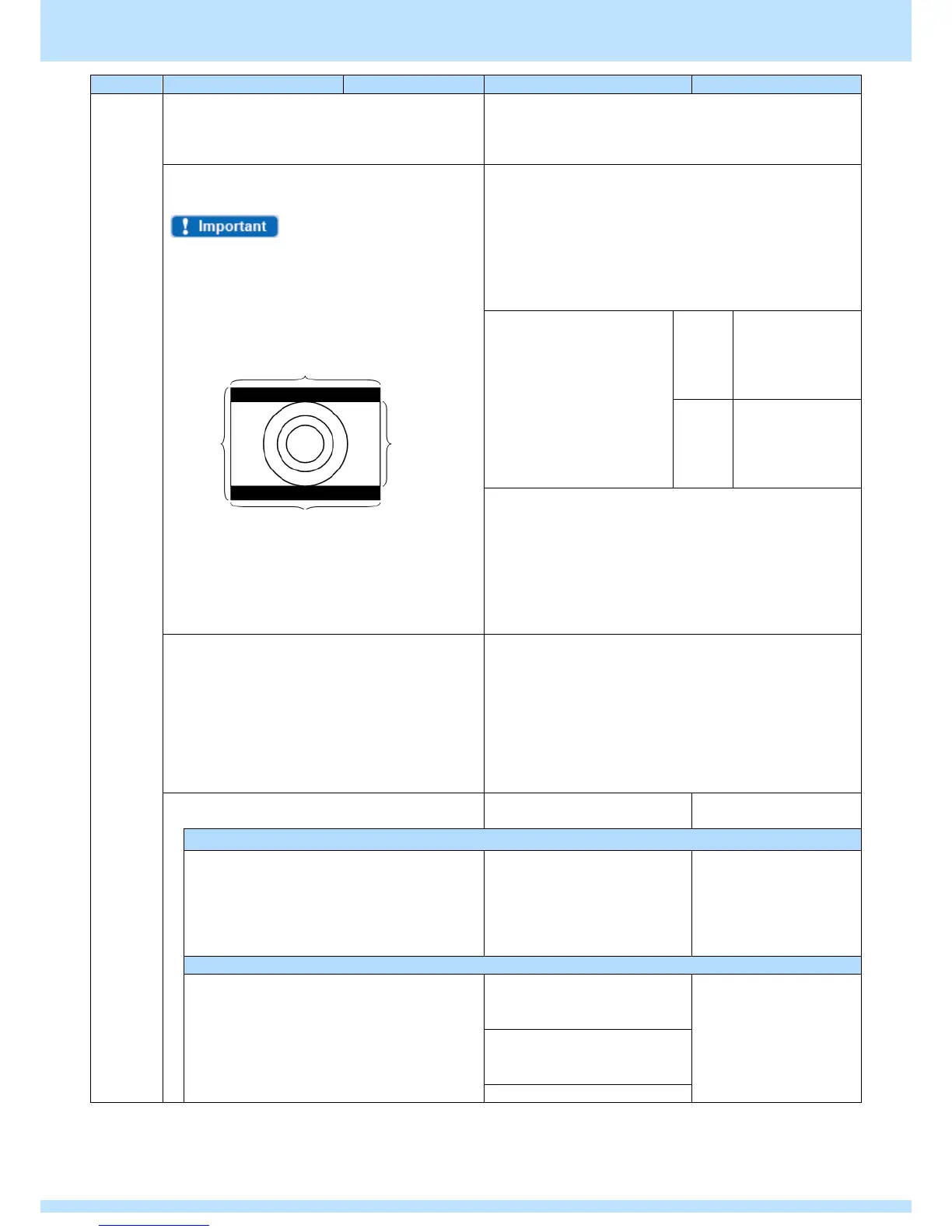
Normal images are output at a ratio of 4:3, however,
because images are output as 16:9 when 4:3 Letter
Box is selected, black bars will appear on the top
and bottom of images.
Images are output in the following way when 4:3
Letter Box is selected.
0: 4:3
1: 4:3 Letter Box
* 4:3 Letter Box settings are only available for SDTVTiming.
2: 16:9
3: Resolution
The aspect ratio can be set at the same ratio as screen
resolution.
4: User
Sets any aspect ratio.
Sets the horizontal
direction aspect
ratio.
Setting range: 0 to
255
Sets the vertical
direction aspect
ratio.
Setting range: 0 to
255
* When output at a 21:9 ratio, set the Aspect Mode to User,
H = 21 and V = 9.
Color Depth
The Color Depth (gradation) can be set for
rendering a test pattern.
The following two options are available: setting
individually for each Program, or locking the Color
Depth regardless of the Program.
Set the Color Depth for each Program in this menu.
* To specify a constant Color Depth, go to
MENU. > Configuration > General
RGB/YPbPr (0/1):
(* In Analog Output on VG-878,878-A)
Selects the output color
difference mode.
The color difference coefficient is applied for YPbPr (YCbCr) output.
0: SMPTE274M/296M/RP-177
1: SMPTE240M
2: SMPTE293M
3: SMPTE125M
4: User
5: ITU-R BT.2020
Sets User and any
coefficient.
Sets any color difference coefficient when User is selected above.
Y
(The total for line Y must be
1.0000.)
Pb
(The coefficient totals for Pb and
Pr must be 0.)



 To Next Page