Gas-manual-en.docx — 36 —
Chap. II - Installation of a new hardware device (HW)
1. INSTALLATION OF ATAL DEVICES – GENERAL
After you have successfully installed any program from the Multi-Diag family and you then connect any USB
device from the ATAL company to your computer, information about new hardware (HW) will appear in the form
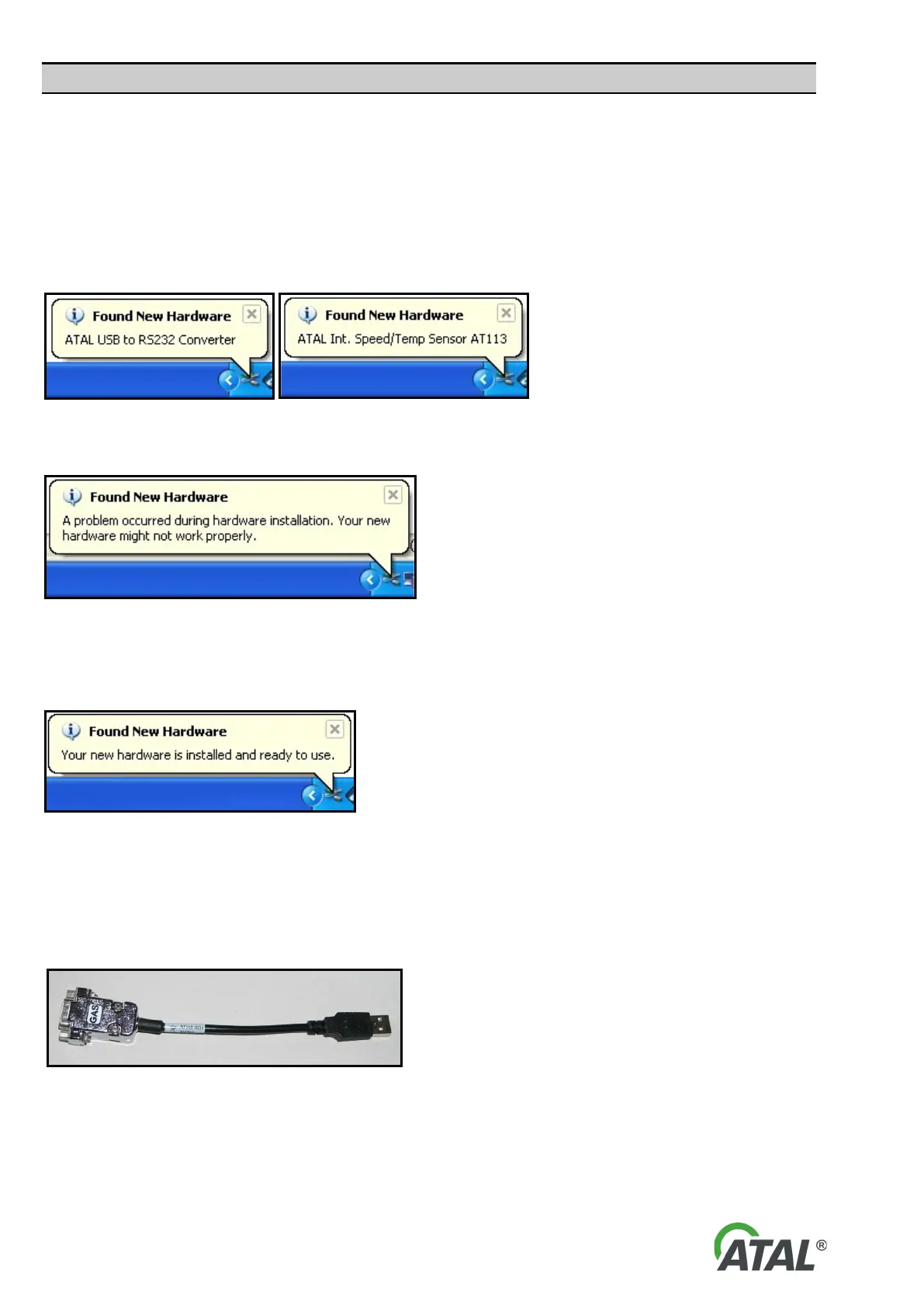
of a Windows “Info tip” (see Fig. 58).
Note:
The language of the Wizard will correspond to your language version of Windows.
Fig. 58 – Examples of info tips about the detection of a new device (Windows XP)
If any problems occur with the installation a new device (e.g. missing drivers), another info tip appears.
Fig. 59 – Info tip informing about a problem with the installation of the new device (Windows XP)
After the new device has been installed successfully, a final Info Tip appears about successful installation (see
Fig. 60)
Fig. 60 – Info tip about the successful installation of the device (Windows XP)
2. INSTALLATION OF THE USB-RS232 CONVERTER
The USB-RS 232 converter (see Fig. 61) allows communication between the device with serial port and a PC (or
Laptop) without serial ports.
Fig. 61 – RS232-USB converter (currently not available)
2.1 INSTALLATION OF DRIVERS FOR THE USB-RS 232 CONVERTER
After you have clicked on the “Finish” button to complete the Gas Analyser installation (see Fig. 8) , it is also
necessary to install the drivers for the RS232-USB converter.


 To Next Page