Chap. III - Remote control
Gas-manual-en.docx — 47 —
3. STARTING REMOTE CONTROL PROGRAM
a) Following successful installation, the program will run automatically.
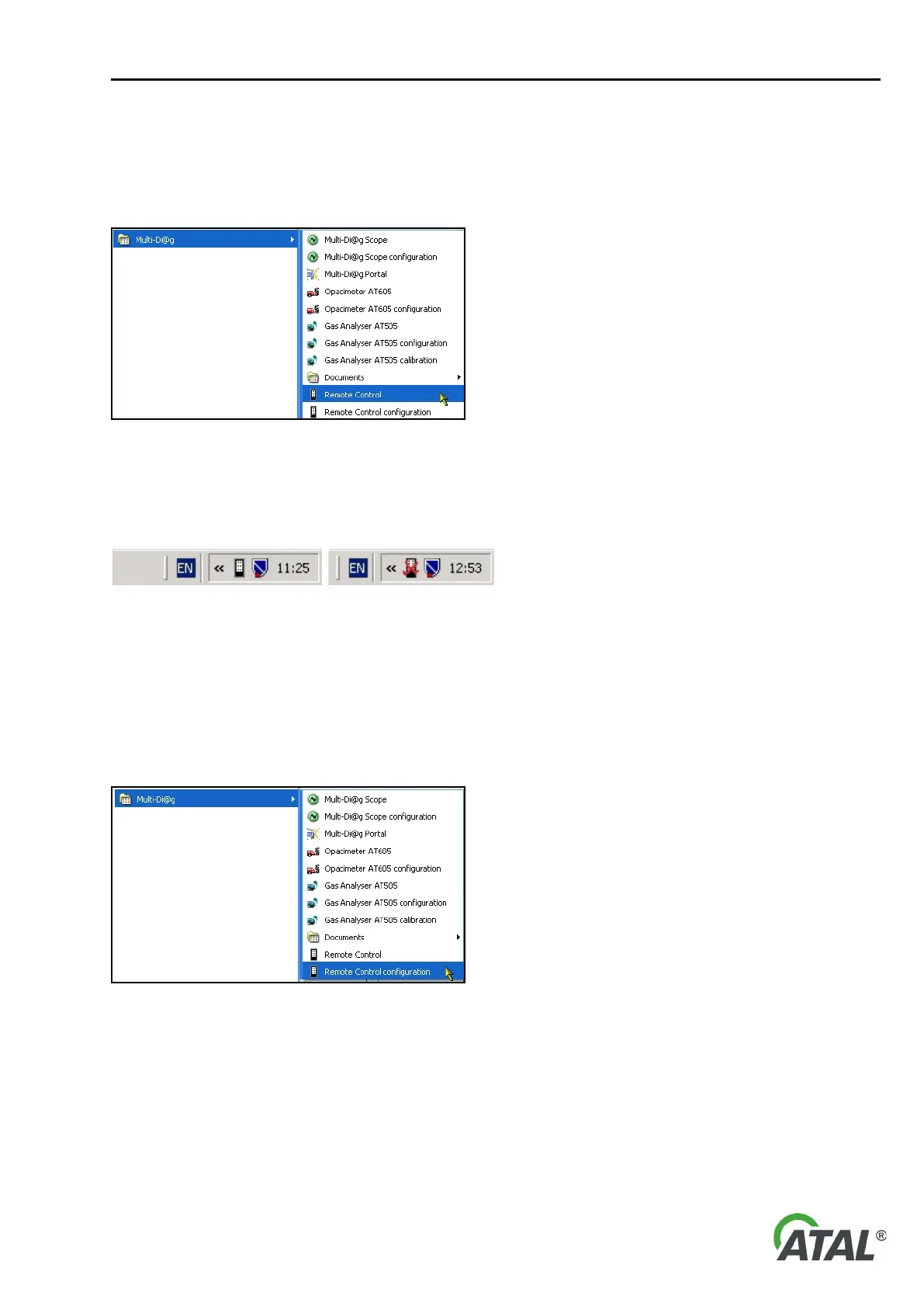
b) It can also be started by clicking on the Remote Control option in the “Start\Programs\Multi-Diag”
program group (see Fig. 94).
Fig. 94 – Multi-Diag program group (Start \ Programs \ ...)
After installation the program will be configured to start automatically when Windows starts.
The program runs as a task shown by the remote control icon in the system tray (see Fig. 95).
Fig. 95 – Icon in the system tray showing connected and disconnected remote control
3.1 REMOTE CONTROL CONFIGURATION
The RC has its own configuration utility called “Remote Control configuration” which can be opened from
the “Start\Programs\Multi-Diag” program group (see Fig. 96).
Warning:
You must have administrator rights to open the RC configuration program
Fig. 96 – Remote control configuration - Multi-Diag program group (Start \ Programs \ ...)
3.1.1 SETTING THE COMMUNICATION PORT OF THE REMOTE CONTROL RECEIVER
The following dialog displays after launching the configuration utility.


 To Next Page