Gas-manual-en.docx — 40 —
Chap. III - Remote control
1. INTRODUCTION
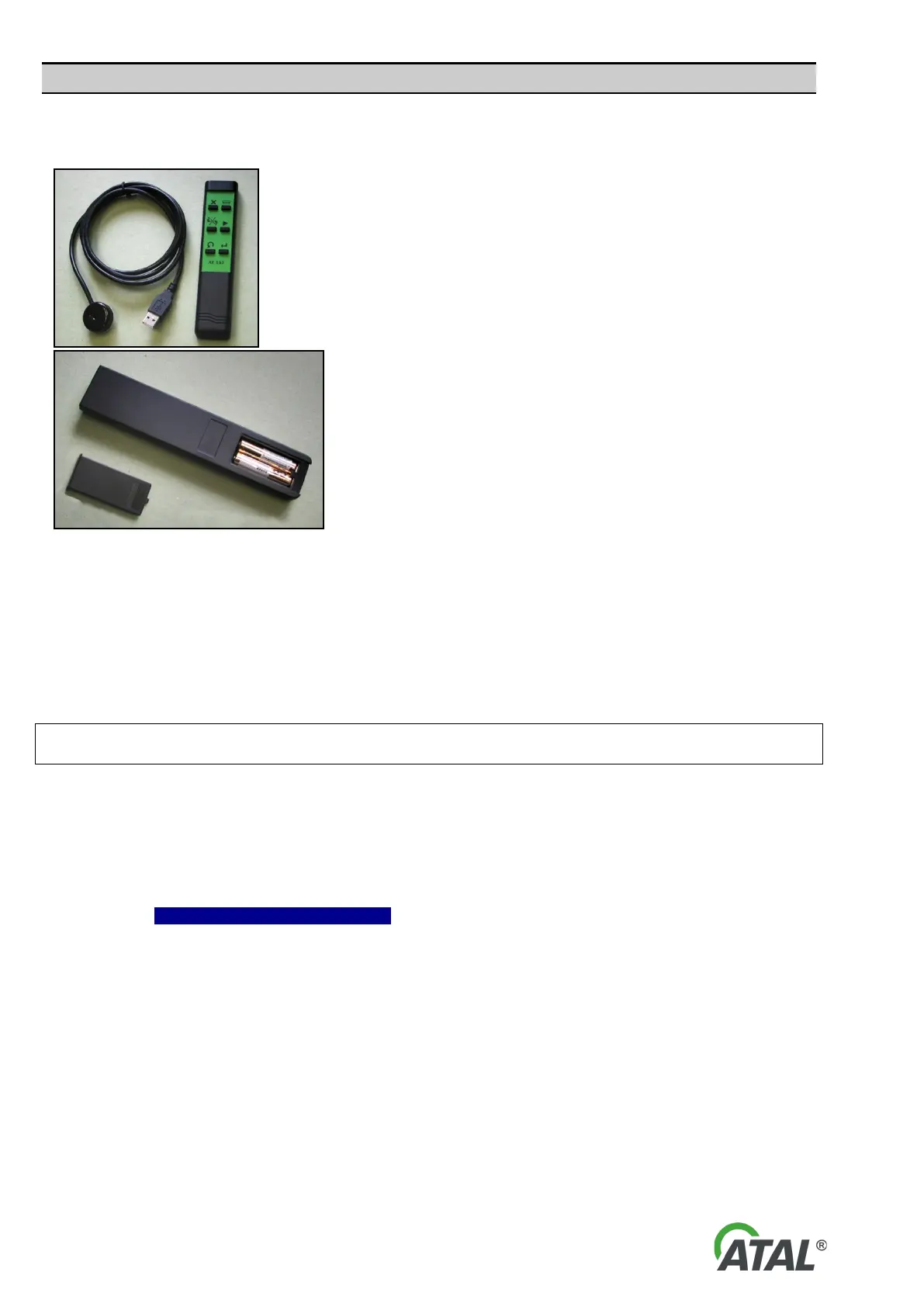
The infrared remote control AT157
(hereinafter referred to as RC) is
supplied as standard with the analyser.
It allows the operator to carry out an
emission test from the drivers seat of
the vehicle.
The remote control receiver module is
connected to a free USB port.
Fig. 72 – Infrared remote control AT 157 and RC receiver
The use of the RC is very intuitive as the symbols on its keys correspond to the symbols used in the emission
programs during tests.
2. INSTALLATION AND UNINSTALLATION (REMOVAL) OF REMOTE CONTROL PROGRAM
2.1 INSTALLATION OF REMOTE CONTROL
If you install the program on a computer with Windows 2000 / XP / Vista operation systems, you must
have administrator rights.
Warning:
1) The receiver should not be connected to a USB port before program installation.
2) If you install a newer version, first exit the RC program if it is running. This will help avoid
potential problems after the update.
If the latest RC version is already installed on your system, then you will not have to install it again.
Click the option Remote Control – Installation – in the menu (see Fig. 73).


 To Next Page