ATEN Room Booking System User Manual
92
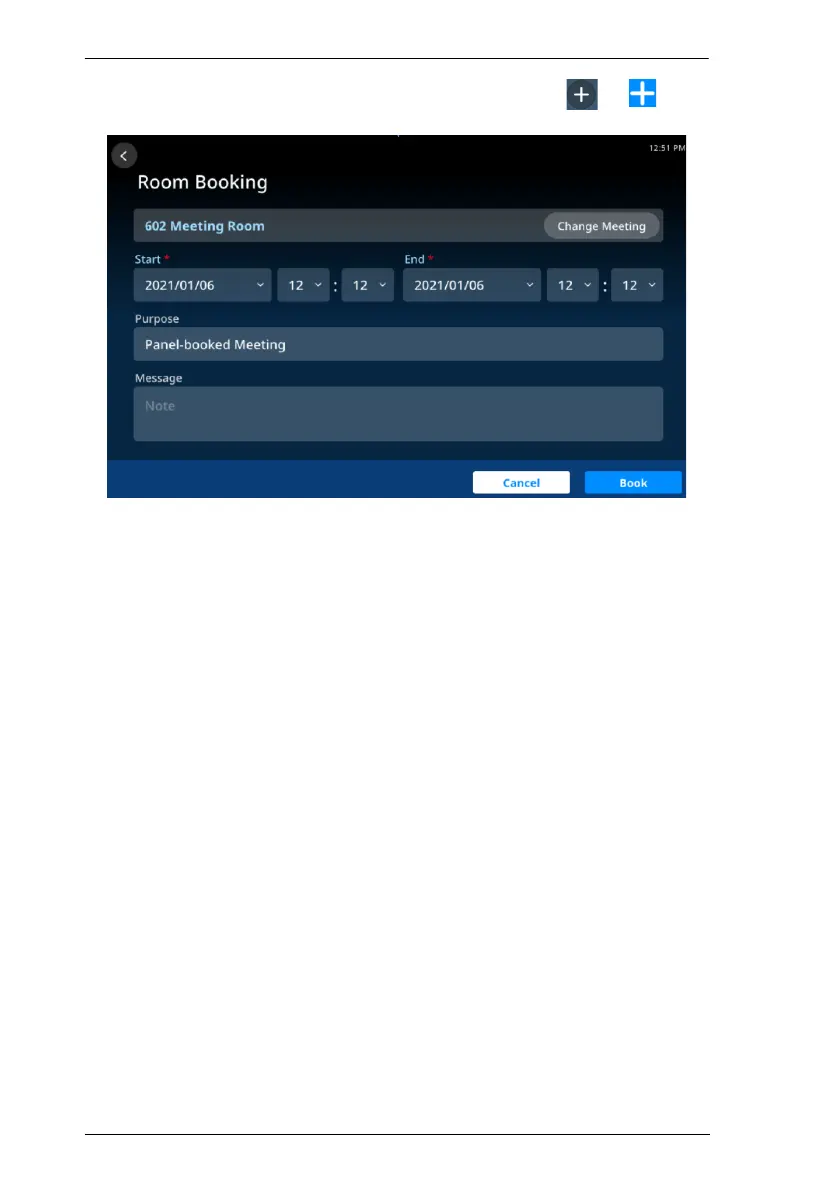
To book a room and schedule a meeting, users can either tap
or
from
a RBS Panel’s main page or schedule page. The following page appears.
1. Select the desired conference room.
2. Specify the meeting’s start and end times.
3. Fill in other desired fields.
4. Tap Book to finish.



 To Next Page