Chapter 8. Panel Operation
93
Administrator Settings
The Settings page of RBS Panels contains its network and password settings.
To access, tap
from the RBS Panel’s main page and enter the required
password.
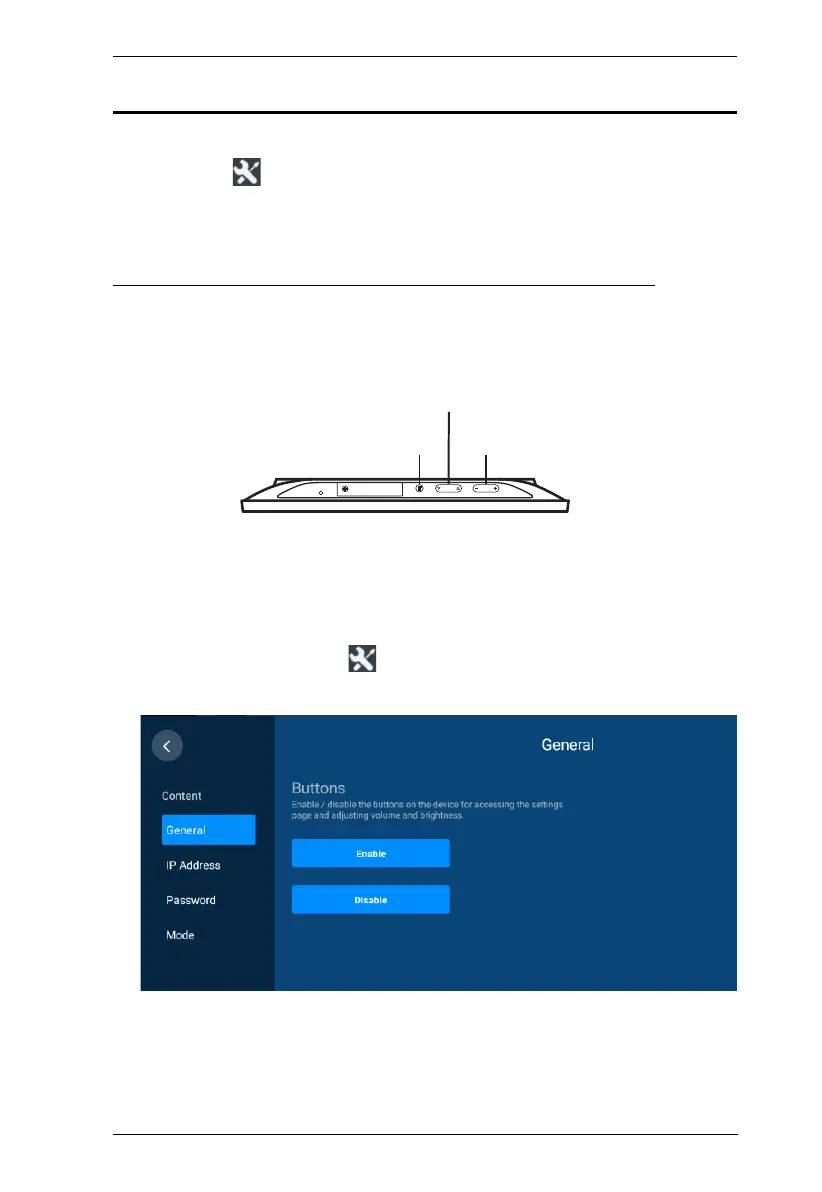
Enabling / Disabling Access to Basic Panel Settings
To prevent alteration of basic panel settings, such as volume, display settings,
network configuration, and password setup, you can disable the Brightness,
Volume, and Function buttons, as illustrated below.
To disable the Function, Brightness, and Volume buttons, follow the steps
below.
1. From the RBS panel, tap
.
2. Log in with valid credentials. This screen appears.
3. Tap Disable. A confirmation message appears.
4. Tap Yes to confirm the setting and restart the device.
Brightness
Volume
Function
RBS Panel Top View



 To Next Page