ATEN Room Booking System User Manual
66
Adding Rooms, Buildings, and Users
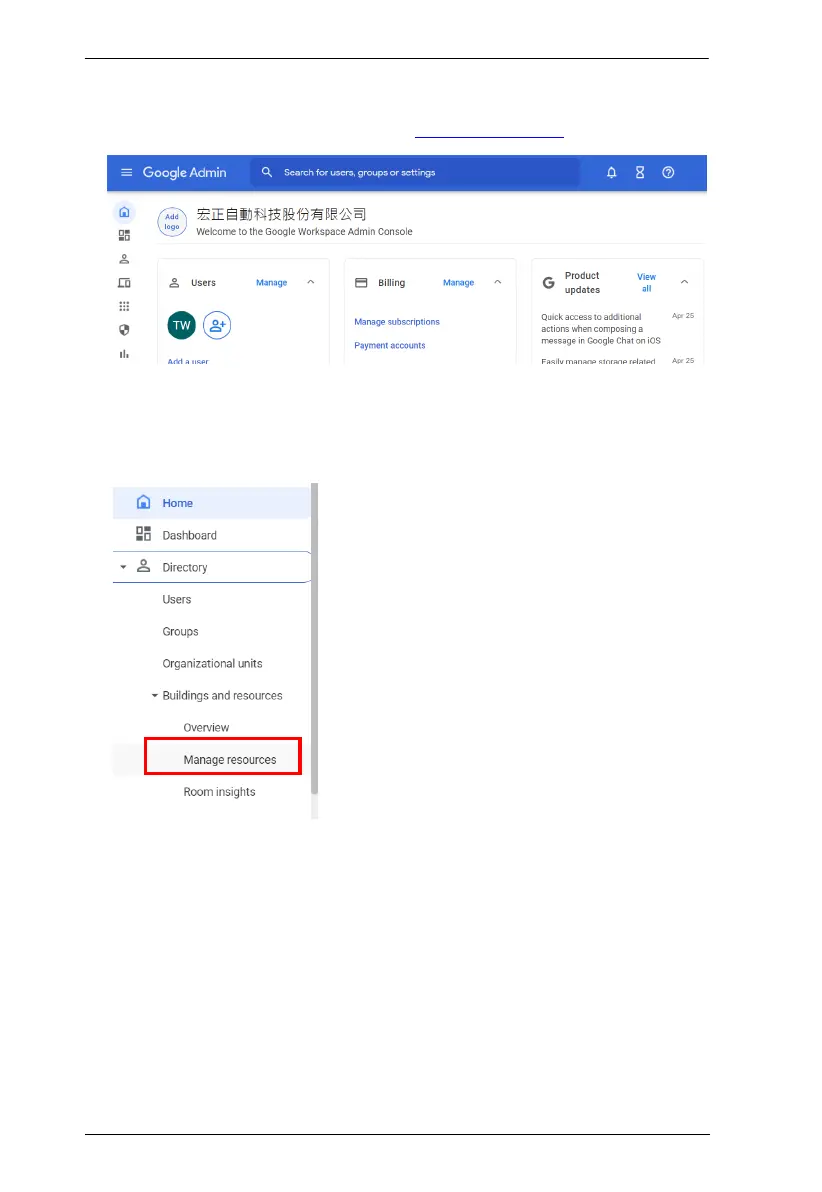
1. Sign in to Google Admin console via admin.google.com
2. (Optional) Add accounts for people who will need to sign in to use Google
Workspace services or configure its settings.
3. Mouse over to the left to expand the toolbar, and then locate the resources
page.
4. Add buildings and resources (meeting spaces) as needed.
5. Save the resource email of each added meeting space.
a) Go to the Resources list and click an added meeting space.
b) Copy and paste the resource email to a notepad to be used in RBS
Configurator.



 To Next Page