ATEN Room Booking System User Manual
26
Microsoft 365 admin center
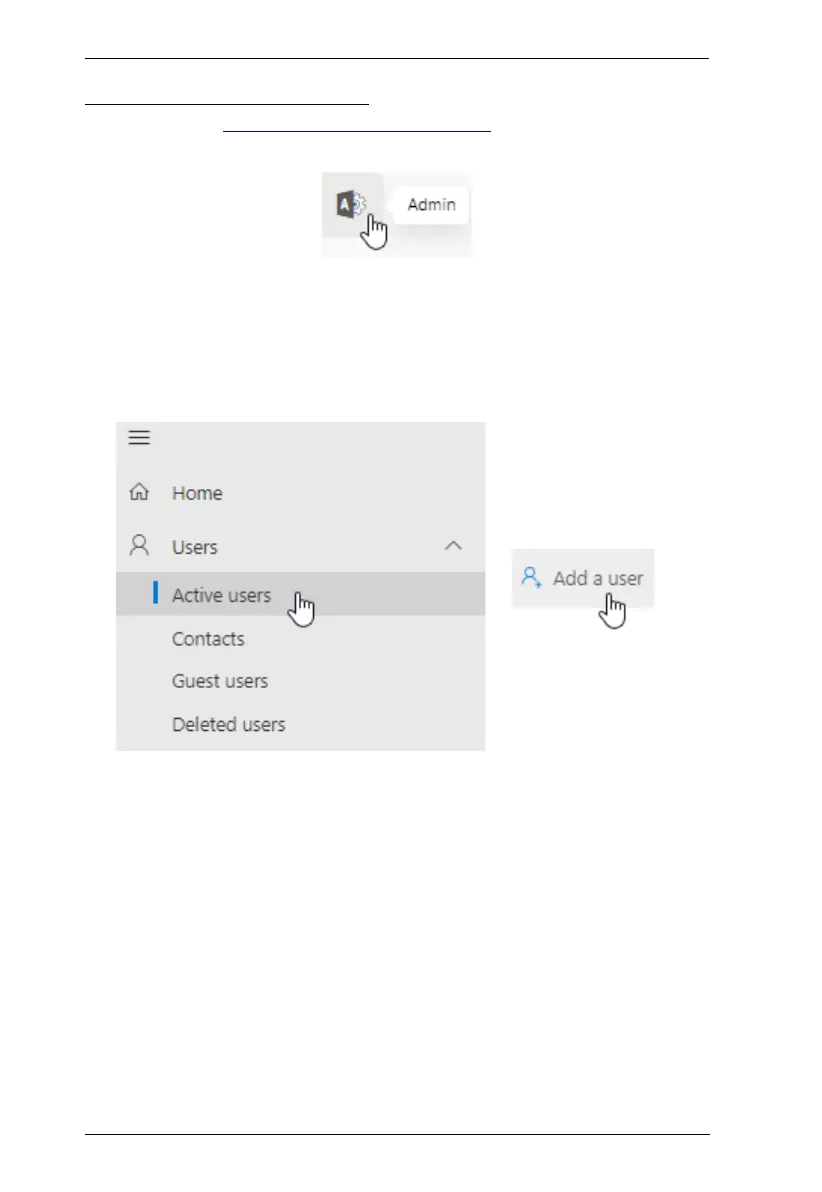
To start, log into https://login.microsoftonline.com using the Microsoft 365’s
administrator account and click Admin.
Adding User Accounts
Add a user account for every person who is allowed to book room resources
through the Microsoft 365 calendar server, by doing the following:
1. Go to Navigation Menu > Users > Active Users and click Add a user.
2. Follow the on-screen instructions to create the user account.



 To Next Page