Chapter 5. Calendar Server
29
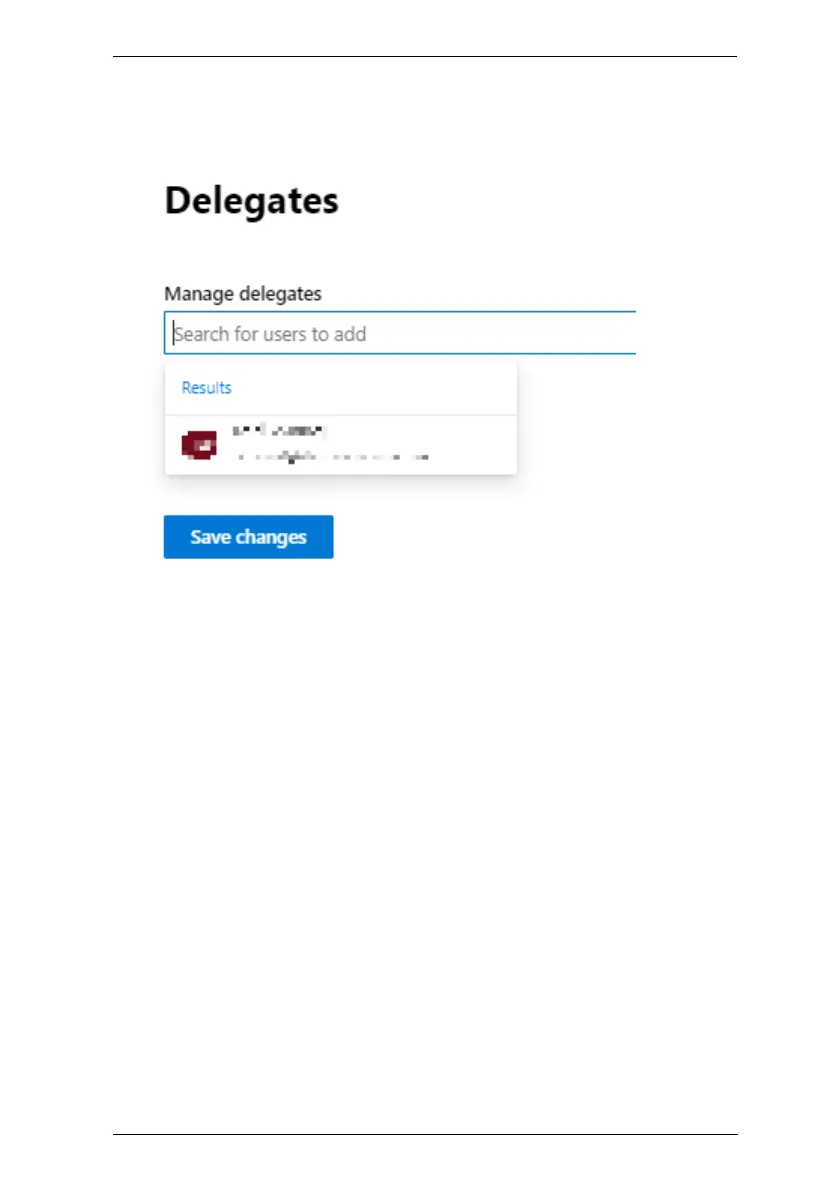
3. In the Manage delegates drop-down list, type, search for, and select the
administrator account used to manage the conference rooms, and their
room accounts, and then click Save changes.
4. Repeat steps 1 ~ 3 for every room account.
Turning Off Multi-factor Authentication (MFA)
1. Go to Navigation Menu > Users > Active users > Multi-factor
authentication.
2. Disable MFA for both the delegate and resource accounts.



 To Next Page