Chapter 5. Calendar Server
73
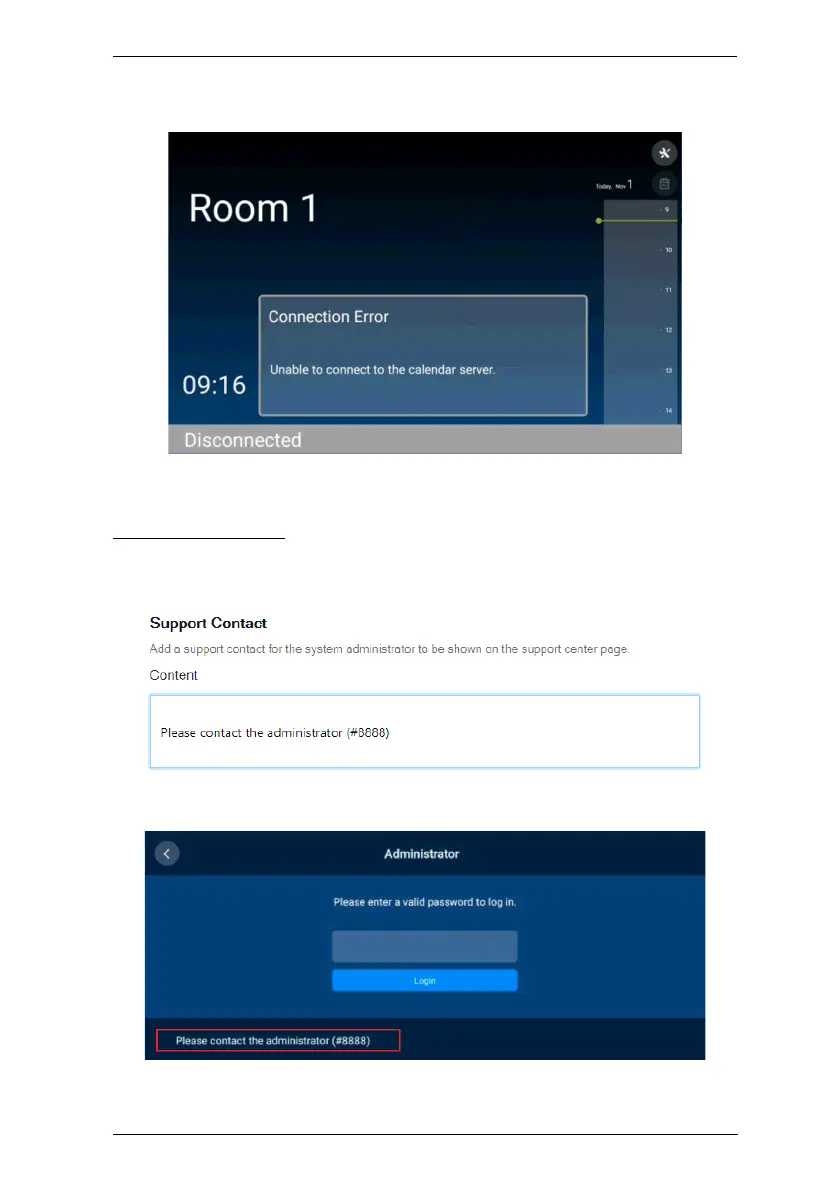
Once applied, the message will be displayed on the RBS Panels when they are
not connected to the calendar server.
Support Contact
Define the contact info, for support or assistance, to be displayed on the RBS
Panels’ settings page, as exemplified below.
Once applied, the contact info is displayed on the RBS Panels’ settings page.



 To Next Page