Chapter 8. Panel Operation
91
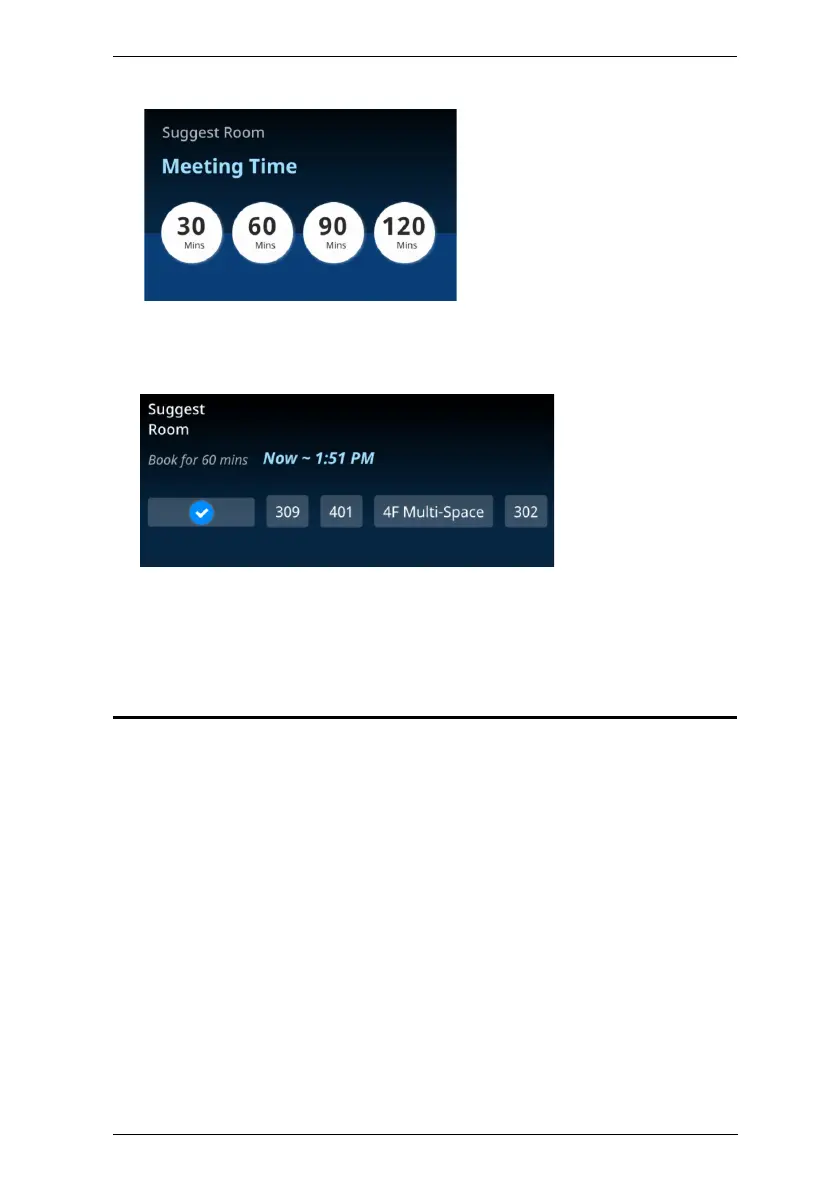
2. Select the desired meeting time.
3. Based on your meeting time, the Room Booking System displays the
conference rooms that are currently available for use, as exemplified
below.
4. Select the desired room to finish. The conference room selected is now
hosting a meeting for the time specified. You can now go to that
conference and check in to start your meeting.
Booking a Room



 To Next Page