ATEN Room Booking System User Manual
94
Configuring Network Settings
To configure the IP address of an RBS panel to a dynamic or fixed IP address,
follow the steps below to access the settings.
1. From the main page of the RBS panel, tap
.
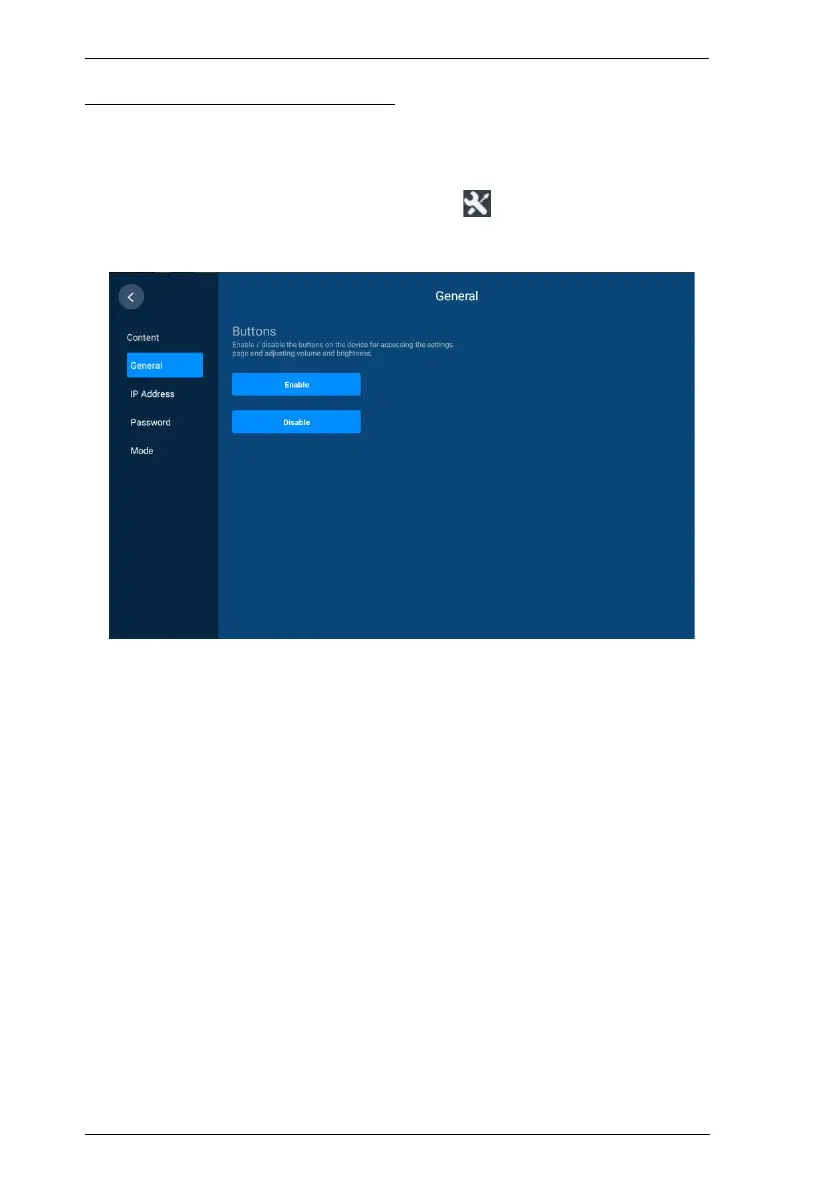
2. Log in with valid credentials. This screen appears.
3. Tap IP Address from the left sidebar. The Ethernet Settings page appears.
4. Configure the settings as required.
5. Tap Save to applied the configuration.



 To Next Page