Chapter 7. Panel Password
83
Chapter 7
Panel Password
This chapter guides you through how to define and change the passwords of
your ATEN RBS Panels.
You can define your RBS Panels’ passwords using one of the following
methods:
Defining the passwords directly on the RBS Panels, see page 83.
Changing the passwords of multiple RBS Panels simultaneously, see
page 84.
Defining Passwords Directly on the Panels
To start, make sure the RBS Panel is connected to the network and turned on.
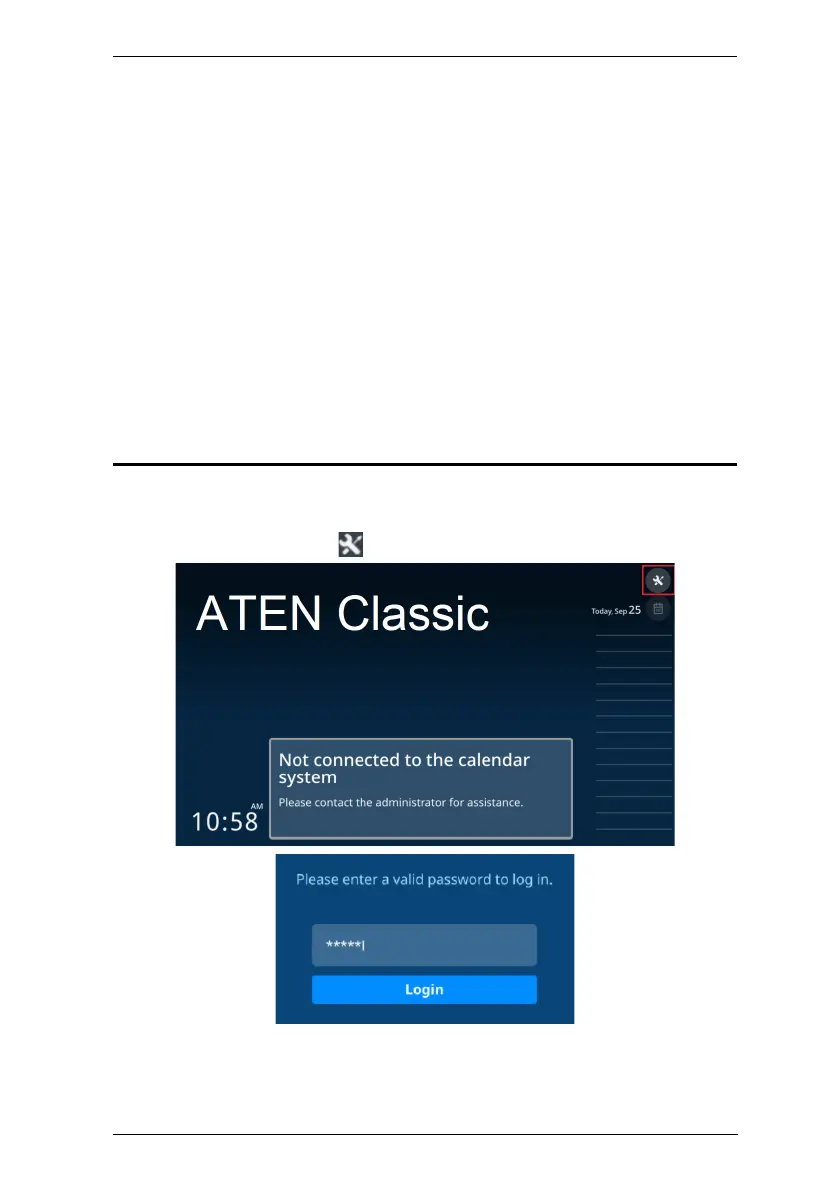
1. From its main page, tap . The login page appears.
2. Log into the RBS Panel by entering its password and tapping Login.



 To Next Page