Chapter 5. Calendar Server
59
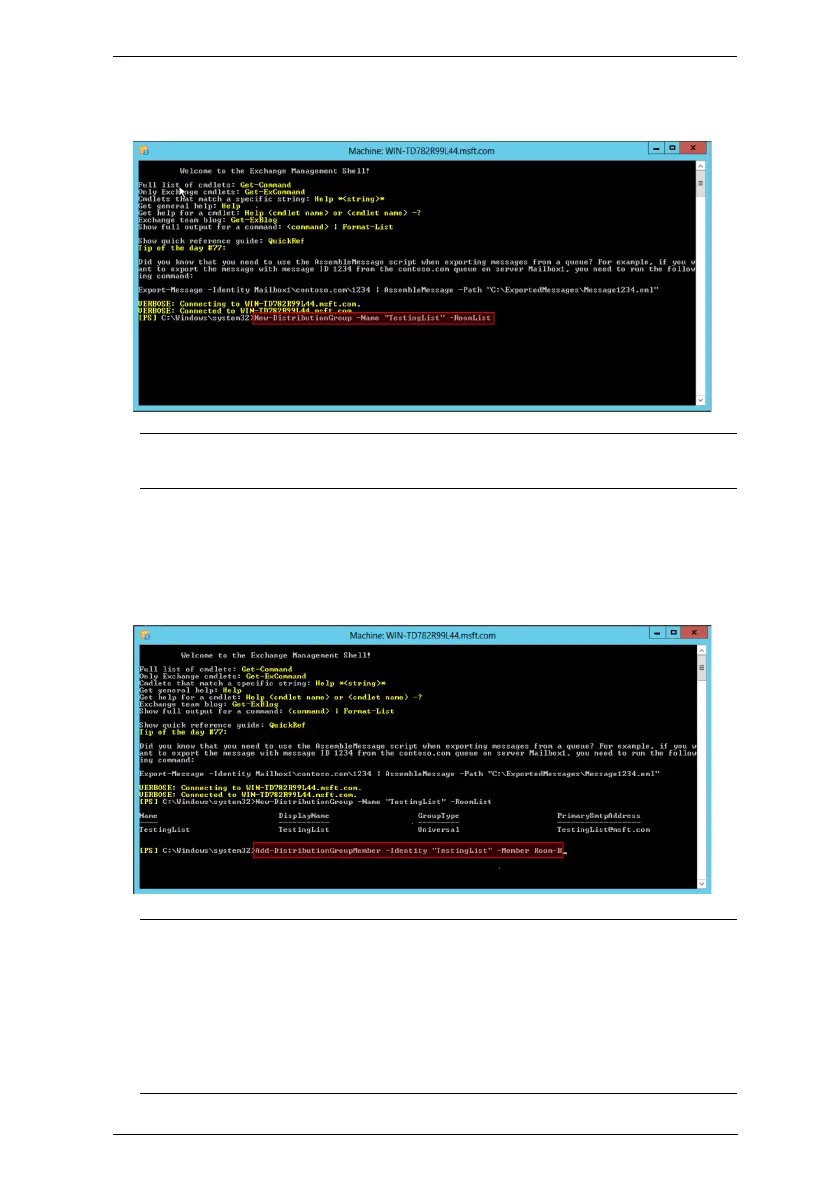
2. Use the cmdlet below to create a new room list:
New-DistributionGroup -Name “ROOM LIST” -RoomList
Note:
Room List
in the cmdlet indicates the name for the room list you are
going to create. Please configure your own room list name.
3. Enter the cmdlet below to add the room mailbox into the room list:
Add-DistributionGroupMember -Identity “ROOM LIST” -
Member ROOM ACCOUNT
Note:
ROOM LIST
in the cmdlet indicates the name of your room list, and
ROOM ACCOUNT
means the room mailbox to be added to the
aforementioned room list.
Repeat this step to add more room mailboxes into the room list.



 To Next Page