Chapter 5. Calendar Server
69
Creating a Service Account
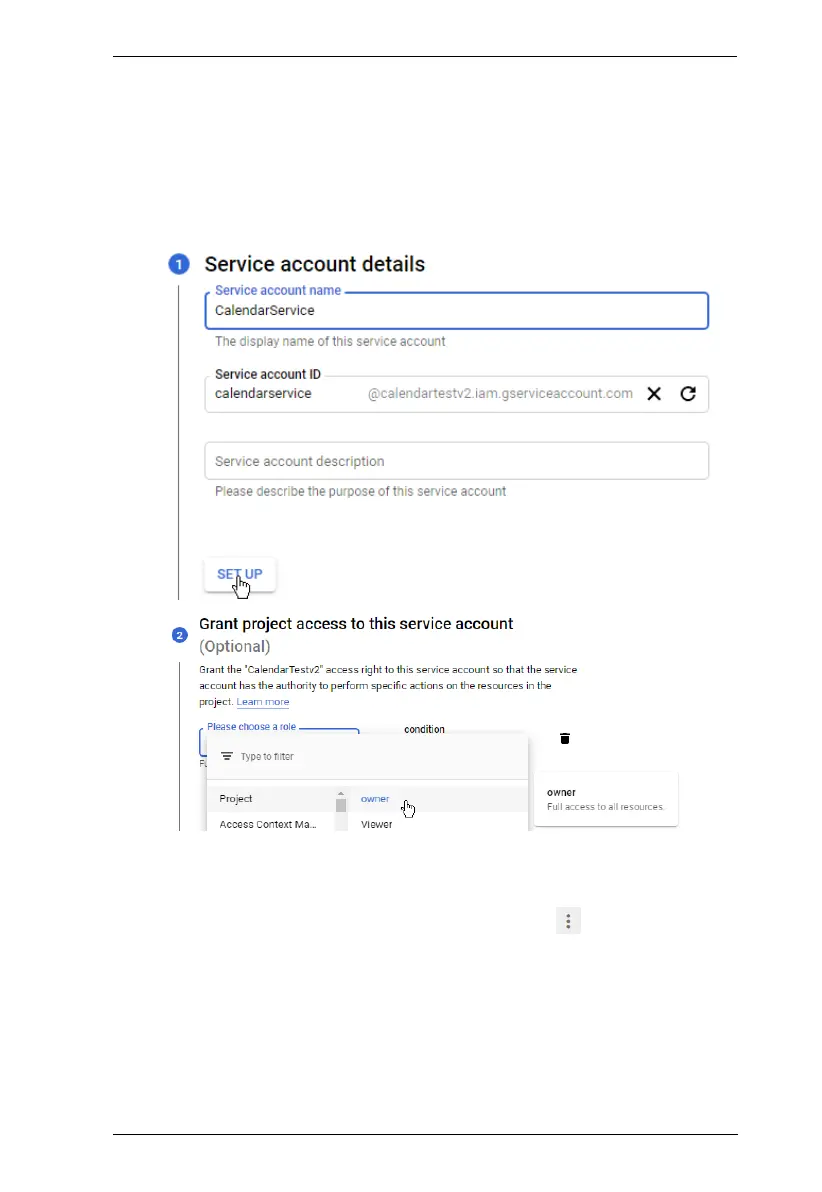
1. On Google Cloud console, create a service account.
a) From the IAM and management list, go to Service Accounts > +
CREATE SERVICE ACCOUNT.
b) Configure the service account. For role, select Owner. For example:
2. Generate a certificate key for the service account.
a) From the service accounts list, click the settings button of the
newly created service account, and click Manage keys.
b) From the Add Key drop-down list, select Create new key.
c) In the pop-up screen, select JSON as the key format, and click
CREATE. The key is created and automatically downloaded to the
computer.



 To Next Page