ATEN Room Booking System User Manual
78
3. Make all of the setting changes you want to apply to the RBS Panels
selected.
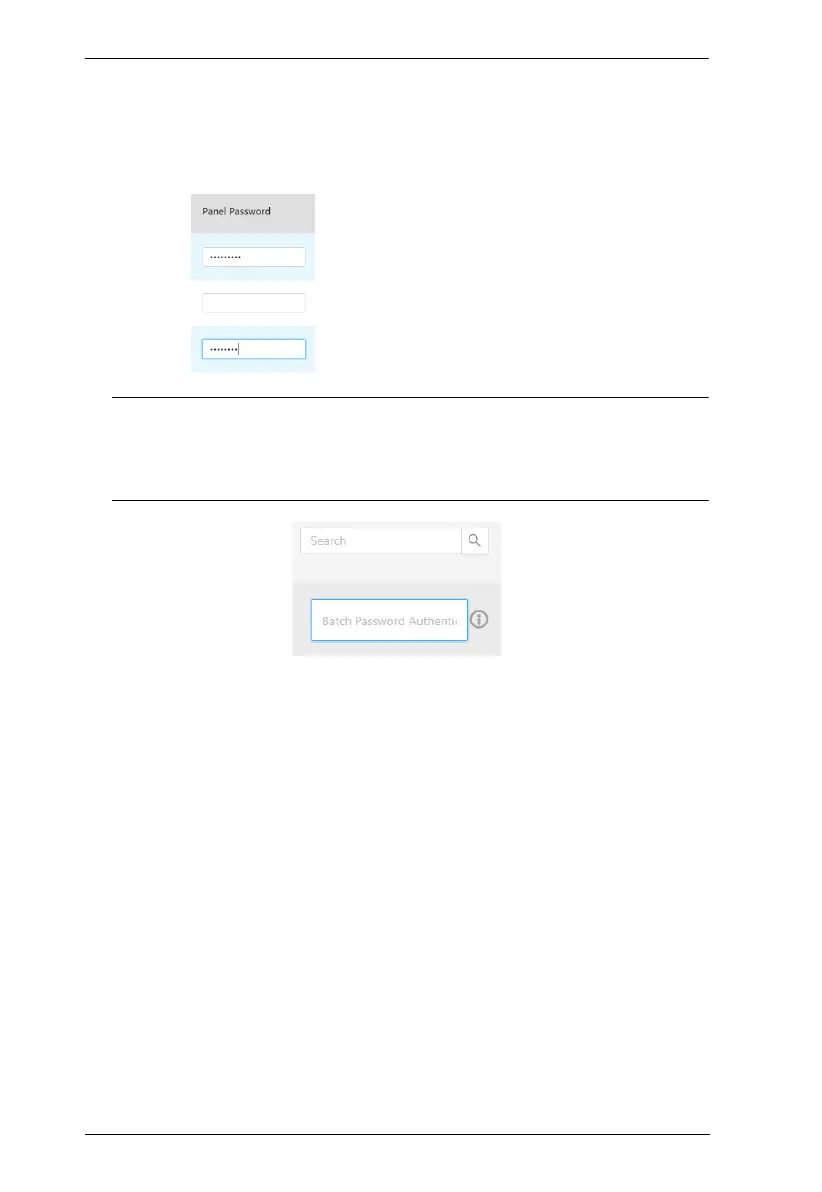
4. Type the login passwords of the RBS Panels selected in the Panel
Password column, as illustrated below.
Note: If the RBS Panels to which you want to upload profiles and/or
setting changes share the same panel password, you can simply type
that common password in the Batch Password Authentication field
instead of having to type the same password repeatedly.
5. Click Upload.



 To Next Page