14
GDO-10V3L2 Toro
™
Owner Installation Instructions
12. Safety Obstruction Force Test
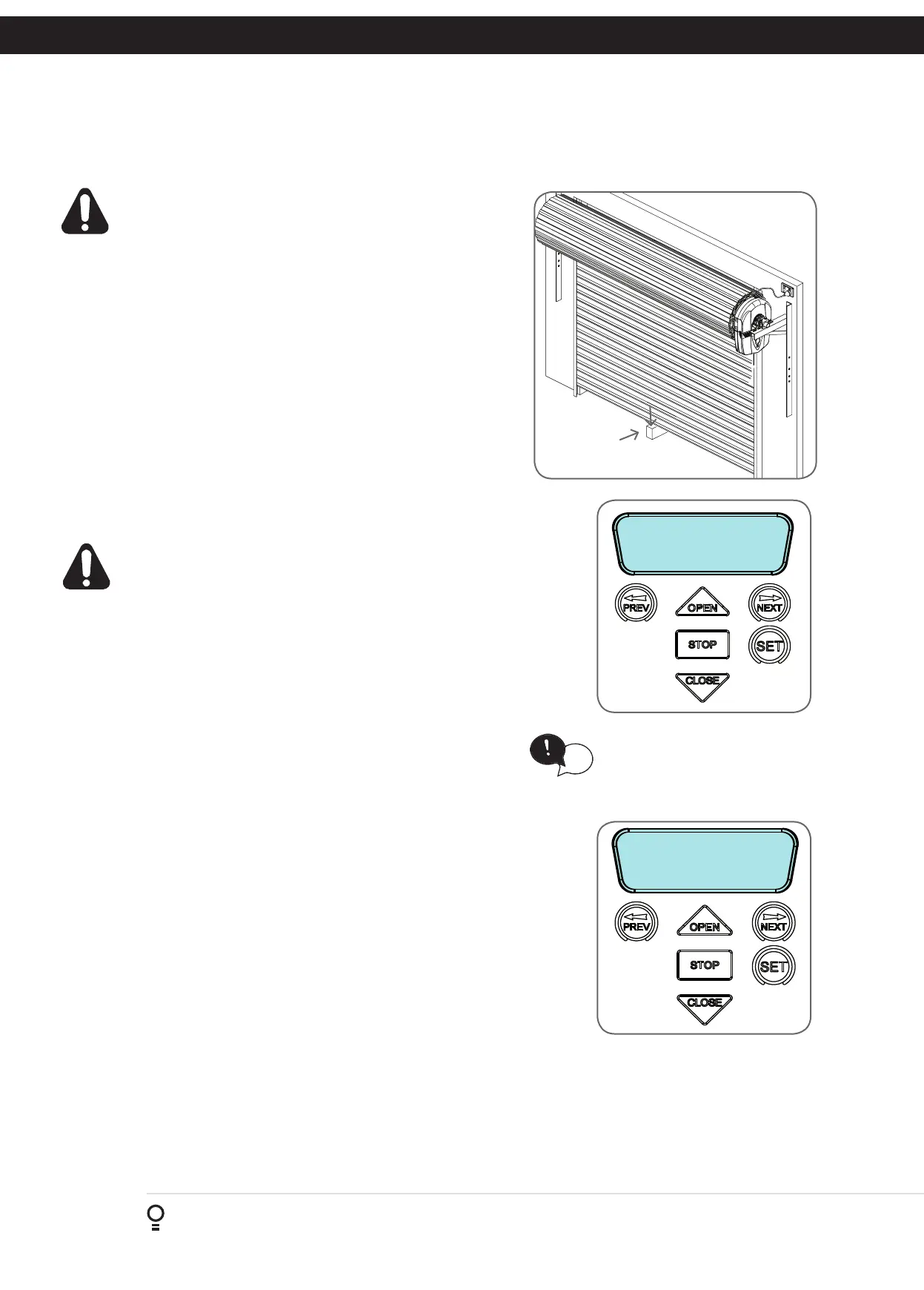
40mm Block of
wood
WARNING! Take care when testing or adjusting the
Safety Obstruction Force. Excessive force may cause
SERIOUS PERSONAL INJURY and/or PROPERTY
DAMAGE.
12.1 Testing Close Cycle
a. Press the OPEN button to open the door.
b. Place a piece of timber approximately 40mm high on the floor
directly under the door (Fig. 12.1).
c. Press the CLOSE button to close the door. The door should strike
the object and start to re-open.
12.2 Testing Open Cycle
d. Press the CLOSE button to close the door.
e. Press the OPEN button to open the door. When the door reaches
the half open point, grab the bottom rail of the door firmly and
the door should stop.
f. If the door does not reverse readily when closing, or stop when
opening, the force may be excessive and need adjusting.
WARNING! If the door fails these tests, put the opener
into manual mode, only operate the door by hand and
call for service.
Fig 12.1
12.3 Adjusting the Safety Obstruction Force.
The Safety Obstruction Force is calculated automatically during setup.
Adjusting this is normally only necessitated by environmental conditions
such as windy or dusty areas, and areas with extreme temperature changes.
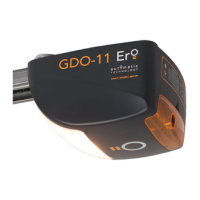
1: CLOSE Margin
(Amps) 0.7
Fig 12.2
Fig 12.3
HELPFUL TIP: To access the PREV,
NEXT and SET buttons, unscrew the
screws at the bottom of the logic
console cover and remove cover.
tip
Force Pressure For Close Cycle.
Navigating To “Current Trips”
a. Press NEXT or PREV to navigate to Menu 2 Current Trips.
b. Press SET.
c. MENU 2.1: CLOSE Margin is displayed (Fig. 12.2).
d. Press OPEN to increase or CLOSE to decrease the value.
e. Press SET to save the new value.
f. Test the force again as per “Safety Obstruction Force Test” in Section 12.1.
Force Pressure For OPEN Cycle.
Navigating To “Current Trips”
a. Press NEXT to navigate to the Menu 2 Current Trips.
b. Press SET.
c. Press NEXT.
d. MENU 2.2: OPEN Margin is displayed (Fig. 12.3).
e. Press OPEN to increase or CLOSE to decrease the value.
f. Press SET to save the new value.
g. Test the force again as per “Safety Obstruction Force Test” in Section 12.2.
12.4 To Recalculate Force Margins
a. Reprofiling is a simplified way of re-learning the travel characteristic of a previously setup Limit Switch travel installation.
Re-profiling can be used when the travel characteristics of the door change due to mechanical adjustments etc. To
initiate a re-profile, simply locate “MENU 10.2 Reprofile Travel”, press SET and follow the prompts. The door will start
to move and re-calculate force margins. The door can move between the open and close limit positions up to two (2)
times (depending on the position of the door and the power up condition).
b. A single beep will be heard once the process is complete.
c. Test the force again as per “Safety Obstruction Force Test” (Section 12.1 and 12.2).









 To Next Page