28
GDO-10V3L2 Toro
™
Owner Installation Instructions
Menu 9.0 Memory Tools
The Memory Tools accessed from within Menu 9 are used to clear the transmitters codes from the openers memory and
clear the controller’s memory. Once selected, the PREV or NEXT buttons can be used to view the Memory Tool options. To
execute the displayed option, simply press SET.
Menu 9.1 Clear Control
This option will clear the door control memory and reload the factory set defaults for parameters such as the lock time,
light time, Auto-Close times etc. It will also clear the travel limits.
Menu 9.2 Clear Transmitters (Tx’ers)
This option will clear the transmitter storage memory.
E - Memory Tools
Appendix
Appendix
D - Diagnostic Tools
Service Counter
(Cycles) 60000
1: Open Cycles
(Cycles) 500
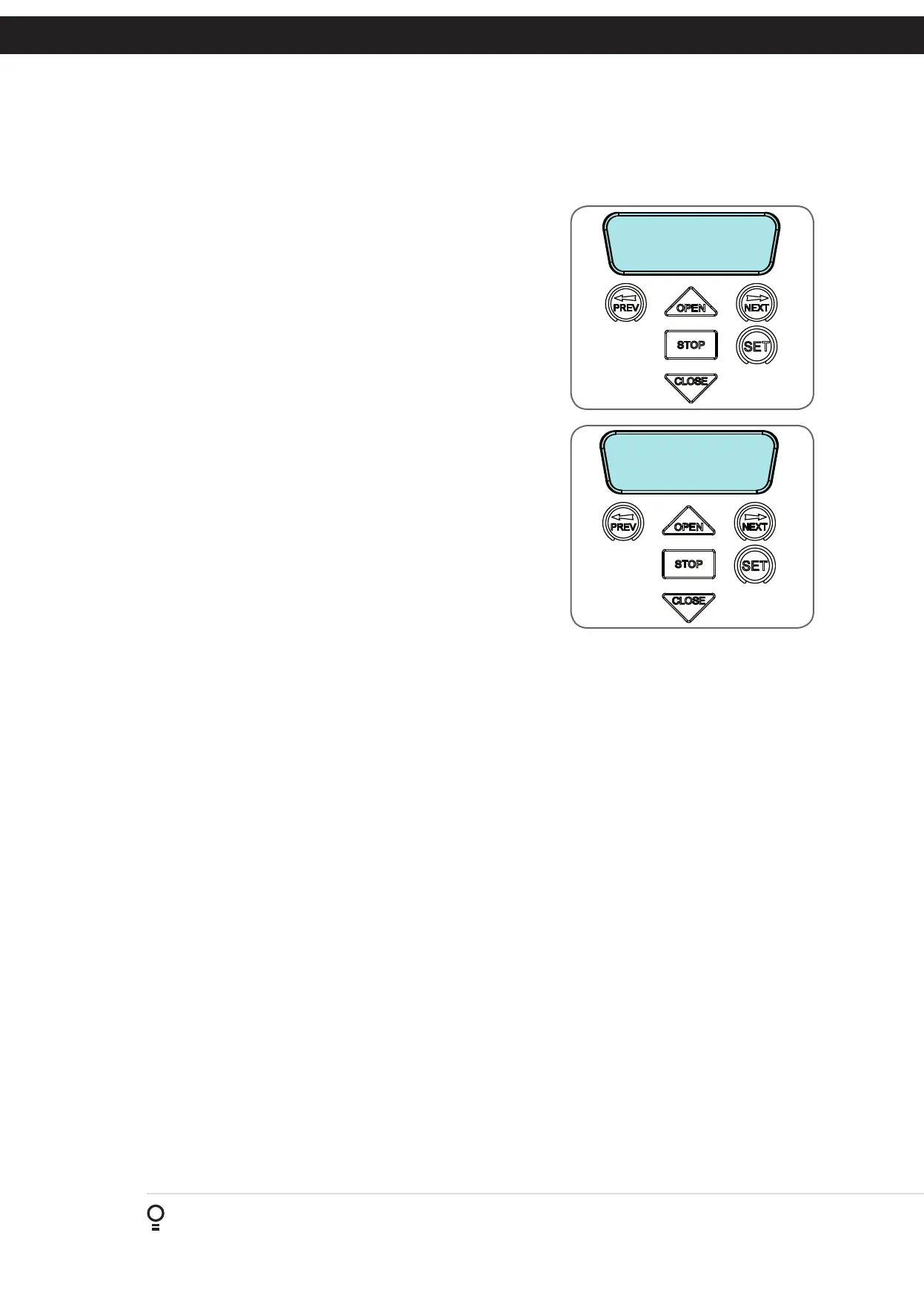
Menu 8.5 Service Counter
The opener provides a periodic service counter which can be set to expire
after a number of drive cycles. When expired, the opener will beep three
times at the beginning of each drive cycle and a message will be displayed
on the MAIN SCREEN (Fig. D.7). This tool displays the current value of
the service counter and allows the user to set its value using the normal
parameter editing techniques (See Appendix B). If the service counter is not
to be used, it can be set to the maximum number (60,000).
Menu 8.6 Event Counters
The opener keeps a count of number of times a particular event occurs. The
list of event counters kept is shown below. When this tool is selected, the
first event counter is shown (Fig. D.8). Press NEXT or PREV to step through
the list. The example shows the OPEN CYCLE event counter with a value of
500. When finished viewing press STOP.
1: Open Cycles 2: Close Cycles
3: PED Cycles 4: Setup Limits
5: Warranty Cycles 6: Open O/LS
7: Close O/LS 8: Open Stalls
9: Close Stalls 10: Direction Faults
11: Position Sensor faults 12: Drive Memory Faults
13: Position Wrap Faults 14: Console Volt Faults
15: PCB Temp Fault 16: Comms Compat Faults
17: INV logic faults 18: Low DC Bus Volt Faults
Menu 8.7 Install Data
i. Open Position: Shows the fully open position door counter.
ii. PED Position: Shows the pedestrian position counter.
iii. Open Time:Time taken for the opener to drive the door to open position.
iv. Close Time: Time taken for the opener to drive the door to the close position.
Menu 8.8 Parameters
Position of the limit counter, frequency, current used by the motor, overload graph, PCB temperature and DC bus voltage
are displayed under this menu.All the parameters mentioned above can also be viewed while the opener is running. By
default, the current used by the motor will be displayed on the LCD screen. This can be useful to check the condition of the
Door. Scroll through other parameters by pressing NEXT or PREV buttons while the Door is running
Menu 8.9 Version Info
Firmware information for the Axess
®
Pro 1505’s drive and console are shown here.
Fig D.7
Fig D.8









 To Next Page