EasyManua.ls Logo

Avantik QS12 - User Manual

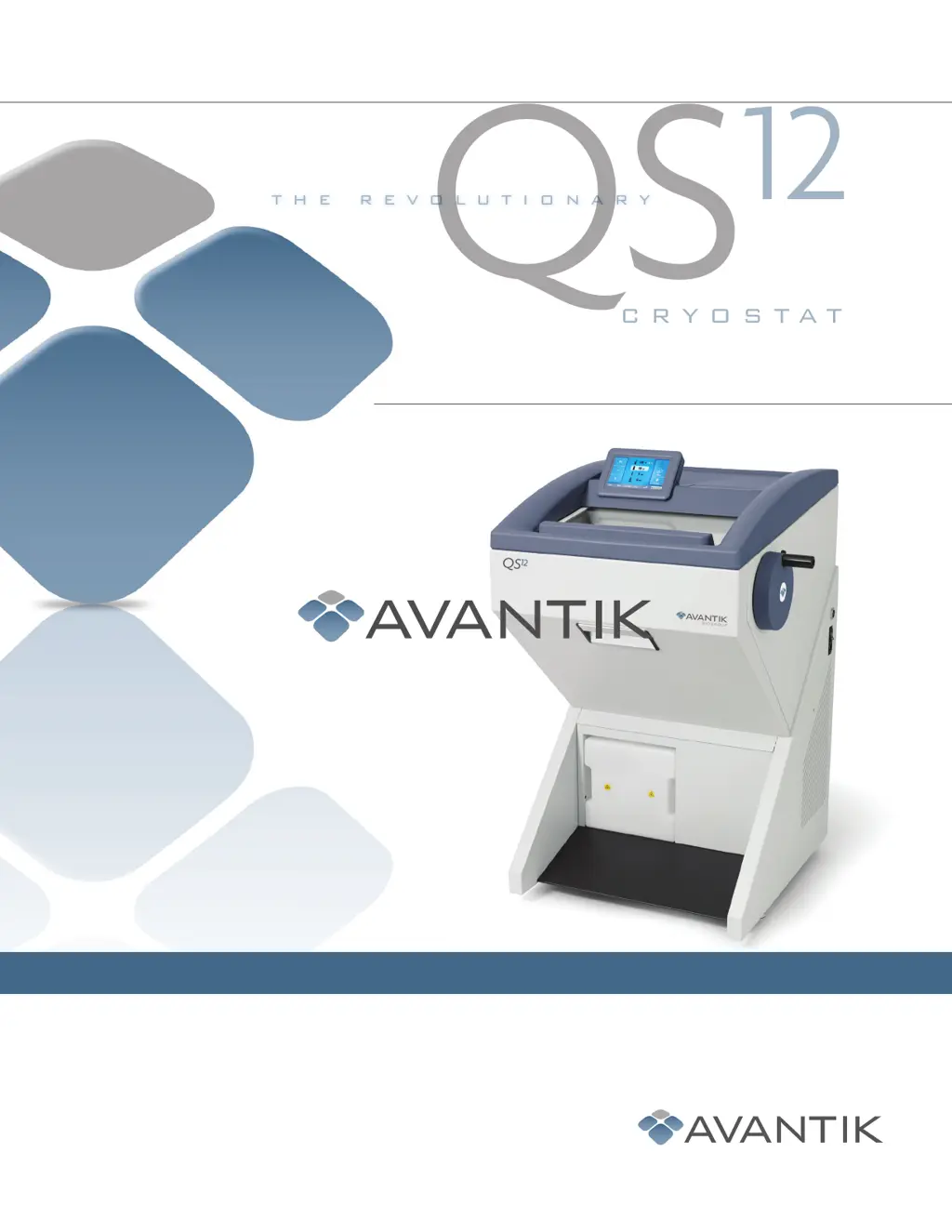
Avantik QS12
59 pages
Print Icon
To Next Page IconTo Next Page
Loading...
The Avantik QS
12
and
QS
12UV
Cryostats
Your laboratory...refined, efficient, easy.
36 Commerce Street, Springeld, NJ 07081 / USA
www.avantik-us.com
800-783-9424
INSTRUCTION MANUAL
CRYOSTAT
QS
12
THE REVOLUTIONARY
388159 - English - 04-2017

Table of Contents

Questions and Answers

  • H
    Heather MccoyAug 16, 2025
    What to do if sections break when using Avantik Medical Equipment?
    • J
      Jeremy AllenAug 16, 2025
      If sections break, have fissures, or aren't stretched properly when using Avantik Medical Equipment, consider these potential causes and solutions: * **Specimen Temperature:** If the specimen is too cold, select a higher temperature. If it's not cold enough, select a lower temperature. * **Static/Draught:** Remove any static charge or draught. * **Specimen Size:** For large specimens, trim them in a parallel way and select a thicker section thickness. * **Anti-Roll Plate:** Ensure the anti-roll plate is properly adjusted and aligned parallel to the knife edge. Readjust if necessary. * **Clearance Angle:** Readjust the clearance angle if it's incorrect. * **Knife:** Move, replace, or sharpen the knife if it's blunt.
  • J
    jorgemillerAug 18, 2025
    How to fix QS12 temperature issues with Avantik Medical Equipment?
    • C
      Christopher SilvaAug 18, 2025
      To address the QS12 temperature issue with your Avantik Medical Equipment, consider the following: * **Ambient Temperature:** Lower the ambient temperature, ensuring it aligns with the specified +20°C, possibly by improving fresh air flow or using climate control. * **Interfering Instruments:** Relocate the QS12 if nearby heat-generating instruments are influencing it. * **Draught:** Change the installation site to avoid draughts. * **Condenser:** If the condenser is soiled, open the service door on the left side and clean it. * **Cooling:** If you suspect defective cooling, contact a service technician.
  • J
    Jonathan GonzalezAug 22, 2025
    What to do if sections don't stretch on Avantik QS12 Medical Equipment?
    • R
      Ryan DavisAug 22, 2025
      If sections do not stretch properly with your Avantik Medical Equipment, and the temperature and anti-roll plate are correctly adjusted, ensure the knife and anti-roll plate are clean using a dry cloth or brush. If the edge of the anti-roll plate is damaged, replace it. Also, check if the knife is blunt; if so, move, replace, or sharpen it.
  • J
    jenniferwhiteAug 25, 2025
    How to stop scratching noise from Avantik Medical Equipment?
    • J
      Juan BarnesAug 26, 2025
      If you hear a scratching noise while cutting or during the return travel of the specimen clamping on your Avantik Medical Equipment, readjust the anti-roll plate. The anti-roll plate might be projecting too much over the knife edge and scratching the specimen.
  • L
    Lori LeeAug 27, 2025
    How to stop chatter when cutting with Avantik QS12 Medical Equipment?
    • R
      robertpughAug 27, 2025
      To resolve chatter while cutting with Avantik Medical Equipment, readjust the clearance angle.
  • C
    Connie EdwardsAug 30, 2025
    Why is there frost buildup in my Avantik QS12?
    • E
      Erica HuynhAug 30, 2025
      If you notice frost building up on the chamber wall and microtome of your Avantik Medical Equipment, it may be due to draught. Try changing the installation site and ensure all doors and windows are closed.
  • C
    ctorresSep 2, 2025
    How to prevent sections rolling over on Avantik QS12?
    • J
      Joshua WardSep 2, 2025
      If sections roll over the anti-roll plate on your Avantik Medical Equipment, readjust the anti-roll plate so that it projects properly over the knife edge.
  • D
    Deanna WilliamsSep 6, 2025
    What causes retarded freezing on Avantik Medical Equipment?
    • I
      Isabel PhamSep 6, 2025
      To address retarded freezing-on of the specimen with your Avantik Medical Equipment, remove any debris from the surface of the fast freezing station. Also, check the lower part of the chuck for soiling or damage, and remove any debris or damage found.
  • O
    oshepardSep 8, 2025
    How to fix tick-thin sections with Avantik Medical Equipment?
    • J
      Jeremy DuarteSep 8, 2025
      To address the issue of tick-thin sections with your Avantik Medical Equipment, consider the following: * **Knife Sharpness:** Move, replace, or sharpen the knife. * **Knife Angle:** Readjust the knife angle. * **Clamping:** Check the clamping on both the knife carrier and the specimen holder.
  • J
    jamesmorrisSep 12, 2025
    How to fix chamber illumination on Avantik QS12 Medical Equipment?
    • M
      Megan RobinsonSep 12, 2025
      If the chamber illumination is not working on your Avantik Medical Equipment, check and replace the defective lamp.

Summary

Safety Information

General Safety

Guidelines for safe operation and potential hazards.

Chemical Safety

Hazards associated with chemical use and safety precautions.

Operation

Switching On

Steps and precautions for powering on the instrument for the first time.

How to Avoid Malfunctions

Tips and practices to prevent common sectioning issues and ensure optimal performance.

Troubleshooting

Troubleshooting Tables

A guide to common problems, their causes, and recommended solutions.

Avantik QS12 Specifications

General IconGeneral
BrandAvantik
ModelQS12
CategoryMedical Equipment
LanguageEnglish