Chapter 4 --- Operation
31
• Either select one of the preset temperatures (-35°C, -30°C, -20°C or -10°C) or adjust the temperature using the
arrow keys.
• Press "O
K" to conrm the setting and to return to the Main screen.
• Press the "B
ack" button to exit back to the Main screen without saving the changes.
N
ote
e new set temperature is displayed in white on the Main screen until the temperature is reached.
T
rim and Fine Section Thickness
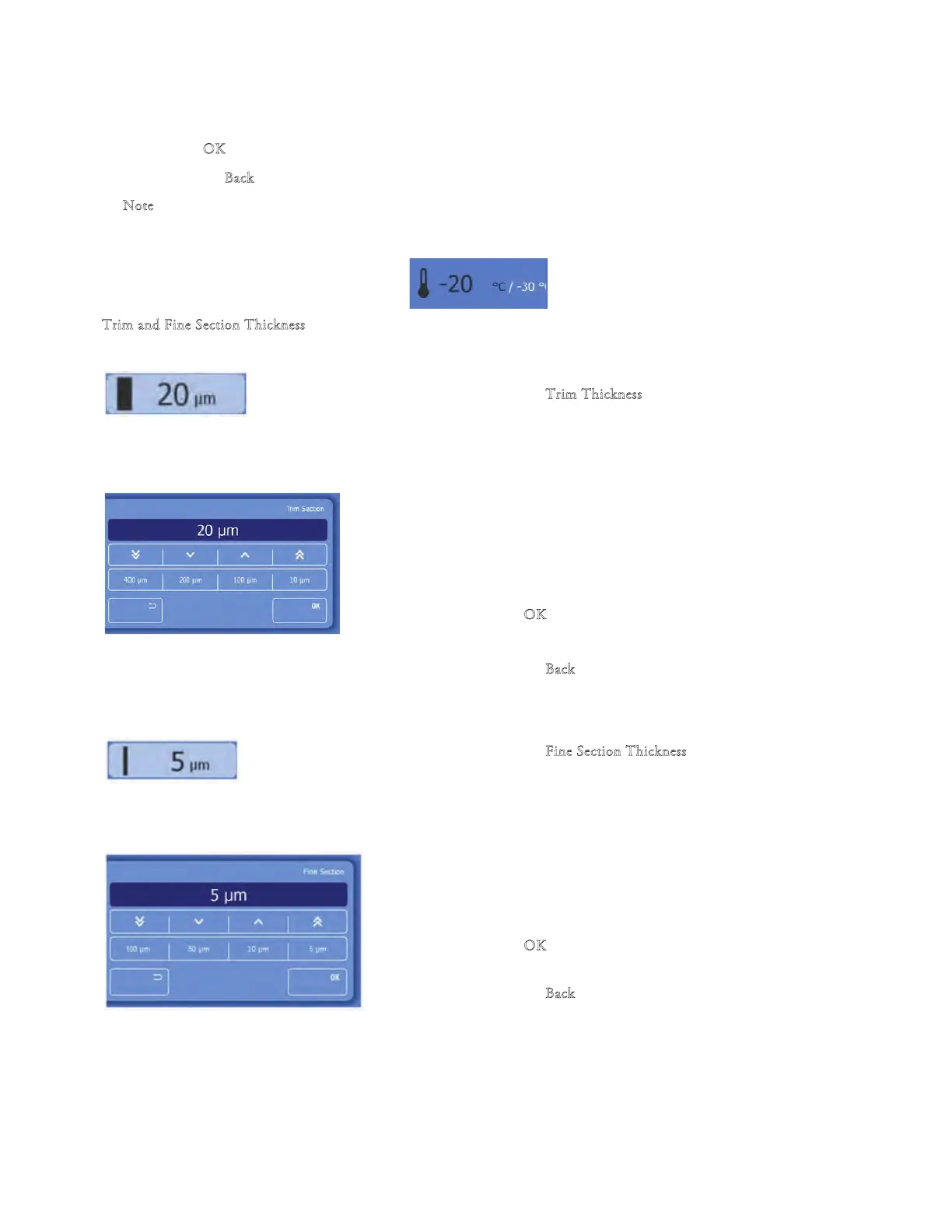
To set the trim/trimming section thickness:
• Press the "T
rim Thickness" button on the Main screen.
• e Trim Section screen will be displayed.
• Either select one of the preset values (400µm, 200µm,
100µm or 10µm) or adjust the value using the arrow
buttons.
• For details of the thickness steps see Technical
Specications.
• Press "O
K" to conrm the setting and to
return to the
Main screen.
• Press the "B
ack" button to exit back to the Main screen
without saving the changes.
To set the ne section thickness:
• Press the "F
ine Section Thickness" button on
the Main
screen.
• e Fine Section screen will be displayed.
• Either select o
ne of the preset values (100µm,
50µm,
10µm or 5µm) or adjust the value using the arrow
buttons.
• For details of the thickness steps see Technical
Specications.
• Press "O
K" to conrm the setting and to return to the
Main screen.
•
Press the "B
ack" button to exit back to the Main screen
without saving the changes.
• Remaining Distance to Front End Position is displayed
beneath the Fine Section area.



 To Next Page