Chapter 4 --- Operation
30
T
o set the Specimen Head Position:
• Move the Specimen Head to the desired position and press the ‘‘Position’’ button on the Main screen for about 3
seconds.
• e colour will change to yellow, showing that the position has been saved and the required position is stored.
• When a new block is inserted into the Specimen Head, press the ‘‘P
osition’’ button for 1 second and the
Specimen Head will return to the set position.
• To save a new position, again align the Specimen Head to the desired position and press the ‘‘P
osition’’ button for
3 seconds. e new position will be stored.
• To reset the position, hold down the position button for approx 6 seconds.
Backward fast movement of specimen head (1mm/sec) button
• Press the button for 1 sec to move the Specimen Head backwards a short
distance.
• After about 2 sec the head moves back automatically.
• Press the button again to stop the movement immediately.
Slow forward movement of specimen head (0.5mm/sec) button
• Press the button to move the Specimen Head forward
• e head will only move while the button is pressed
• It will stop immediately if not pressed
Fast forward movement of specimen head (1mm/sec) button
• Press the button to move the Specimen Head fast forward
• e head will only move while the button is pressed
• It will stop immediately if not pressed
M
icrotome/Chamber Temperature
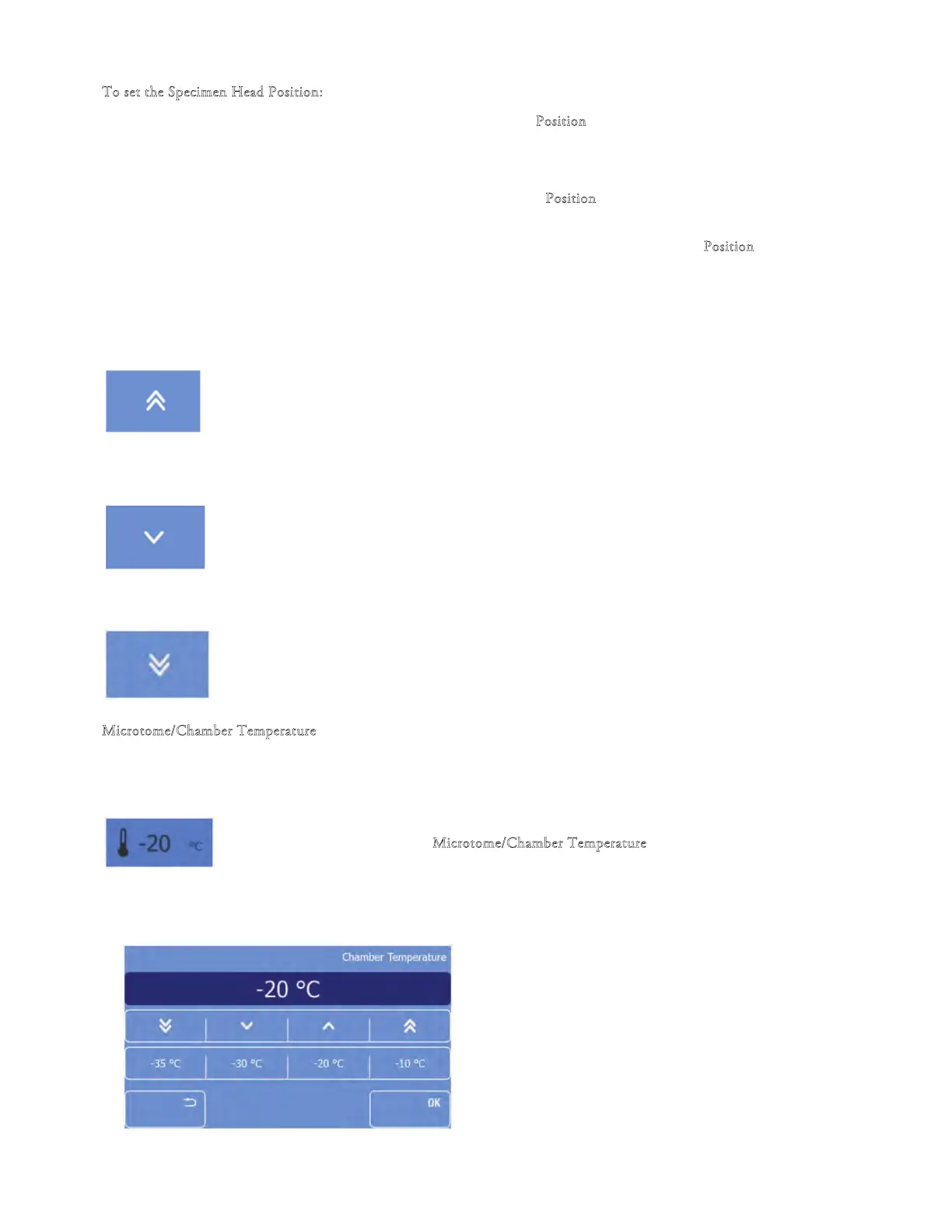
e microtome/chamber is actively cooled and the user can adjust the temperature independently.
Setting the temperature:
• Press the "M
icrotome/Chamber Temperature" button on the Main screen
Setting the temperature:



 To Next Page