Chapter 4 --- Operation
29
Setting Preferences
Quick Freezing of the Specimen
e cryobar provides on-demand, quick freezing of specimens.
N
ote
When the cryobar is activated, it will take approximately 2 - 3 minutes for the cryobar to reach a temperature of maximum -55°C.
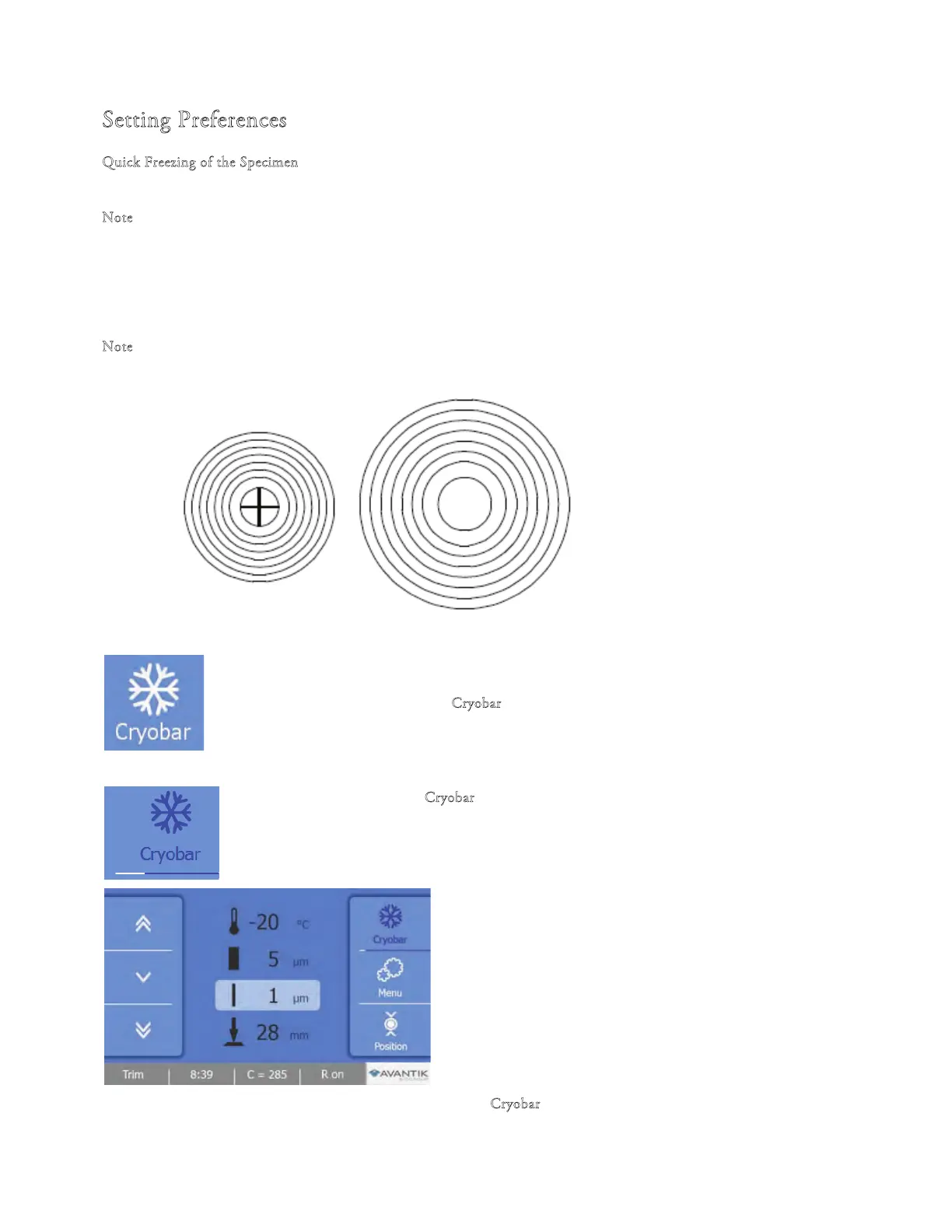
e cryobar remains active for approximately 10 minutes indicating by the timeline display below the cryobar button on the
screen.
e specimen is frozen onto the specimen chuck using a freezing compound and the cryobar.
N
ote
To ensure optimal adhesion of the specimen to the chuck, store the chucks at room temperature prior to use.
• Press the "C
ryobar" button on the Main screen to activate it
• e "C
ryobar" button is highlighted in blue when the fu
nction is
activated and the white Process Bars below the icon will gradually increase
• To turn o the Cryobar function, press the highlighted "C
ryobar" button again.



 To Next Page