noitarepO --- 4 retpahC
32
M
ulti Function Bar
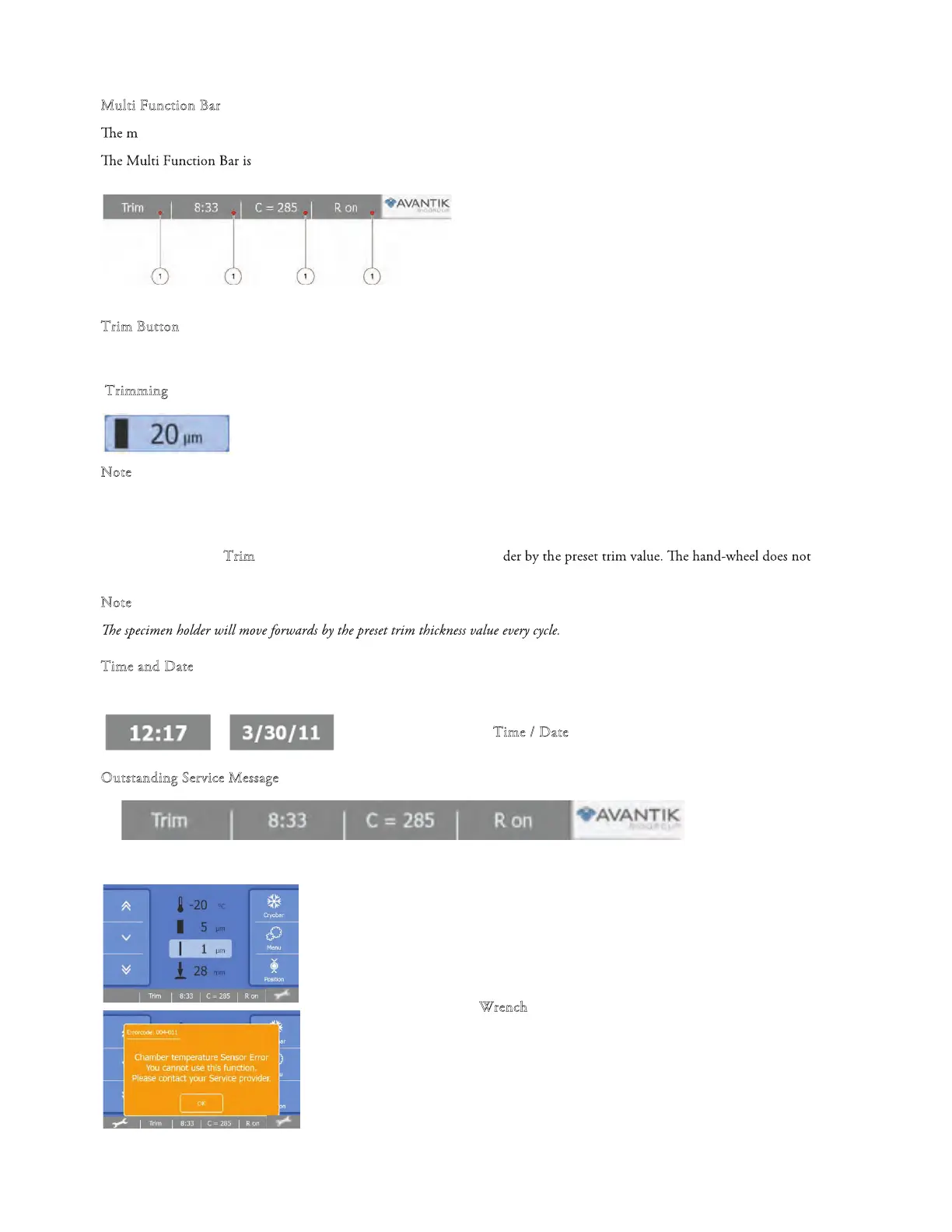
ulti function bar provides the user access to useful information and functions.
located at bottom of the Main screen.
1 TRIM button
2 Time/Date
3
Counter (section thickness / section
counter)
4 Retraction
T
rim Button
After the specimen orientation and the blade angle have been set, trimming can be carried out using the trimming function.
T
rimming
• Make sure that the trimming thickness setting
is selected
N
ote
Trimmin
g thickness is shown highlighted on the display.
Turn the hand-wheel in a clockwise direction to begin trimming.
• Press the "T
rim" button to move forward the specimen hol
need to be turned to utilize this function.
N
ote
Time and Date
To toggle between Time or Date indication:
• Press the "T
ime / Date" butto
n
O
utstanding Service Message
When there is an outstanding service message, a wrench symbol is shown.
• Press the W
rench symbol to see the service message.



 To Next Page