Chapter 4 --- Operation
34
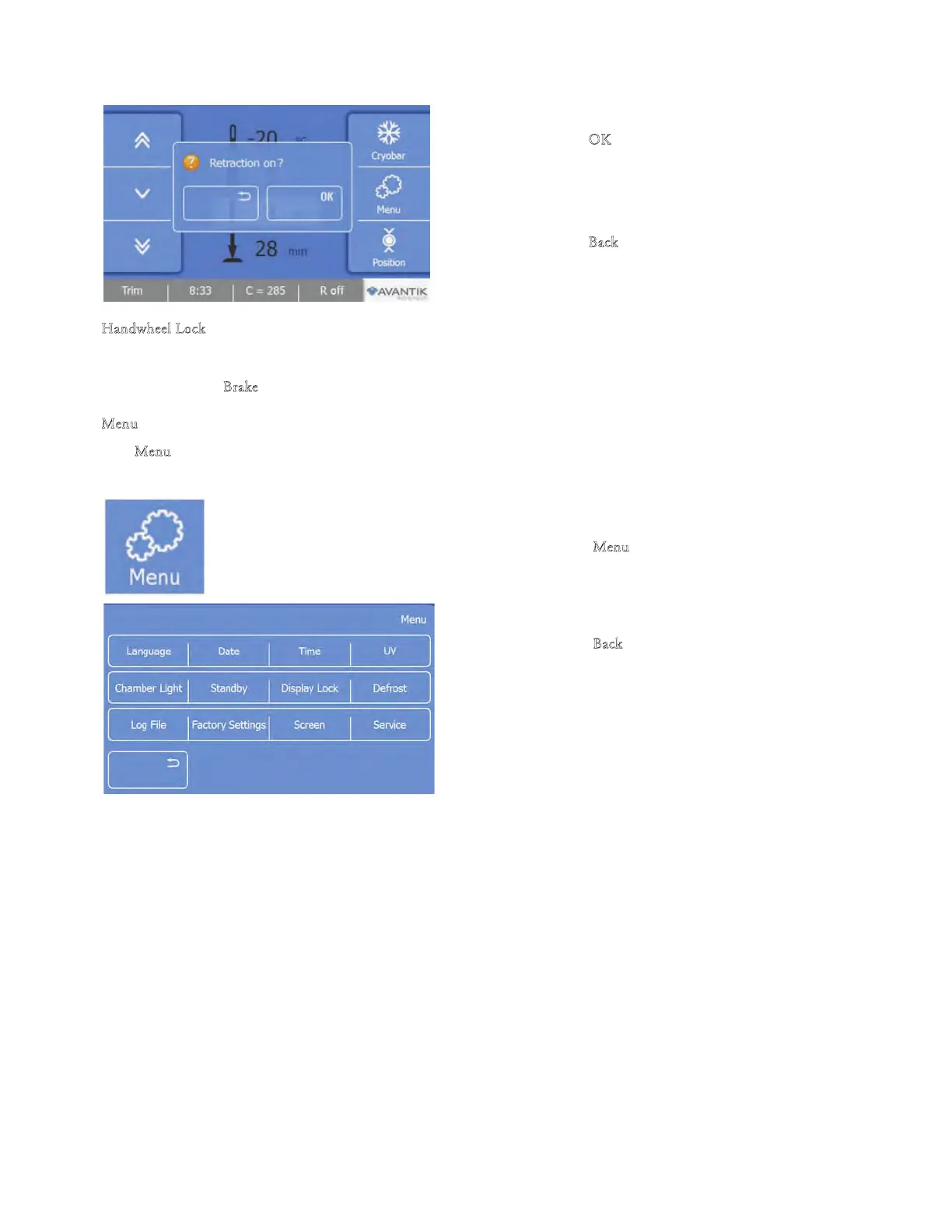
• Press the ‘‘O
K’’ button on the screen to turn on
the Retraction. e button will display ‘‘R On’’
.
• Press the
‘‘B
ack’’
button to return to the Main
screen without saving the changes.
H
andwheel Lock
• e Handwheel must be in the 12’ oclock position to engage the lock.
• Push the "B
rake" lever on the Handwheel forward. To release the brake, pull it backward again.
M
enu
e "M
enu" button provides access to submenus for adjustments and settings.
To enter the Menu screen:
• Press the "M
enu
" button.
• e Menu screen will be displayed.
• Press the "B
ack" button to return to the Main
screen.
• Press the de
sired function button to access the
respective submenu.



 To Next Page