Chapter 4 --- Operation
42
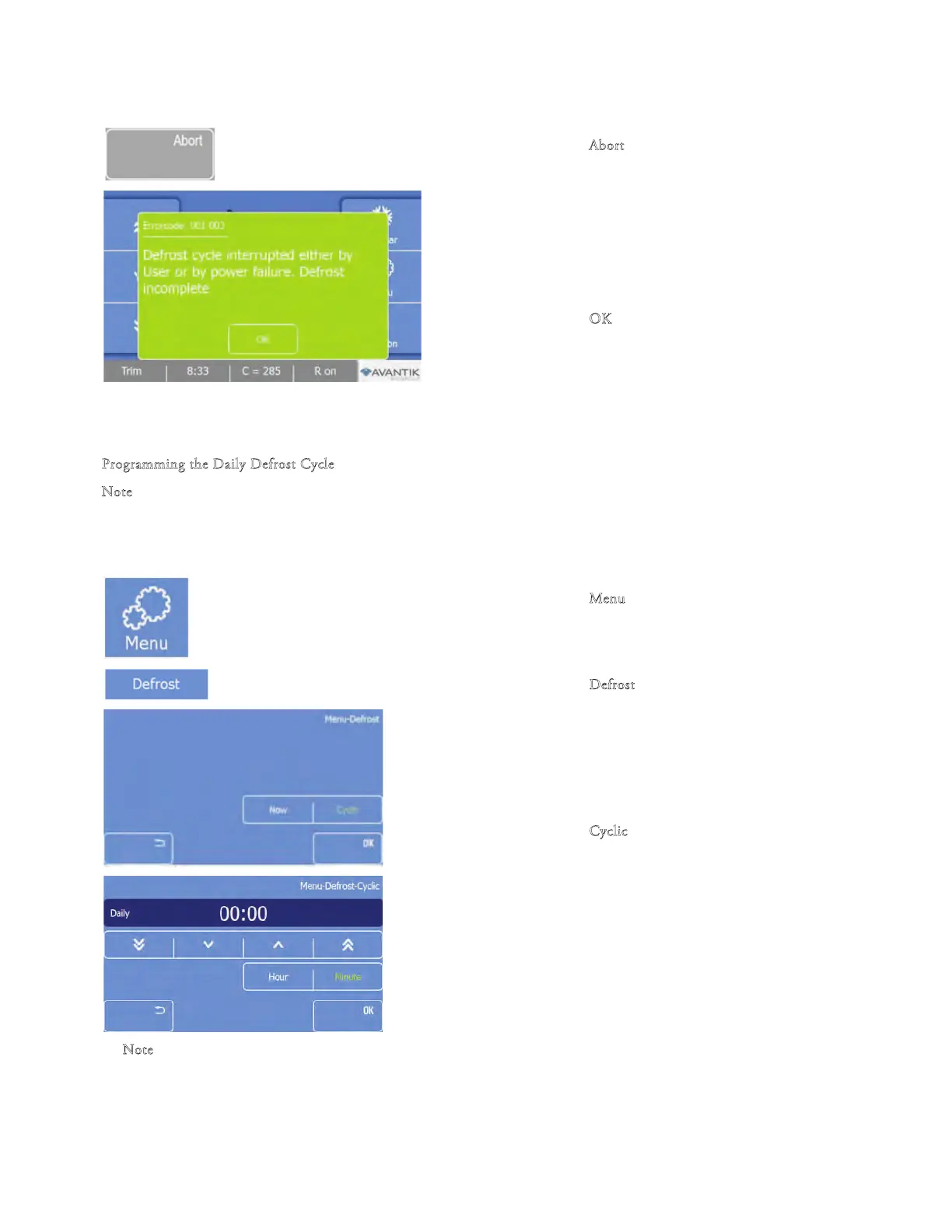
To abort the defrosting:
• Press the "A
bort" button on
the Defrosting
progress screen.
• e Main screen will appear, displaying an error
message.
• Press the "O
K
" button to remove the error
message.
Note
e Defrosting cycle can be aborted at any time.
P
rogramming the Daily Defrost Cycle
N
ote
e time for the daily defrost cycle should be programmed outside of the normal working hours to avoid delays in the workow.
To program the Daily Defrost Cycle:
• Press the "M
enu" button on th
e Main screen.
• e Menu screen will be displayed.
• Press the "D
efrost" button.
• e Defrost screen will be displayed.
• Press the "C
yclic" button.
• e Defrost-Cyclic screen will be displayed.
N
ote
e standard setting f
or the daily defrost cycle is daily at 00:00 a.m.



 To Next Page