noitarepO --- 4 retpahC
43
• To change the standard setting, press the "H
our"
and / or the "M
inute" button.
• Adjust the time by using the arrow keys.
• Press the "O
K
• Press the "B
ack" button three times to return to the Main screen.
L
og File
ecords all events and error messages on the QS1 Lo
original USB-Stick for Service purposes in case of a malfunction.
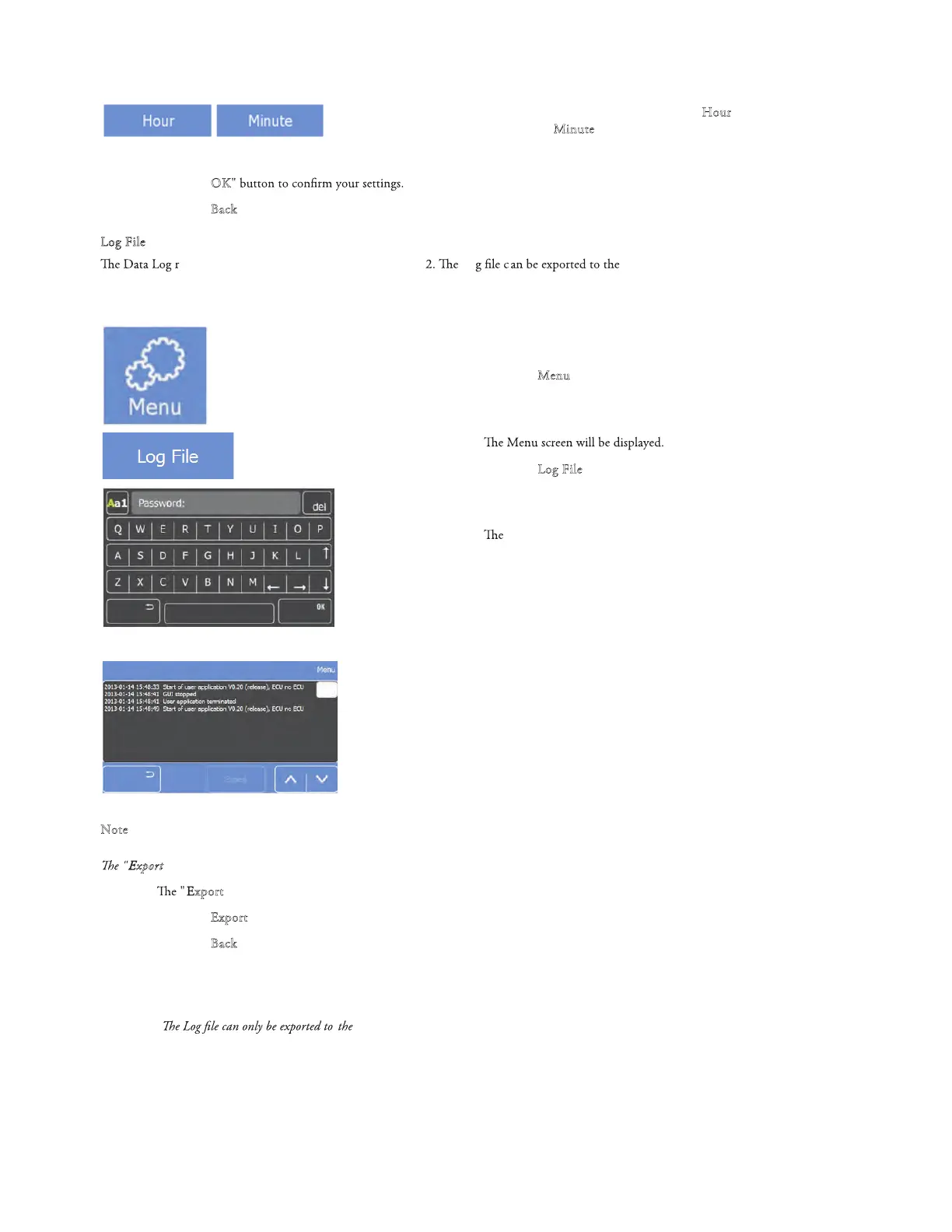
To enter the Log File:
• Press the "M
enu" button on the Main screen.
•
• Press the "Log File" button.
•
Log screen will be displayed.
• Password has to be provided by service technician.
• After entering the right password (Service only)
Log File screen will be displayed.
• Use the scroll bar on the right side to scroll through the Log File.
• Insert the USB-Stick.
N
ote
xport" button is now highlighted in white.
•
xport" button is now highlighted in white.
• Press the "E
xport" button to transfer the log data to the original USB-Stick.
• Press the "
• Export complete box opens when completed
• Press to return to previous menu
B
ack" button twice to return to the Main screen.
Note:
USB-Stick supplied with the instrument



 To Next Page