noitarepO --- 4 retpahC
38
UV Option
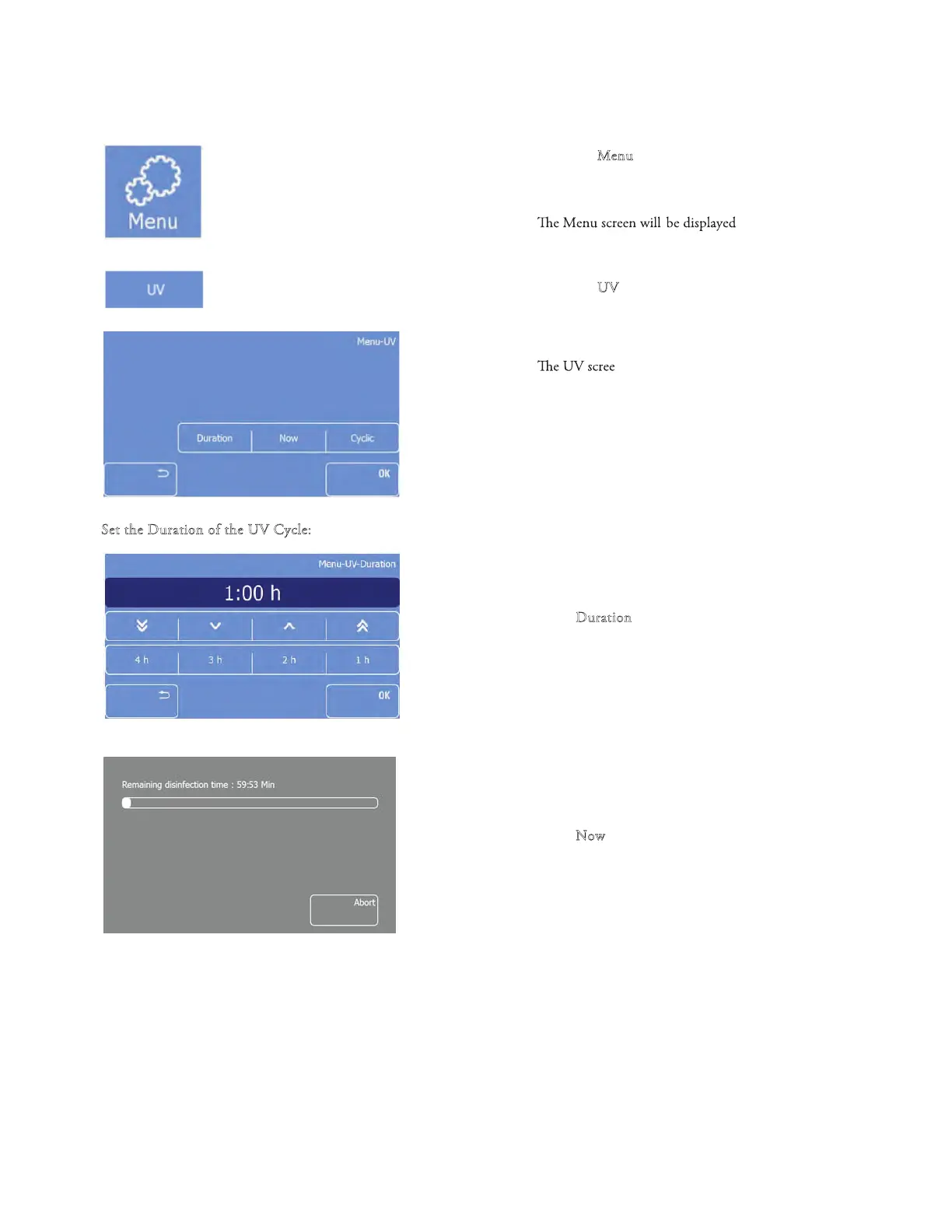
• Press the "M
enu" button on the Main screen
•
• Press the "U
V" button
•
n will be displaye
d
• Select Duration, Now, or Cyclic
S
et the Duration of the UV Cycle:
• Press ‘‘D
uration’’ to choose between 4h, 3h, 2h,
or 1h, or use the arrow buttons to select the
duration of the UV cycle.
To select the Now option:
• Press ‘‘N
ow’’ button to start and immediate UV
cycle.



 To Next Page