Chapter 4 --- Operation
33
C
ounter
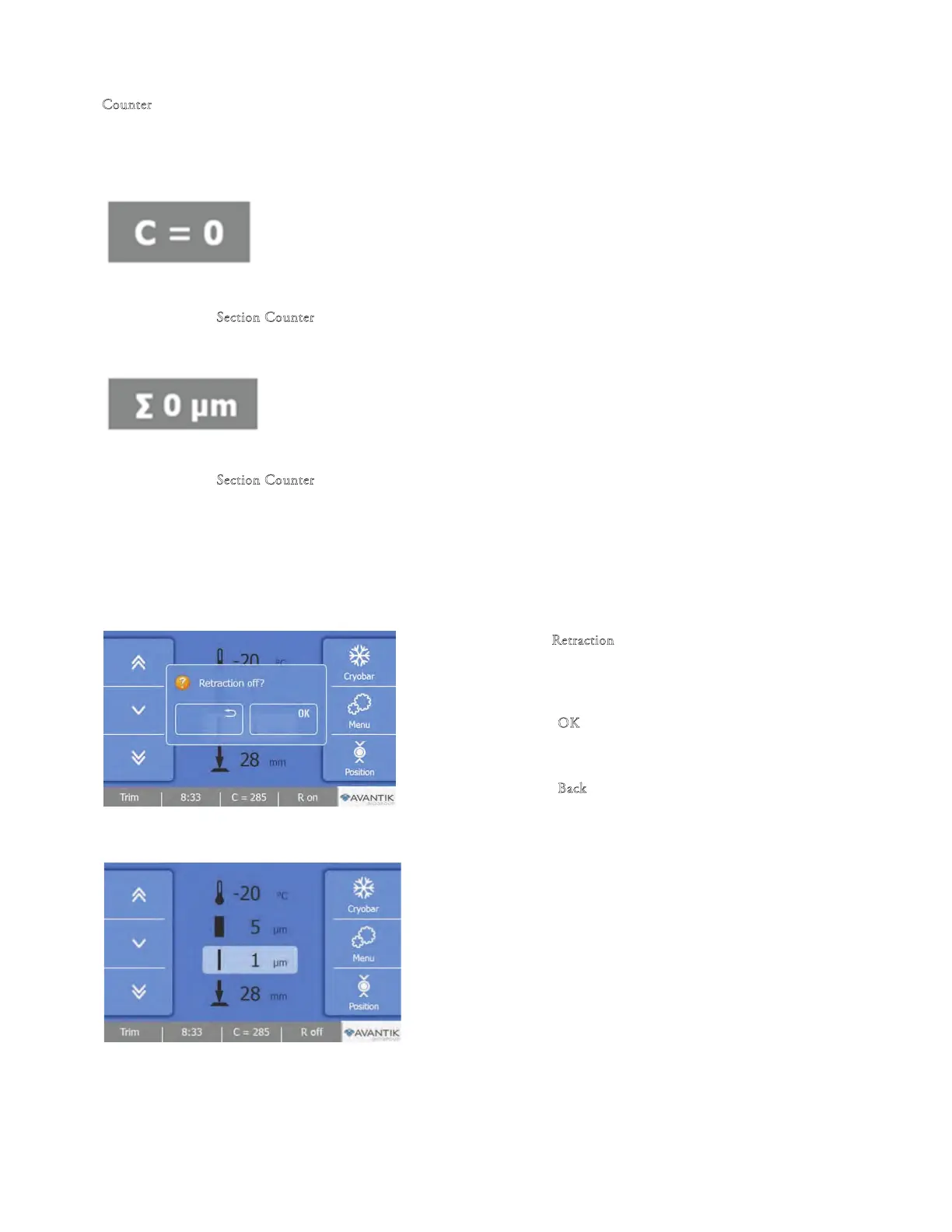
To Toggle between the Section Counter and the Section ickness Sum:
Section Counter
• e section counter adds up the number of the produced sections. After each
downward movement of the specimen head
, the number on the sectio
n
counter increases by 1
To reset the section co
unter:
• Press the S
ection Counter button for approximately 3 seconds to reset it to
zero.
Section Thickness Sum
• e Section ickness Sum adds up the total number of microns that have
been cut.
To reset the section counter:
• Press the S
ection Counter button for approximately 3 seconds to reset it to zero.
Retraction
• If required, the Retraction function can be turned o.
To toggle the Retraction On or O:
• Press the
R
e
traction button on the Main Screen.
• e Retraction screen will be displayed.
• Press the ‘‘O
K’’ button to turn o the Retraction and
return to the Main screen. e button will change to
white and display ‘‘R O’’.
• Press the ‘‘Back’’ button to return to the Main screen
without saving the changes.
To turn on the Retraction:
• Enter the Retraction menu screen as described above.



 To Next Page