AVerTV 6
19
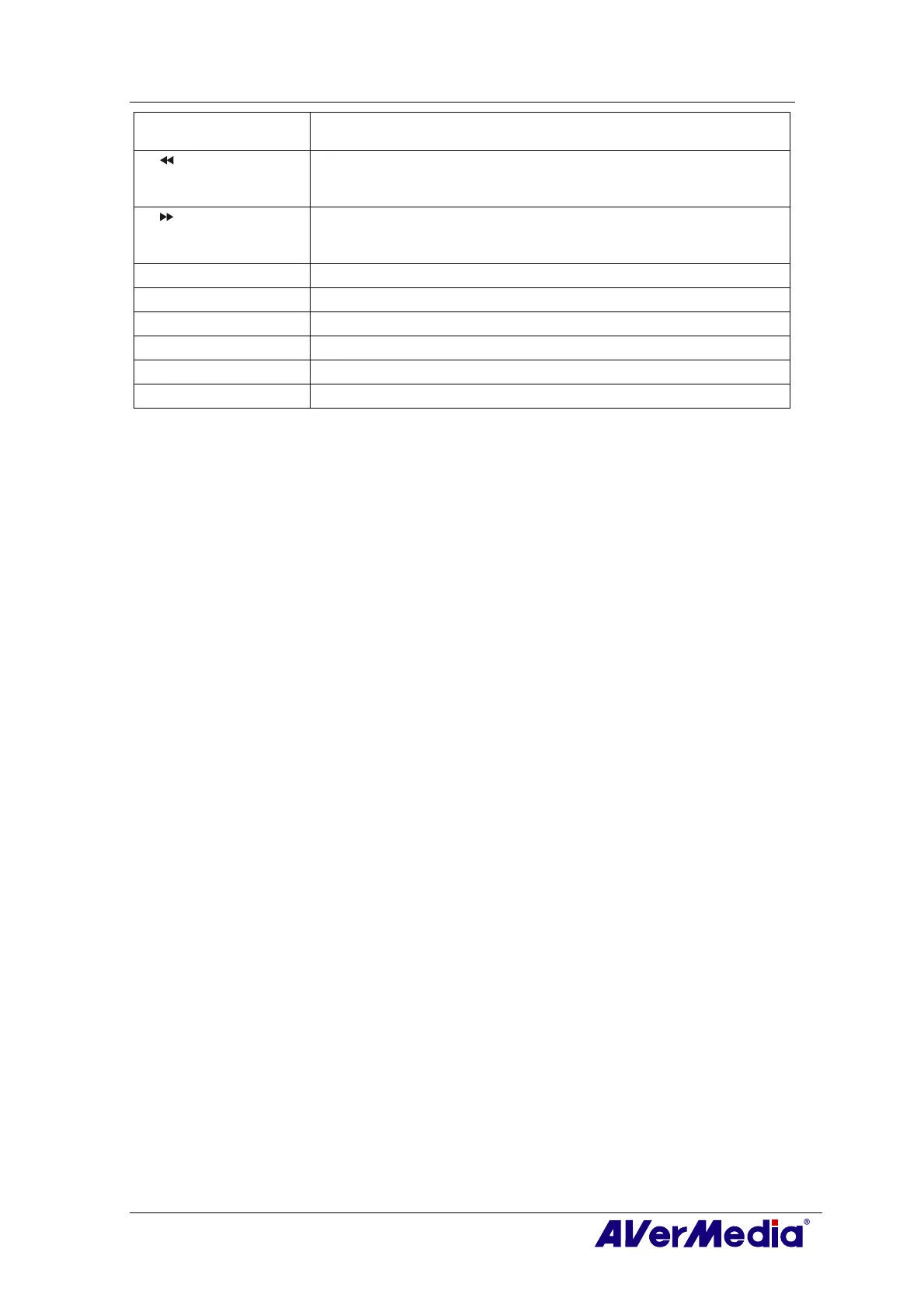
16. TIMESHIFT
/PAUSE
- Freeze the playback.
- Switch from real-time TV or Radio to TimeShift mode.
17. (Rewind) - Rewind the playback.
- Jump to the Teletext page of the corresponding color according
to this button.
18. (Forward) - Advance the playback.
- Jump to the Teletext page of the corresponding color according
to this button.
19. TELETEXT
View Teletext/MHEG-5/ Closed Caption information.
20. EPG
Launch the Electronic Program Guide.
21. MUTE
Turn on/off the sound.
22. CH ▲/▼
Go up or down to the next active channel.
23. SNAPSHOT
Capture the on-screen image to a bitmap file.
24. DISPLAY
Display information.











 To Next Page