AVerTV 6
75
9.2 Teletext
9.2.1 Customize the Display Mode
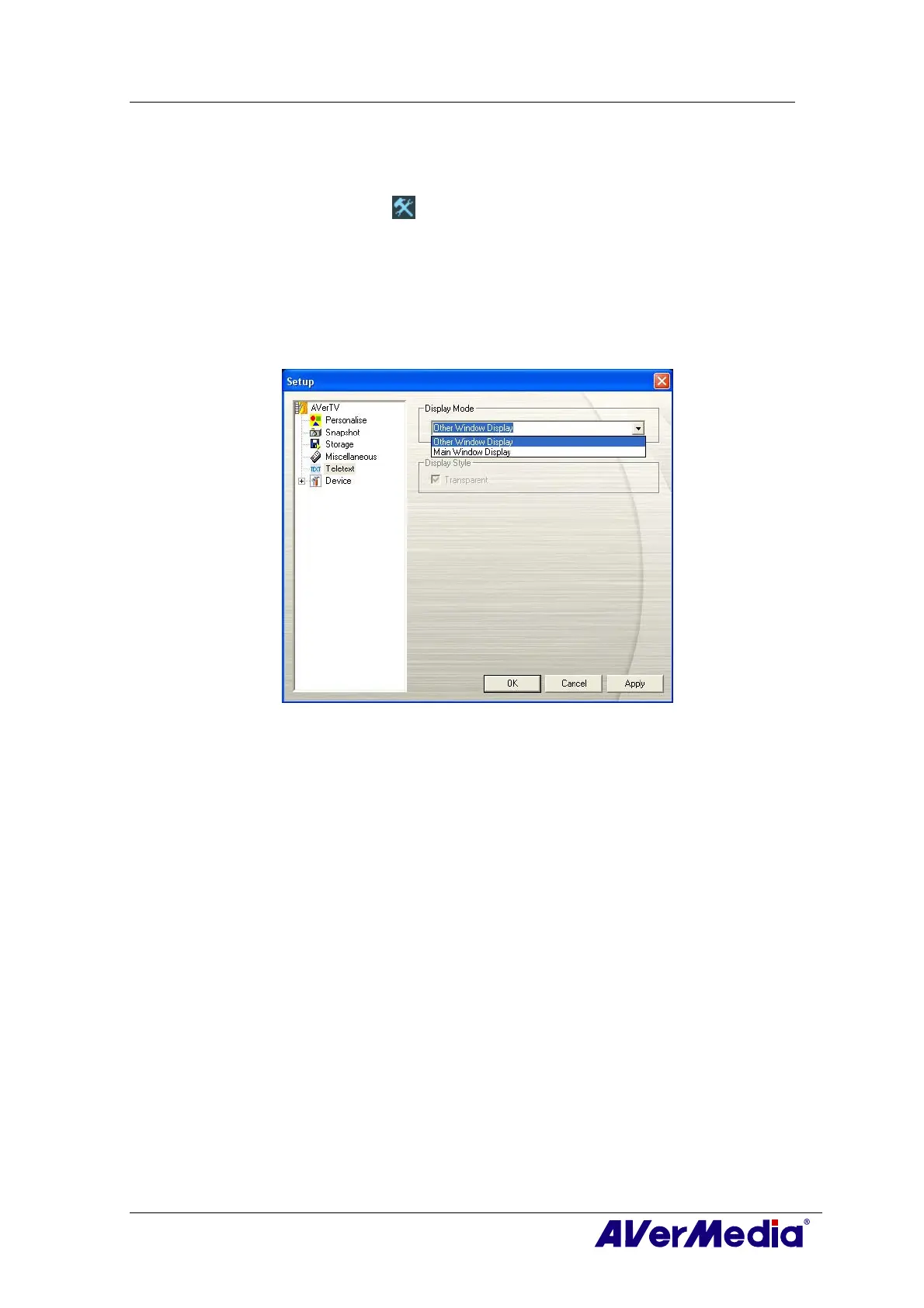
1. Click the Setup button and in the setup dialog box, click the Teletext icon in
the left pane.
2. From the Display Mode drop-down list, choose Other Window Display to open
a new Teletext window or choose Main Window Display to overlay the Teletext
window on the TV monitor.
3. Select the Transparent check box to make the Teletext window transparent.
(This picture is only for reference.)











 To Next Page