AVerTV 6
54
4.7 Adjusting Volume
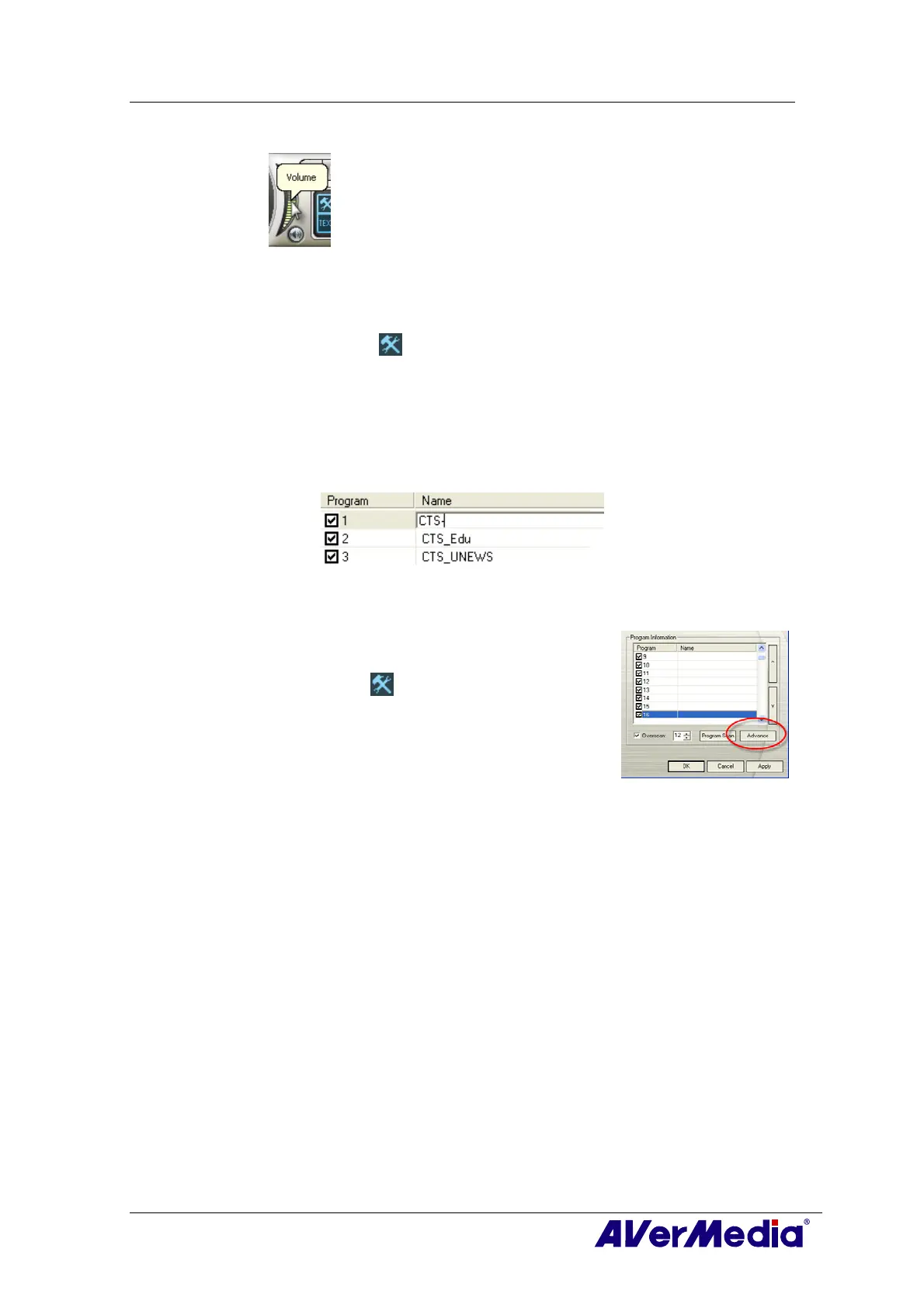
On the Control Panel, click and drag your mouse over the Volume meter to
increase or decrease the volume level. You can also press the + / – keys on the
numeric keypad to adjust the volume.
4.8 Specifying a Channel Name or Description
To assign a channel name or specify a description:
1. Click the Setup button and in the Setup dialog box, click Analog TV or
Programs icon on the left pane.
2. Under the
Name column, double-click the text box of the channel you want to assign
a name or description.
3. Type in the channel name or description, then press Enter.
4. Press Apply to save the setting and click OK to exit the dialog box.
4.9 Modifying a Program List Name
Surely, you can change a program list name. To rename a
program list, follow the steps described below:
1. Click the Setup
button and in the Setup dialog box,
click Analog TV or Programs icon on the left pane.
2. Click Advance located in the lower right corner of the
Program Information section. Then the Advance dialog
box will appear.
3. Type the desired name in the Program List Name text box.
4. Press Apply to save the setting and click OK to exit the dialog box. Or press Cancel
to abort the saving.











 To Next Page