AVerTV 6
56
(This picture is only for reference.)
You can see the difference from the pictures below:
Before using OverScan function
After using OverScan function
4.12 16-Channel Preview
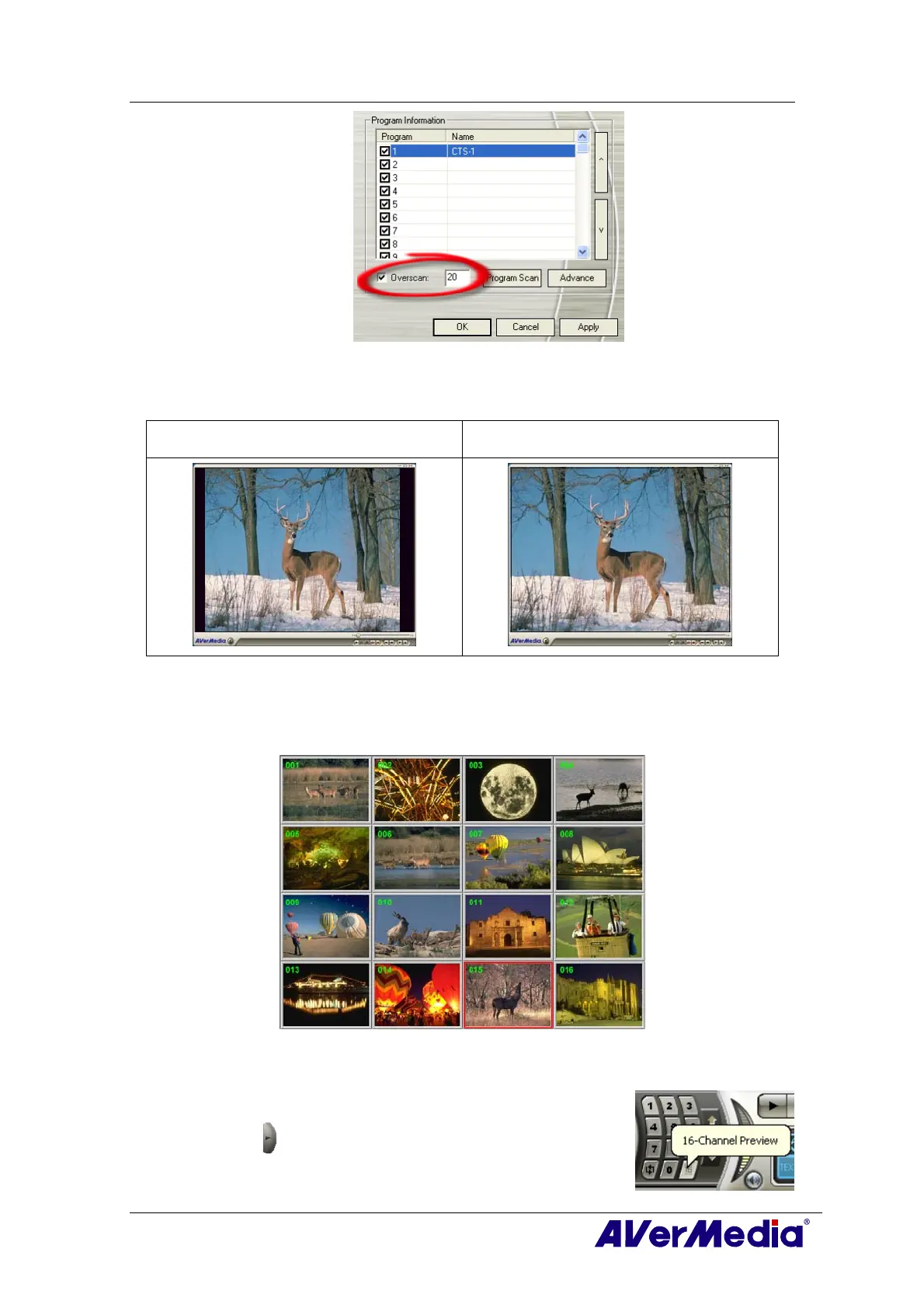
The 16-Channel Preview function can display 16 TV channels on-screen at the same time.
You can see clearly which TV programs are currently showing on these channels.
To preview the channels:
1. Click to open the Numeric Panel.
2. Click the
16-Channel Preview button.











 To Next Page